Sign In Start Free Trial
Account

Add to playlist

Create a Playlist

Modal Close icon
You need to login to use this feature.
  • Book Overview & Buying PostgreSQL Server Programming
  • Table Of Contents Toc
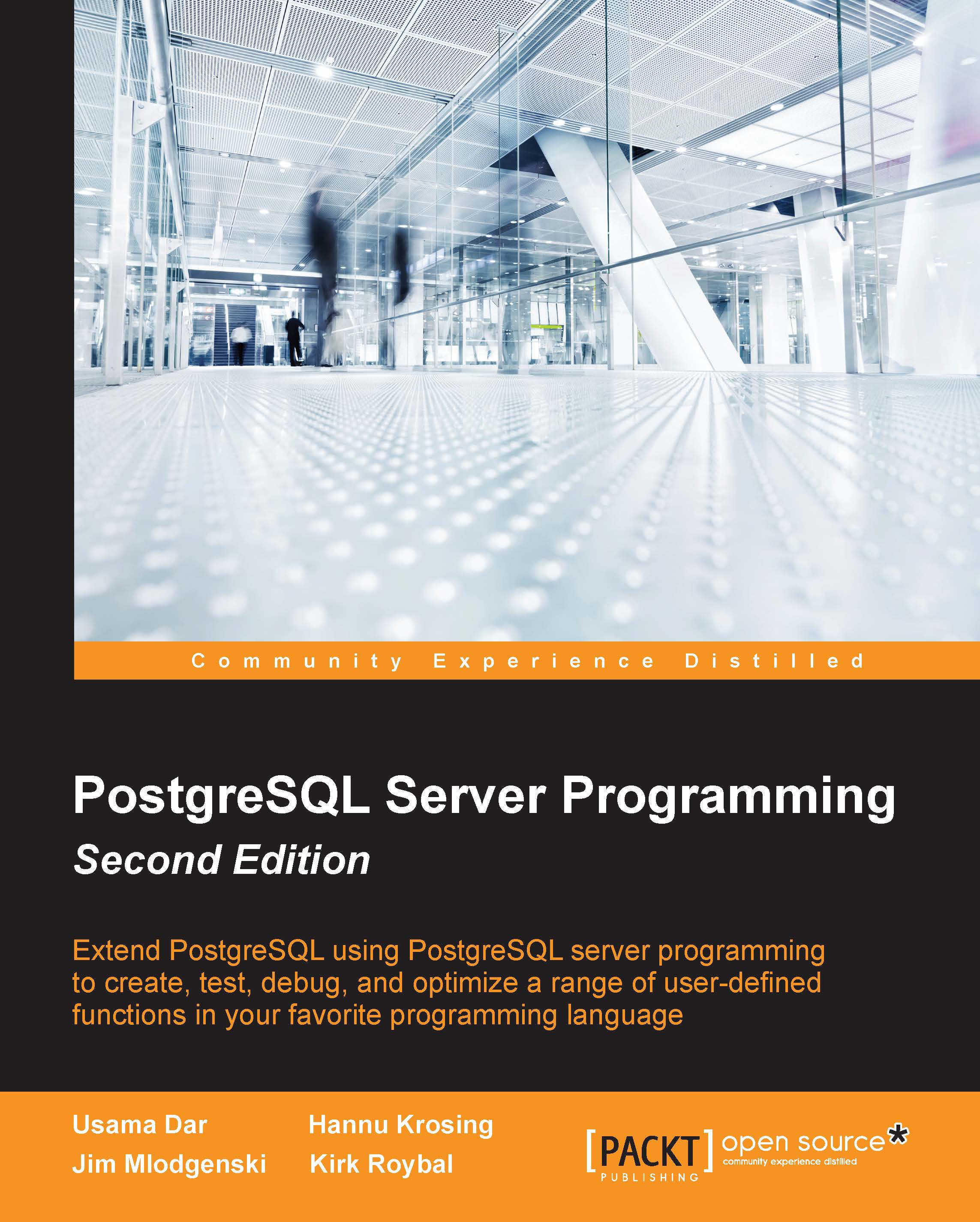
PostgreSQL Server Programming

PostgreSQL Server Programming - Second Edition

By : Usama Dar, Hannu Krosing, Jim Mlodgenski, Kirk Roybal
4.5 (8)
close
close
PostgreSQL Server Programming

PostgreSQL Server Programming

4.5 (8)
By: Usama Dar, Hannu Krosing, Jim Mlodgenski, Kirk Roybal

Overview of this book

This book is for moderate to advanced PostgreSQL database professionals who wish to extend PostgreSQL, utilizing the most updated features of PostgreSQL 9.4. For a better understanding of this book, familiarity with writing SQL, a basic idea of query tuning, and some coding experience in your preferred language is expected.
Table of Contents (16 chapters)
close
close
15
Index

About this book's code examples

The sample output shown here has been created with the psql utility of PostgreSQL, usually running on a Linux system. Most of the code will work the same way if you are using a GUI utility such as pgAdmin3 to access the server instead. Take an example of the following line of code:

postgres=# SELECT 1;

The postgres=# part is the prompt shown by the psql command.

The examples in this book have been tested using PostgreSQL 9.3. They will probably work on PostgreSQL Version 8.3 and later. There haven't been many major changes to how server programming happens in the last few versions of PostgreSQL. The syntax has become stricter over time to reduce the possibility of mistakes in the server programming code. Due to the nature of these changes, most code from newer versions will still run on the older ones, unless it uses very new features. However, the older code can easily fail to run due to one of the newly enforced restrictions.

Switching to the expanded display

When using the psql utility to execute a query, PostgreSQL normally outputs the result using vertically aligned columns:

$ psql -c "SELECT 1 AS test"
 test 
------
    1
(1 row)

$ psql
psql (9.3.2)
Type "help" for help.
postgres=# SELECT 1 AS test;
 test 
------
    1
(1 row)

You can tell when you're seeing a regular output because it will end up showing the number of rows.

This type of output is hard to fit into the text of a book such as this. It's easier to print the output from what the program calls the expanded display, which breaks each column into a separate line. You can switch to the expanded display using either the -x command-line switch or by sending \x to the psql program. Here's an example of using each of these:

$ psql -x -c "SELECT 1 AS test"
-[ RECORD 1 ]
test | 1

$ psql
psql (9.3.2)
Type "help" for help.
postgres=# \x
Expanded display is on.
postgres=# SELECT 1 AS test;
-[ RECORD 1 ]
test | 1

Notice how the expanded output doesn't show the row count and numbers each output row. To save space, not all of the examples in the book will show the expanded output being turned on. You can normally tell which type you can see, by differences such as whether you're seeing rows or RECORD. The expanded mode will normally be preferred when the output of the query is too wide to fit into the available width of the book. It is a good idea to set the expanded mode to auto. This will automatically switch to expanded mode for tables with a lot of columns. You can turn on the expanded mode using \x auto:

postgres=# \x auto
Expanded display is used automatically.
CONTINUE READING
83
Tech Concepts
36
Programming languages
73
Tech Tools
Icon Unlimited access to the largest independent learning library in tech of over 8,000 expert-authored tech books and videos.
Icon Innovative learning tools, including AI book assistants, code context explainers, and text-to-speech.
Icon 50+ new titles added per month and exclusive early access to books as they are being written.
PostgreSQL Server Programming
notes
bookmark Notes and Bookmarks search Search in title playlist Add to playlist font-size Font size

Change the font size

margin-width Margin width

Change margin width

day-mode Day/Sepia/Night Modes

Change background colour

Close icon Search
Country selected

Close icon Your notes and bookmarks

Confirmation

Modal Close icon
claim successful

Buy this book with your credits?

Modal Close icon
Are you sure you want to buy this book with one of your credits?
Close
YES, BUY

Submit Your Feedback

Modal Close icon
Modal Close icon
Modal Close icon