Sign In Start Free Trial
Account

Add to playlist

Create a Playlist

Modal Close icon
You need to login to use this feature.
  • Book Overview & Buying Interactive Applications using Matplotlib
  • Table Of Contents Toc
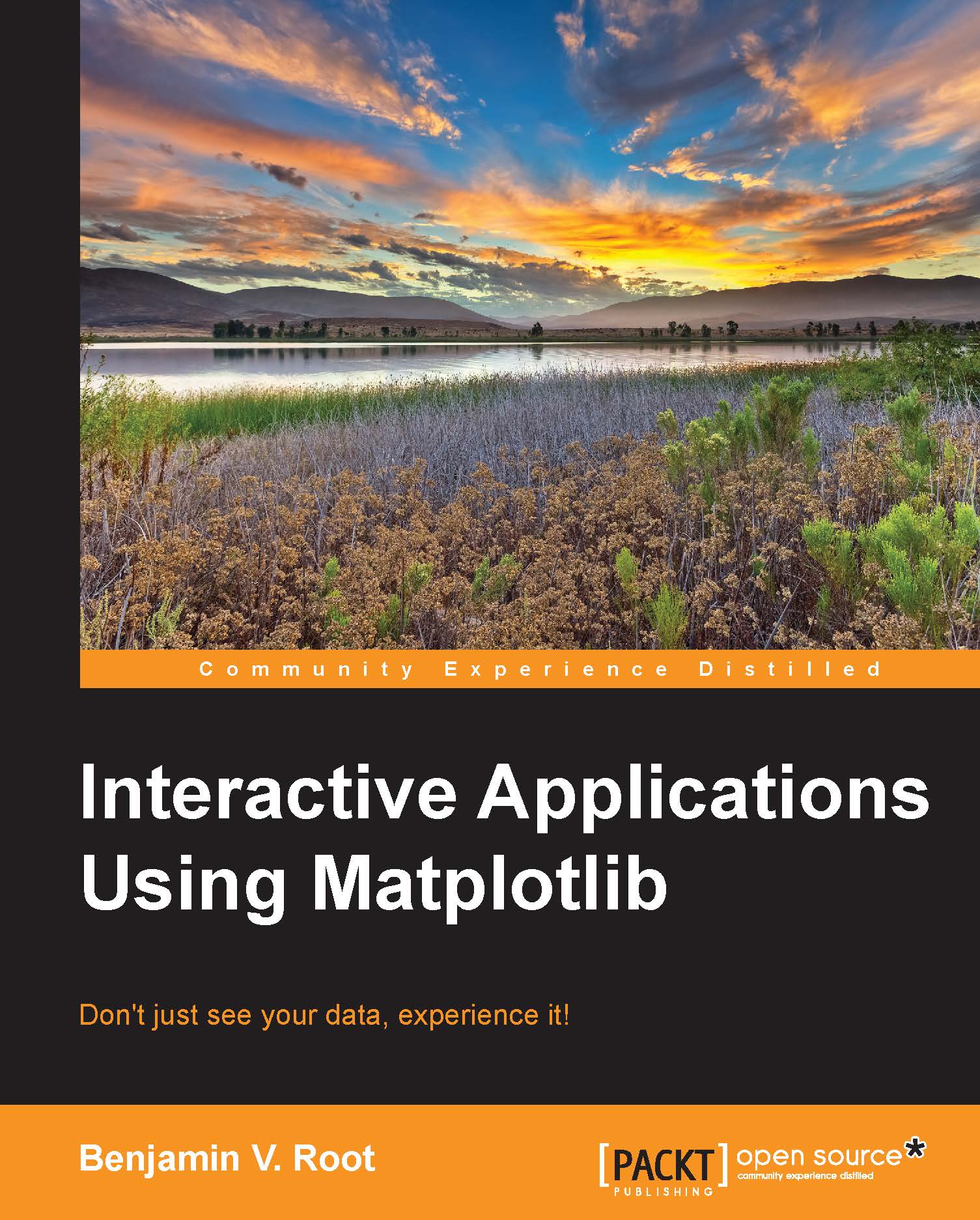
Interactive Applications using Matplotlib

Interactive Applications using Matplotlib

3.3 (6)
close
close
Interactive Applications using Matplotlib

Interactive Applications using Matplotlib

3.3 (6)

Overview of this book

This book is intended for Python programmers who want to do more than just see their data. Experience with GUI toolkits is not required, so this book can be an excellent complement to other GUI programming resources.
Table of Contents (7 chapters)
close
close

Summary

In this chapter, we introduced you to the foundational concepts of Matplotlib. Using show(), you showed your first plot with only three lines of Python. With this plot up on your screen, you learned some of the basic interactive features built into Matplotlib, such as panning, zooming, and the myriad of key bindings that are available. Then we discussed the difference between interactive and non-interactive plotting modes and the difference between scripted and interactive plotting. You now know where to go online for more information, examples, and forum discussions of Matplotlib when it comes time for you to work on your next Matplotlib project. Next, we discussed the architectural concepts of Matplotlib: backends, figures, axes, and artists.

Then we started our construction project for this book, an interactive storm cell tracking application. We saw how to plot a radar image using a pre-existing plotting function, as well as how to display polygons and lines as artists and collections. While creating these objects, we had a glimpse of how to customize the properties of these objects for our display needs, learning some of the property and styling names. We also learned some of the steps one needs to consider when creating their own plotting functions, such as autoscaling.

In the next chapter, we will learn how to extend the basic interactivity of Matplotlib, adding our own features and controls in order to make a truly interactive application.

CONTINUE READING
83
Tech Concepts
36
Programming languages
73
Tech Tools
Icon Unlimited access to the largest independent learning library in tech of over 8,000 expert-authored tech books and videos.
Icon Innovative learning tools, including AI book assistants, code context explainers, and text-to-speech.
Icon 50+ new titles added per month and exclusive early access to books as they are being written.
Interactive Applications using Matplotlib
notes
bookmark Notes and Bookmarks search Search in title playlist Add to playlist font-size Font size

Change the font size

margin-width Margin width

Change margin width

day-mode Day/Sepia/Night Modes

Change background colour

Close icon Search
Country selected

Close icon Your notes and bookmarks

Confirmation

Modal Close icon
claim successful

Buy this book with your credits?

Modal Close icon
Are you sure you want to buy this book with one of your credits?
Close
YES, BUY

Submit Your Feedback

Modal Close icon
Modal Close icon
Modal Close icon