Sign In Start Free Trial
Account

Add to playlist

Create a Playlist

Modal Close icon
You need to login to use this feature.
  • Book Overview & Buying OpenCV By Example
  • Table Of Contents Toc
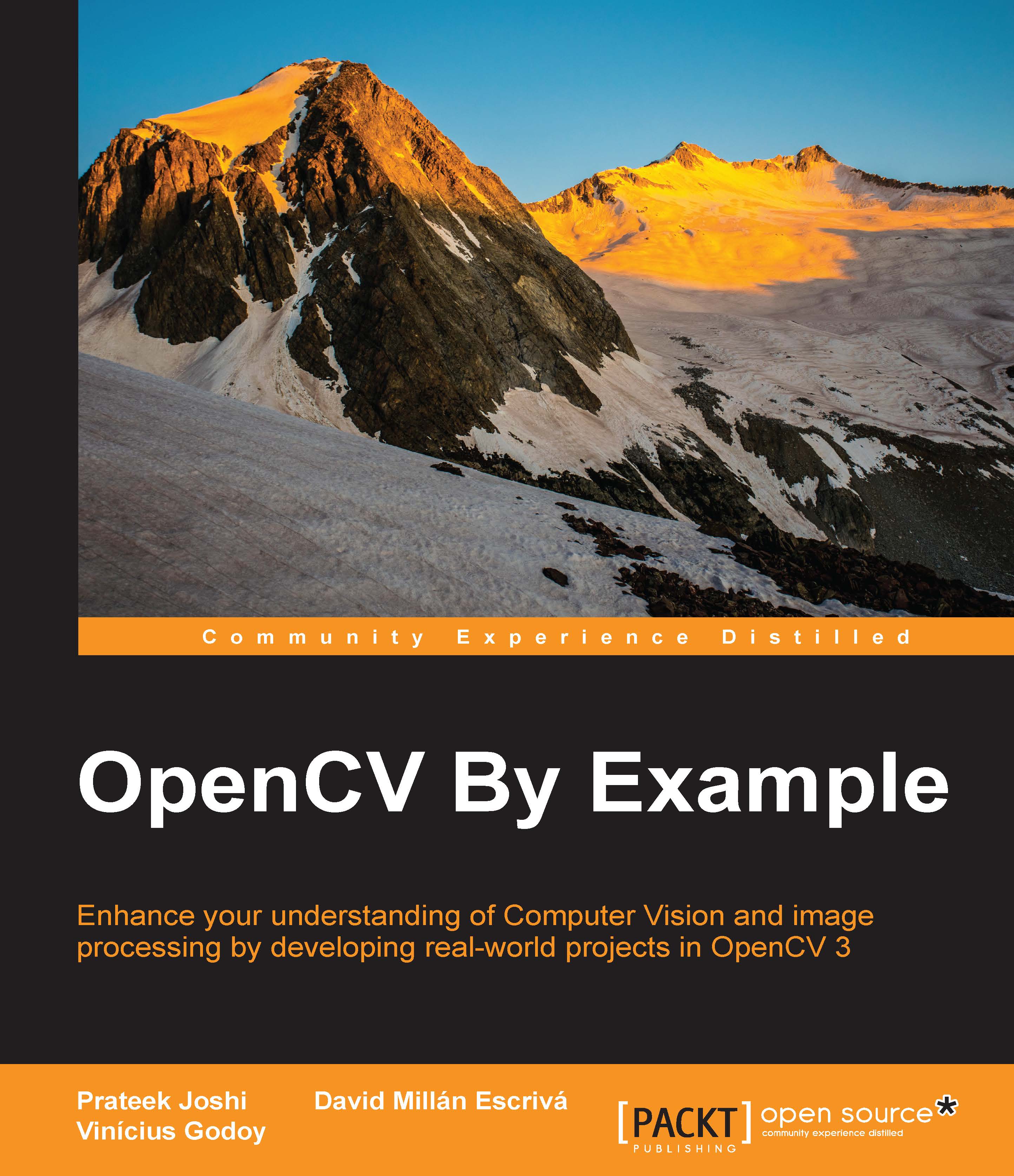
OpenCV By Example

OpenCV By Example

By : Prateek Joshi, David Millán Escrivá, Vinícius G. Mendonça
3.8 (5)
close
close
OpenCV By Example

OpenCV By Example

3.8 (5)
By: Prateek Joshi, David Millán Escrivá, Vinícius G. Mendonça

Overview of this book

Open CV is a cross-platform, free-for-use library that is primarily used for real-time Computer Vision and image processing. It is considered to be one of the best open source libraries that helps developers focus on constructing complete projects on image processing, motion detection, and image segmentation. Whether you are completely new to the concept of Computer Vision or have a basic understanding of it, this book will be your guide to understanding the basic OpenCV concepts and algorithms through amazing real-world examples and projects. Starting from the installation of OpenCV on your system and understanding the basics of image processing, we swiftly move on to creating optical flow video analysis or text recognition in complex scenes, and will take you through the commonly used Computer Vision techniques to build your own Open CV projects from scratch. By the end of this book, you will be familiar with the basics of Open CV such as matrix operations, filters, and histograms, as well as more advanced concepts such as segmentation, machine learning, complex video analysis, and text recognition.
Table of Contents (13 chapters)
close
close
12
Index

The graphical user interface with QT


The QT user interface gives us more control and options to work with our images.

The interface is divided into three main areas:

  • The toolbar

  • The image area

  • The status bar

The toolbar has the following buttons from left to right:

  • Four buttons for panning

  • Zoom x1

  • Zoom x30 and show labels

  • Zoom in

  • Zoom out

  • Save the current image

  • Show the properties windows

These options can be seen more clearly in the following screenshot:

The image area shows an image and a contextual menu when we push the right mouse button over the image. This area can show an overlay message at the top of the area using the displayOverlay function. This function accepts three parameters: the window name, the text that we want to show, and the period in milliseconds when the overlay text is displayed. If the time is set to 0, the text never disappears:

// Display Overlay
displayOverlay("Lena", "Overlay 5secs", 5000);

Finally, the status bar shows the bottom part of the window, the pixel value, and the...

CONTINUE READING
83
Tech Concepts
36
Programming languages
73
Tech Tools
Icon Unlimited access to the largest independent learning library in tech of over 8,000 expert-authored tech books and videos.
Icon Innovative learning tools, including AI book assistants, code context explainers, and text-to-speech.
Icon 50+ new titles added per month and exclusive early access to books as they are being written.
OpenCV By Example
notes
bookmark Notes and Bookmarks search Search in title playlist Add to playlist download Download options font-size Font size

Change the font size

margin-width Margin width

Change margin width

day-mode Day/Sepia/Night Modes

Change background colour

Close icon Search
Country selected

Close icon Your notes and bookmarks

Confirmation

Modal Close icon
claim successful

Buy this book with your credits?

Modal Close icon
Are you sure you want to buy this book with one of your credits?
Close
YES, BUY

Submit Your Feedback

Modal Close icon
Modal Close icon
Modal Close icon