Sign In Start Free Trial
Account

Add to playlist

Create a Playlist

Modal Close icon
You need to login to use this feature.
  • Book Overview & Buying Numpy Beginner's Guide (Update)
  • Table Of Contents Toc
  • Feedback & Rating feedback
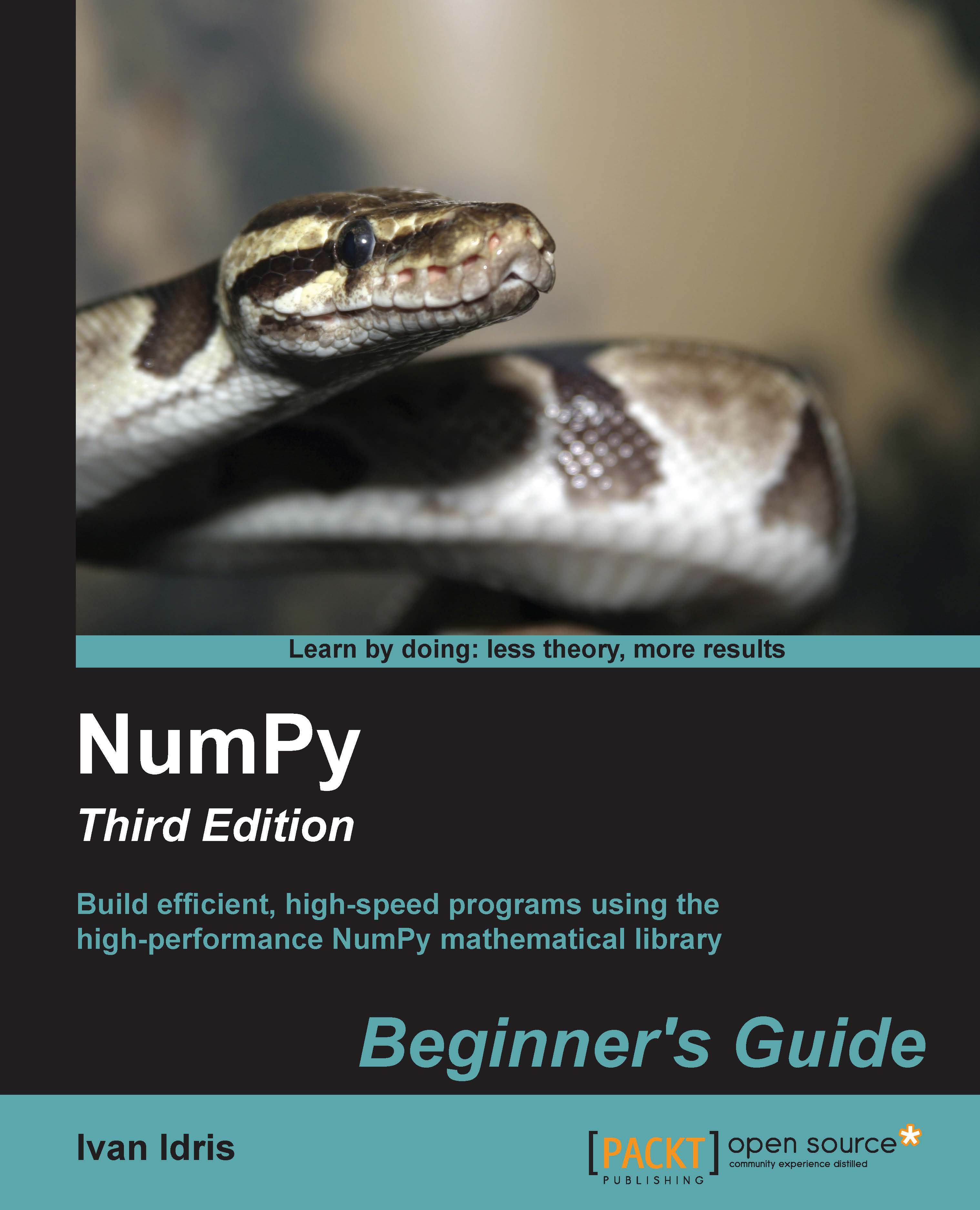
Numpy Beginner's Guide (Update)

Numpy Beginner's Guide (Update)

By : Ivan Idris
2 (1)
close
close
Numpy Beginner's Guide (Update)

Numpy Beginner's Guide (Update)

2 (1)
By: Ivan Idris

Overview of this book

This book is for the scientists, engineers, programmers, or analysts looking for a high-quality, open source mathematical library. Knowledge of Python is assumed. Also, some affinity, or at least interest, in mathematics and statistics is required. However, I have provided brief explanations and pointers to learning resources.
Table of Contents (16 chapters)
close
close
14
C. NumPy Functions' References
15
Index

Time for action – installing Python on different operating systems

NumPy has binary installers for Windows, various Linux distributions, and Mac OS X at http://sourceforge.net/projects/numpy/files/. There is also a source distribution, if you prefer that. You need to have Python 2.4.x or above installed on your system. We will go through the various steps required to install Python on the following operating systems:

  • Debian and Ubuntu: Python might already be installed on Debian and Ubuntu, but the development headers are usually not. On Debian and Ubuntu, install the python and python-dev packages with the following commands:
    $ [sudo] apt-get install python
    $ [sudo] apt-get install python-dev
    
  • Windows: The Windows Python installer is available at https://www.python.org/downloads/. On this website, we can also find installers for Mac OS X and source archives for Linux, UNIX, and Mac OS X.
  • Mac: Python comes preinstalled on Mac OS X. We can also get Python through MacPorts, Fink, Homebrew, or similar projects.

    Install, for instance, the Python 2.7 port by running the following command:

    $ [sudo] port install python27
    

    Linear Algebra PACKage (LAPACK) does not need to be present but, if it is, NumPy will detect it and use it during the installation phase. It is recommended that you install LAPACK for serious numerical analysis as it has useful numerical linear algebra functionality.

What just happened?

We installed Python on Debian, Ubuntu, Windows, and the Mac OS X.

Note

You can download the example code files for all the Packt books you have purchased from your account at https://www.packtpub.com/. If you purchased this book elsewhere, you can visit https://www.packtpub.com/books/content/support and register to have the files e-mailed directly to you.

Visually different images
CONTINUE READING
83
Tech Concepts
36
Programming languages
73
Tech Tools
Icon Unlimited access to the largest independent learning library in tech of over 8,000 expert-authored tech books and videos.
Icon Innovative learning tools, including AI book assistants, code context explainers, and text-to-speech.
Icon 50+ new titles added per month and exclusive early access to books as they are being written.
Numpy Beginner's Guide (Update)
notes
bookmark Notes and Bookmarks search Search in title playlist Add to playlist font-size Font size

Change the font size

margin-width Margin width

Change margin width

day-mode Day/Sepia/Night Modes

Change background colour

Close icon Search
Country selected

Close icon Your notes and bookmarks

Confirmation

Modal Close icon
claim successful

Buy this book with your credits?

Modal Close icon
Are you sure you want to buy this book with one of your credits?
Close
YES, BUY

Submit Your Feedback

Modal Close icon
Modal Close icon
Modal Close icon