Sign In Start Free Trial
Account

Add to playlist

Create a Playlist

Modal Close icon
You need to login to use this feature.
  • Book Overview & Buying Numpy Beginner's Guide (Update)
  • Table Of Contents Toc
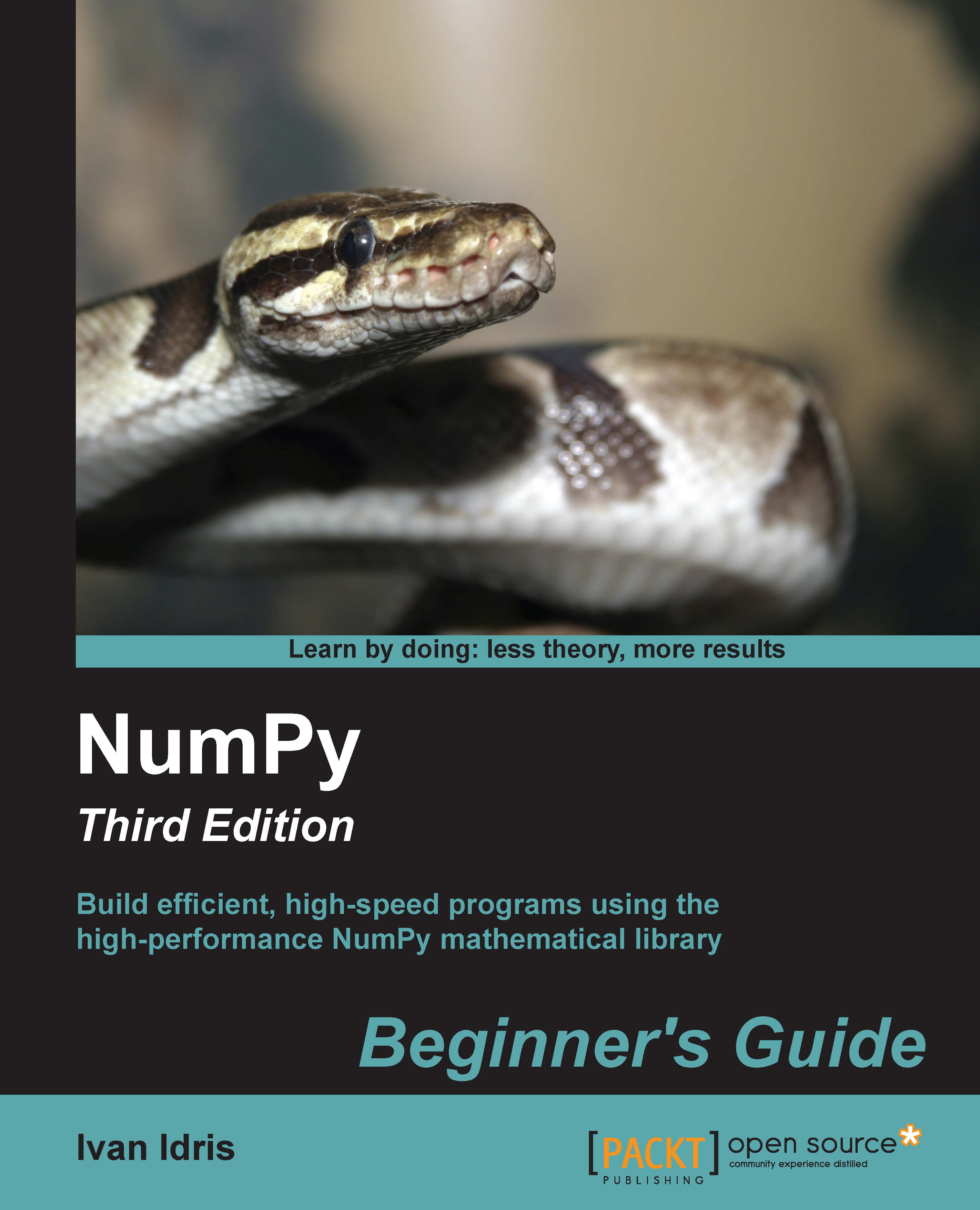
Numpy Beginner's Guide (Update)

Numpy Beginner's Guide (Update)

By : Ivan Idris
2 (1)
close
close
Numpy Beginner's Guide (Update)

Numpy Beginner's Guide (Update)

2 (1)
By: Ivan Idris

Overview of this book

This book is for the scientists, engineers, programmers, or analysts looking for a high-quality, open source mathematical library. Knowledge of Python is assumed. Also, some affinity, or at least interest, in mathematics and statistics is required. However, I have provided brief explanations and pointers to learning resources.
Table of Contents (16 chapters)
close
close
14
C. NumPy Functions' References
15
Index

Time for action – repeating instructions with loops

We can use the for loop in the following ways:

  1. Loop over an ordered sequence, such as a list, and print each item as follows:
    >>> food = ['ham', 'egg', 'spam']
    >>> for snack in food:
    ...     print(snack)
    ...
    ham
    egg
    spam
    
  2. And remember that, as always, indentation matters in Python. We loop over a range of values with the built-in range() or xrange() functions. The latter function is slightly more efficient in certain cases. Loop over the numbers 1-9 with a step of 2 as follows:
    >>> for i in range(1, 9, 2):
    ...     print(i)
    ...
    1
    3
    5
    7
    
  3. The start and step parameter of the range() function are optional with default values of 1. We can also prematurely end a loop. Loop over the numbers 0-9 and break out of the loop when you reach 3:
    >>> for i in range(9):
    ...     print(i)
    ...     if i == 3:
    ...     print('Three')
    ...     break
    ...
    0
    1
    2
    3
    Three
    
  4. The loop stopped at 3 and we did not print the higher numbers. Instead of leaving the loop, we can also get out of the current iteration. Print the numbers 0-4, skipping 3 as follows:
    >>> for i in range(5):
    ...     if i == 3:
    ...             print('Three')
    ...             continue
    ...     print(i)
    ...
    0
    1
    2
    Three
    4
    
  5. The last line in the loop was not executed when we reached 3 because of the continue statement. In Python, the for loop can have an else statement attached to it. Add an else clause as follows:
    >>> for i in range(5):
    ...     print(i)
    ... else:
    ...     print(i, 'in else clause')
    ...
    0
    1
    2
    3
    4
    (4, 'in else clause')
    
  6. Python executes the code in the else clause last. Python also has a while loop. I do not use it that much because the for loop is more useful in my opinion.

What just happened?

We learned how to repeat instructions in Python with loops. This section included the break and continue statements, which exit and continue looping.

CONTINUE READING
83
Tech Concepts
36
Programming languages
73
Tech Tools
Icon Unlimited access to the largest independent learning library in tech of over 8,000 expert-authored tech books and videos.
Icon Innovative learning tools, including AI book assistants, code context explainers, and text-to-speech.
Icon 50+ new titles added per month and exclusive early access to books as they are being written.
Numpy Beginner's Guide (Update)
notes
bookmark Notes and Bookmarks search Search in title playlist Add to playlist font-size Font size

Change the font size

margin-width Margin width

Change margin width

day-mode Day/Sepia/Night Modes

Change background colour

Close icon Search
Country selected

Close icon Your notes and bookmarks

Confirmation

Modal Close icon
claim successful

Buy this book with your credits?

Modal Close icon
Are you sure you want to buy this book with one of your credits?
Close
YES, BUY

Submit Your Feedback

Modal Close icon
Modal Close icon
Modal Close icon