Sign In Start Free Trial
Account

Add to playlist

Create a Playlist

Modal Close icon
You need to login to use this feature.
  • Book Overview & Buying Fast Data Processing with Spark 2
  • Table Of Contents Toc
Fast Data Processing with Spark 2

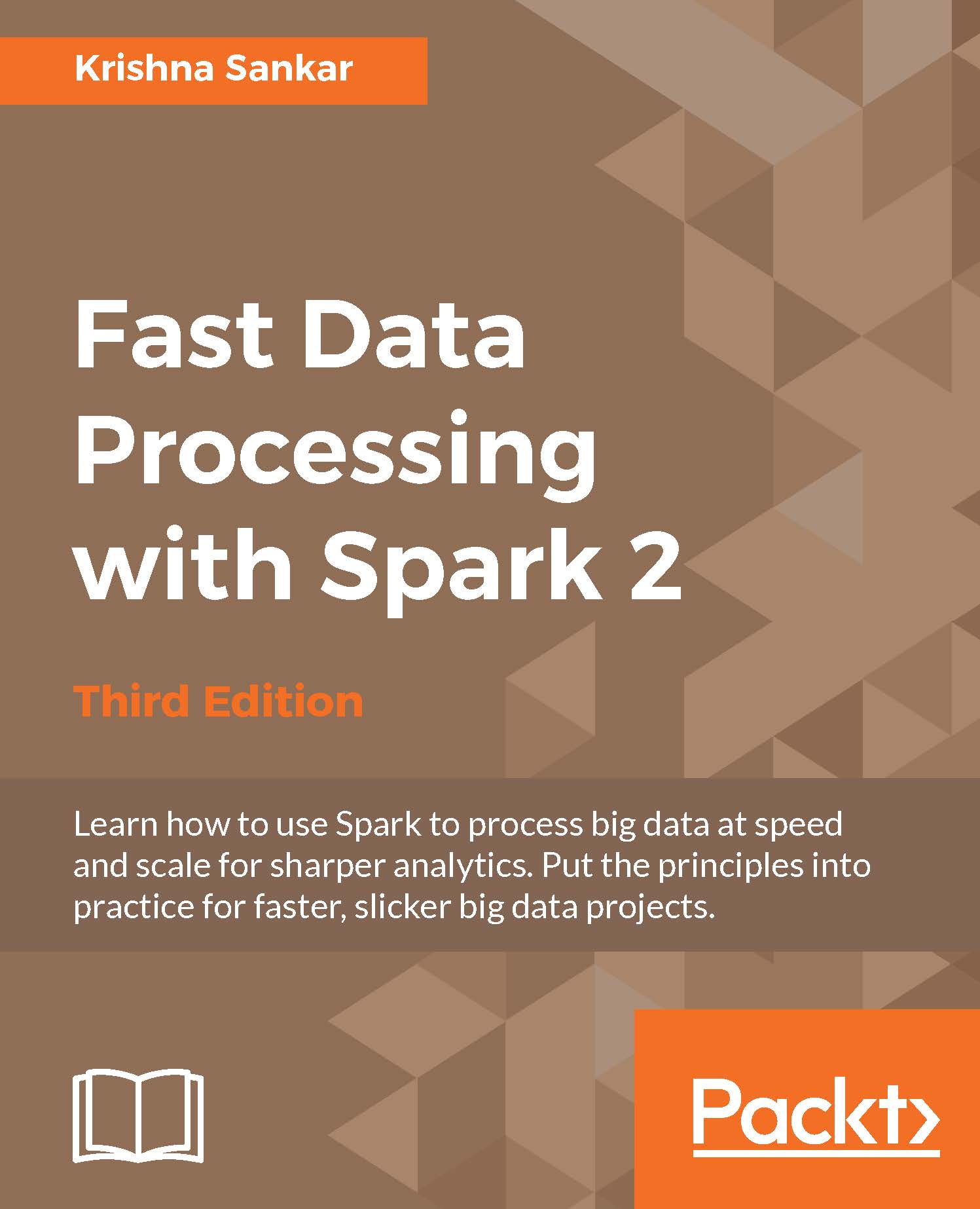
Fast Data Processing with Spark 2 - Third Edition

By : Krishna Sankar , Holden Karau
close
close
Fast Data Processing with Spark 2

Fast Data Processing with Spark 2

By: Krishna Sankar , Holden Karau

Overview of this book

When people want a way to process big data at speed, Spark is invariably the solution. With its ease of development (in comparison to the relative complexity of Hadoop), it’s unsurprising that it’s becoming popular with data analysts and engineers everywhere. Beginning with the fundamentals, we’ll show you how to get set up with Spark with minimum fuss. You’ll then get to grips with some simple APIs before investigating machine learning and graph processing – throughout we’ll make sure you know exactly how to apply your knowledge. You will also learn how to use the Spark shell, how to load data before finding out how to build and run your own Spark applications. Discover how to manipulate your RDD and get stuck into a range of DataFrame APIs. As if that’s not enough, you’ll also learn some useful Machine Learning algorithms with the help of Spark MLlib and integrating Spark with R. We’ll also make sure you’re confident and prepared for graph processing, as you learn more about the GraphX API.
Table of Contents (13 chapters)
close
close

A single machine

A single machine is the simplest use case for Spark. It is also a great way to sanity check your build. In spark/bin, there is a shell script called run-example, which can be used to launch a Spark job. The run-example script takes the name of a Spark class and some arguments. Earlier, we used the run-example script from the /bin directory to calculate the value of Pi. There is a collection of the sample Spark jobs in examples/src/main/scala/org/apache/spark/examples/.

All of the sample programs take the parameter, master (the cluster manager), which can be the URL of a distributed cluster or local[N], where N is the number of threads.

Going back to our run-example script, it invokes the more general bin/spark-submit script. For now, let's stick with the run-example script.

To run GroupByTest locally, try running the following command:

bin/run-example GroupByTest

This line will produce an output like this given here:

14/11/15 06:28:40 INFO SparkContext: Job finished: count at  GroupByTest.scala:51, took 0.494519333 s
2000

Note

All the examples in this book can be run on a Spark installation on a local machine. So you can read through the rest of the chapter for additional information after you have gotten some hands-on exposure to Spark running on your local machine.

CONTINUE READING
83
Tech Concepts
36
Programming languages
73
Tech Tools
Icon Unlimited access to the largest independent learning library in tech of over 8,000 expert-authored tech books and videos.
Icon Innovative learning tools, including AI book assistants, code context explainers, and text-to-speech.
Icon 50+ new titles added per month and exclusive early access to books as they are being written.
Fast Data Processing with Spark 2
notes
bookmark Notes and Bookmarks search Search in title playlist Add to playlist download Download options font-size Font size

Change the font size

margin-width Margin width

Change margin width

day-mode Day/Sepia/Night Modes

Change background colour

Close icon Search
Country selected

Close icon Your notes and bookmarks

Confirmation

Modal Close icon
claim successful

Buy this book with your credits?

Modal Close icon
Are you sure you want to buy this book with one of your credits?
Close
YES, BUY

Submit Your Feedback

Modal Close icon
Modal Close icon
Modal Close icon