Sign In Start Free Trial
Account

Add to playlist

Create a Playlist

Modal Close icon
You need to login to use this feature.
  • Book Overview & Buying Learning Tableau 10
  • Table Of Contents Toc
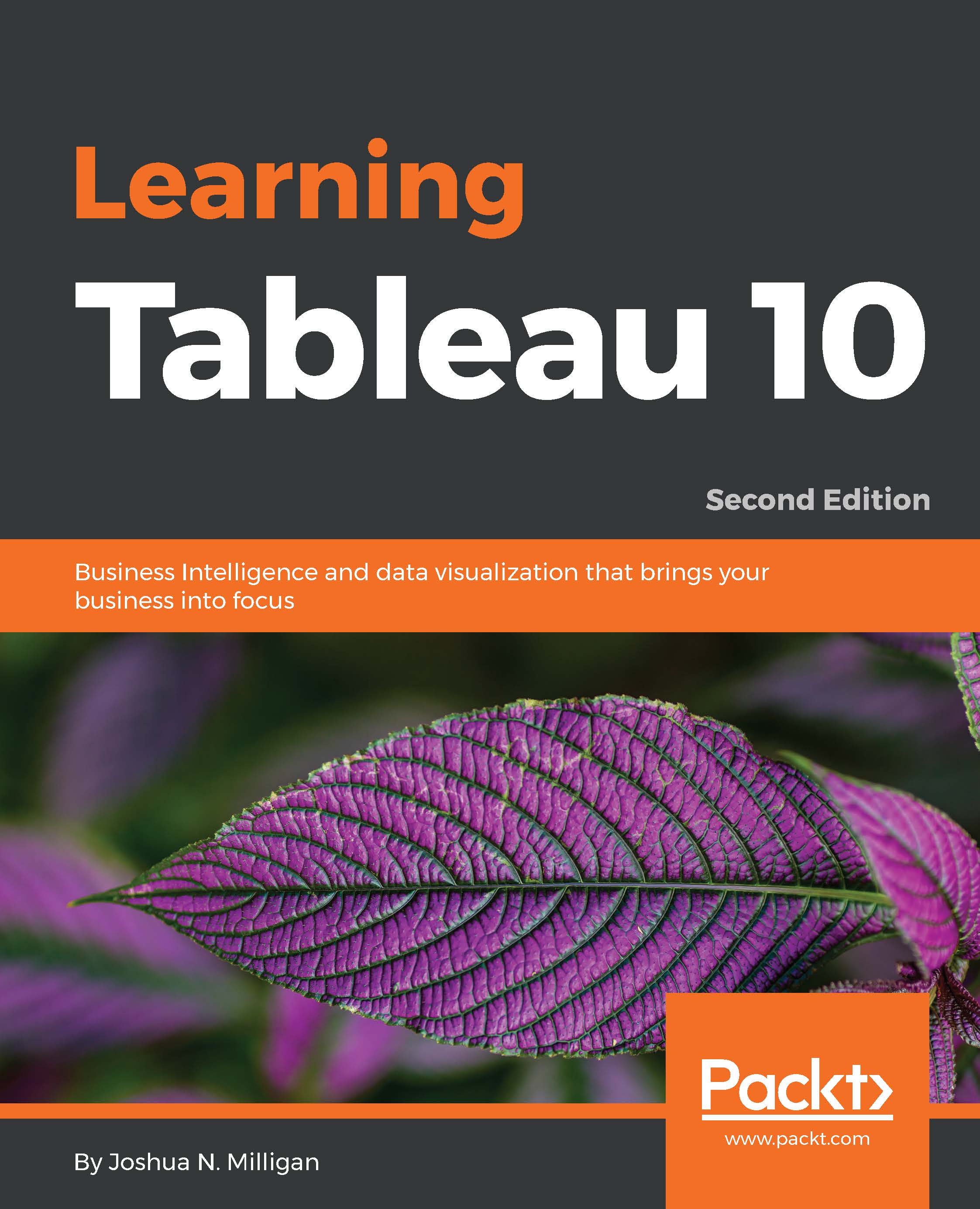
Learning Tableau 10

Learning Tableau 10 - Second Edition

By : Joshua N. Milligan
4.2 (10)
close
close
Learning Tableau 10

Learning Tableau 10

4.2 (10)
By: Joshua N. Milligan

Overview of this book

Tableau has for some time been one of the most popular Business Intelligence and data visualization tools available. Why? Because, quite simply, it’s a tool that’s responsive to the needs of modern businesses. But it’s most effective when you know how to get what you want from it – it might make your business intelligent, but it isn’t going to make you intelligent… We’ll make sure you’re well prepared to take full advantage of Tableau 10’s new features. Whether you’re an experienced data analyst that wants to explore 2016’s new Tableau, or you’re a beginner that wants to expand their skillset and bring a more professional and sharper approach to their organization, we’ve got you covered. Beginning with the fundamentals, such as data preparation, you’ll soon learn how to build and customize your own data visualizations and dashboards, essential for high-level visibility and effective data storytelling. You’ll also find out how to so trend analysis and forecasting using clustering and distribution models to inform your analytics. But it’s not just about you – when it comes to data it’s all about availability and access. That’s why we’ll show you how to share your Tableau visualizations. It’s only once insights are shared and communicated that you – and your organization – will start making smarter and informed decisions. And really, that’s exactly what this guide is for.
Table of Contents (12 chapters)
close
close
8
8. Deeper Analysis – Trends, Clustering, Distributions, and Forecasting

Chapter 1.  Creating Your First Visualizations and Dashboard

Tableau is an amazing platform for seeing, understanding, and making key decisions based on your data. With it, you can achieve incredible data discovery, analysis, and storytelling. You'll accomplish these tasks and goals visually using an interface that is designed for a natural and seamless flow of thought and work. Tableau accomplishes this using VizQL, a visual query language. You won't have to learn VizQL. It's all done behind the scenes and you won't be forced to write tedious SQL scripts, MDX code, or painstakingly work through numerous wizards to select a chart type and then link everything to data.

Instead, you will be interacting with your data in a visual environment where everything that you drag and drop will be translated into the necessary queries and then displayed visually. You'll be working in real-time, so you will see results immediately, get answers as fast as you can ask questions, and be able to iterate through dozens of ways to visualize the data to find a key insight or tell a piece of the story.

Tableau allows you to accomplish numerous tasks, including:

  • Data connection, integration, and preparation: Tableau allows you to connect to data from sources and, if necessary, create a structure that is ready to use. Most of the time this is as easy as pointing Tableau to a database or opening a file, but Tableau gives you the tools to bring together even complex and messy data from multiple sources.
  • Data exploration: You can visually explore a dataset using Tableau in order to understand what data you have.
  • Data visualization: This is the heart of Tableau. You can iterate through the countless ways of visualizing the data to ask and answer questions, raise new questions, and gain new insights.
  • Data analysis: Tableau has an ever growing set of analytical functions that allow you to dive deep into understanding complex relationships, patterns, and correlations in the data.
  • Data storytelling: Tableau allows you to build fully interactive dashboards and stories with your visualizations and insights so that you can share the data story with others.

We'll take a look at each of these tasks in the subsequent chapters. This chapter introduces the foundational principals of Tableau and focuses on data visualization. We'll accomplish this through a series of examples that will introduce the basics of connecting to data, exploring and analyzing the data visually, and finally putting it all together in a fully interactive dashboard. These concepts will be developed far more extensively in the subsequent chapters. But don't skip this chapter, as it introduces key terminology and foundational concepts, including:

  • Connecting to data
  • Foundations for building visualization
  • Visualizing the data
  • Creating bar charts
  • Creating line charts
  • Creating geographic visualizations
  • Using Show Me
  • Bringing everything together in a dashboard
CONTINUE READING
83
Tech Concepts
36
Programming languages
73
Tech Tools
Icon Unlimited access to the largest independent learning library in tech of over 8,000 expert-authored tech books and videos.
Icon Innovative learning tools, including AI book assistants, code context explainers, and text-to-speech.
Icon 50+ new titles added per month and exclusive early access to books as they are being written.
Learning Tableau 10
notes
bookmark Notes and Bookmarks search Search in title playlist Add to playlist download Download options font-size Font size

Change the font size

margin-width Margin width

Change margin width

day-mode Day/Sepia/Night Modes

Change background colour

Close icon Search
Country selected

Close icon Your notes and bookmarks

Confirmation

Modal Close icon
claim successful

Buy this book with your credits?

Modal Close icon
Are you sure you want to buy this book with one of your credits?
Close
YES, BUY

Submit Your Feedback

Modal Close icon
Modal Close icon
Modal Close icon