
Sign In Start Free Trial
Account

Add to playlist

Create a Playlist

Modal Close icon
You need to login to use this feature.
  • Book Overview & Buying Python Social Media Analytics
  • Table Of Contents Toc
  • Feedback & Rating feedback
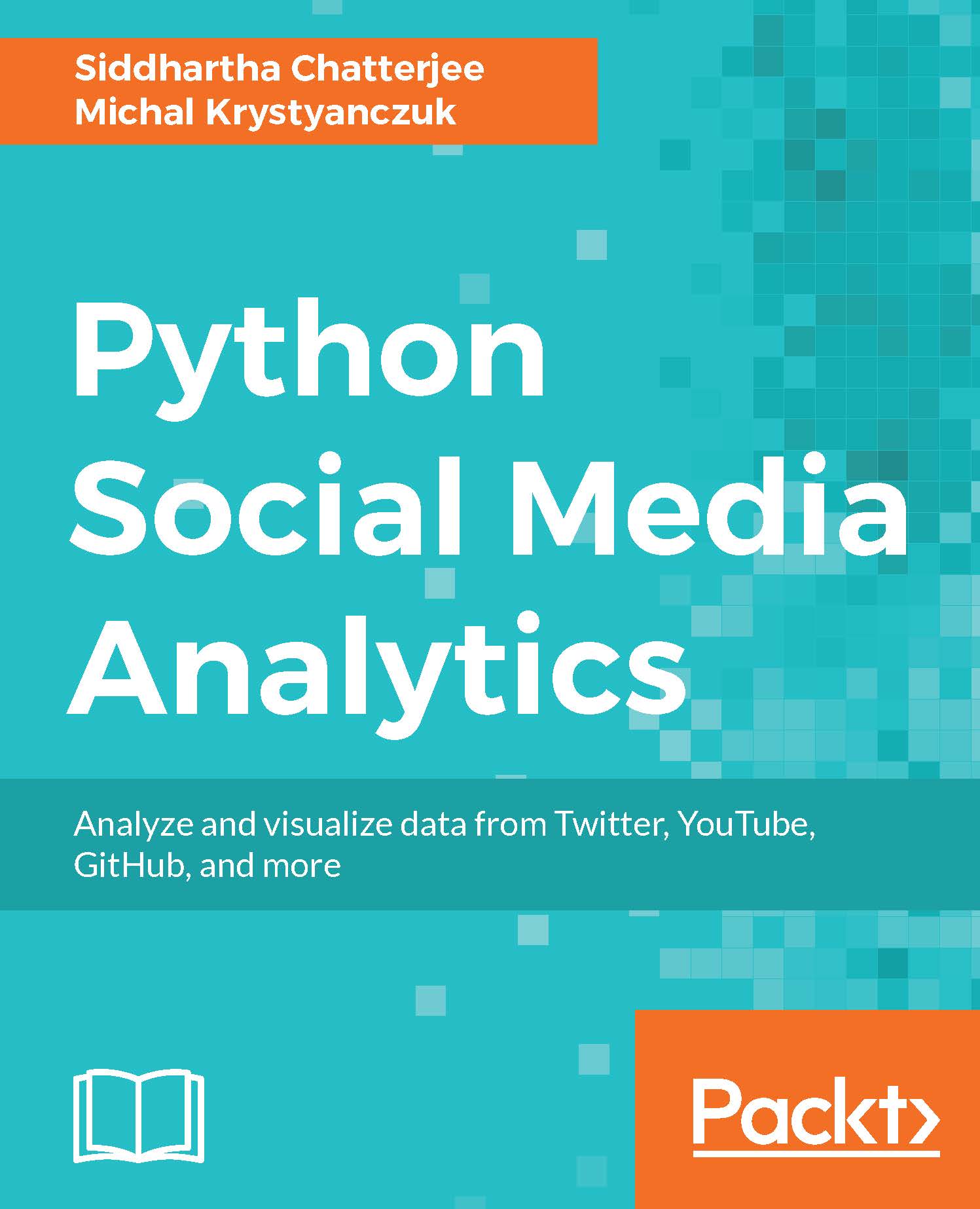
Python Social Media Analytics

Python Social Media Analytics

By : Baihaqi Siregar, Siddhartha Chatterjee, Michal Krystyanczuk
4 (2)
close
close
Python Social Media Analytics

Python Social Media Analytics

4 (2)
By: Baihaqi Siregar, Siddhartha Chatterjee, Michal Krystyanczuk

Overview of this book

Social Media platforms such as Facebook, Twitter, Forums, Pinterest, and YouTube have become part of everyday life in a big way. However, these complex and noisy data streams pose a potent challenge to everyone when it comes to harnessing them properly and benefiting from them. This book will introduce you to the concept of social media analytics, and how you can leverage its capabilities to empower your business. Right from acquiring data from various social networking sources such as Twitter, Facebook, YouTube, Pinterest, and social forums, you will see how to clean data and make it ready for analytical operations using various Python APIs. This book explains how to structure the clean data obtained and store in MongoDB using PyMongo. You will also perform web scraping and visualize data using Scrappy and Beautifulsoup. Finally, you will be introduced to different techniques to perform analytics at scale for your social data on the cloud, using Python and Spark. By the end of this book, you will be able to utilize the power of Python to gain valuable insights from social media data and use them to enhance your business processes.
Table of Contents (10 chapters)
close
close

Getting started with the toolset

Once you set up the whole environment, you can create your first project. If you use Linux or macOS machine, you can open a terminal and go to your working directory. Then, use the following command to create your project directory:

mkdir myproject 

On Windows machines, you can create the directory in the usual way without terminal.

At the same time, we initialize an empty repository in Git (in terminal on Linux or macOS, or in Git bash on Windows):

cd myproject 
git init

Then, you can open your directory in Sublime Text 2 using its GUI (Graphical User Interface) and create your first Python file. Now it's time to start working on a real project.

Visually different images
CONTINUE READING
83
Tech Concepts
36
Programming languages
73
Tech Tools
Icon Unlimited access to the largest independent learning library in tech of over 8,000 expert-authored tech books and videos.
Icon Innovative learning tools, including AI book assistants, code context explainers, and text-to-speech.
Icon 50+ new titles added per month and exclusive early access to books as they are being written.
Python Social Media Analytics
notes
bookmark Notes and Bookmarks search Search in title playlist Add to playlist download Download options font-size Font size

Change the font size

margin-width Margin width

Change margin width

day-mode Day/Sepia/Night Modes

Change background colour

Close icon Search
Country selected

Close icon Your notes and bookmarks

Confirmation

Modal Close icon
claim successful

Buy this book with your credits?

Modal Close icon
Are you sure you want to buy this book with one of your credits?
Close
YES, BUY

Submit Your Feedback

Modal Close icon
Modal Close icon
Modal Close icon