
Sign In Start Free Trial
Account

Add to playlist

Create a Playlist

Modal Close icon
You need to login to use this feature.
  • Book Overview & Buying Learning D3.js 5 Mapping
  • Table Of Contents Toc
Learning D3.js 5 Mapping

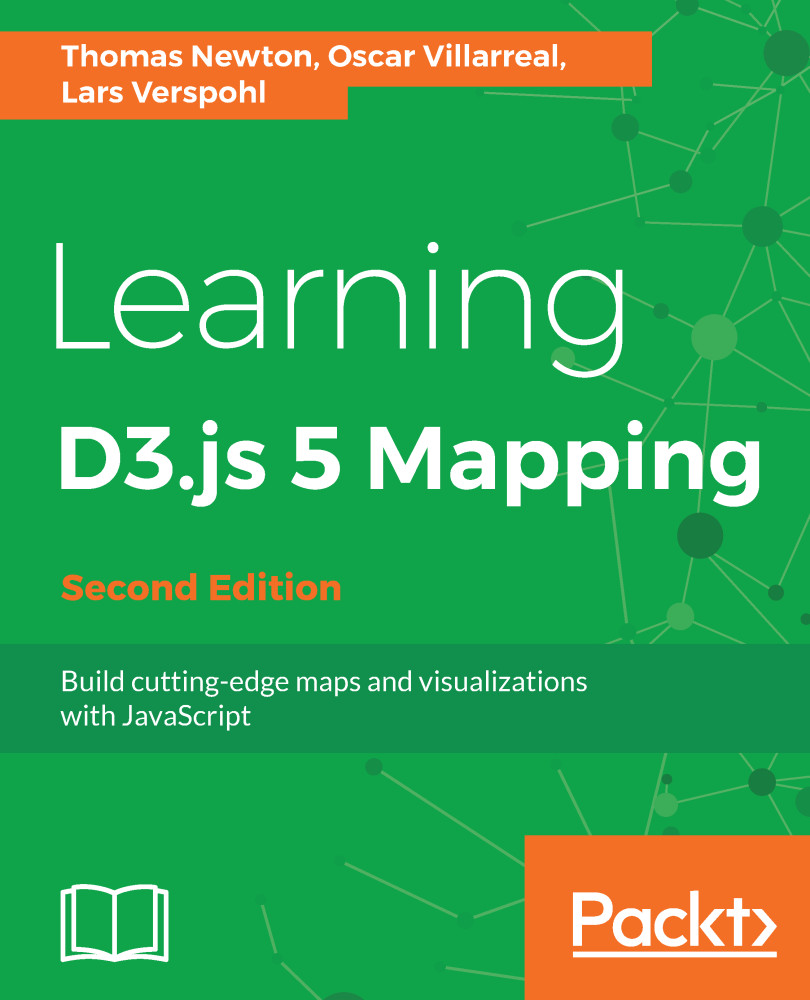
Learning D3.js 5 Mapping - Second Edition

By : Newton, Oscar Villarreal, Verspohl
2 (1)
close
close
Learning D3.js 5 Mapping

Learning D3.js 5 Mapping

2 (1)
By: Newton, Oscar Villarreal, Verspohl

Overview of this book

D3.js is a visualization library used for the creation and control of dynamic and interactive graphical forms. It is a library used to manipulate HTML and SVG documents as well as the Canvas element based on data. Using D3.js, developers can create interactive maps for the web, that look and feel beautiful. This book will show you how build and design maps with D3.js and gives you great insight into projections, colors, and the most appropriate types of map. The book begins by helping you set up all the tools necessary to build visualizations and maps. Then it covers obtaining geographic data, modifying it to your specific needs, visualizing it with augmented data using D3.js. It will further show you how to draw and map with the Canvas API and how to publish your visualization. By the end of this book, you'll be creating maps like the election maps and the kind of infographics you'll find on sites like the New York Times.
Table of Contents (13 chapters)
close
close
6
Finding and Working with Geographic Data

Creating basic SVG elements

A common operation in D3 is to select a DOM element and append SVG elements. Subsequent calls will then set the SVG attributes, which we learned about in Chapter 2, Creating Images from Simple Text. D3 accomplishes this operation through an easy-to-read, functional syntax called method chaining. Let's walk through a very simple example to illustrate how this is accomplished (go to http://localhost:8080/chapter-3/example-1.html if you have the http-server running):

var svg = d3.select("body") 
    .append("svg") 
    .attr("width", 200) 
    .attr("height", 200) 

First, we select the body tag and append an SVG element to it. This SVG element has a width and height of 200 pixels. We also store the selection in a variable:

svg.append('rect') 
    .attr('x', 10) 
    .attr('y', 10...
CONTINUE READING
83
Tech Concepts
36
Programming languages
73
Tech Tools
Icon Unlimited access to the largest independent learning library in tech of over 8,000 expert-authored tech books and videos.
Icon Innovative learning tools, including AI book assistants, code context explainers, and text-to-speech.
Icon 50+ new titles added per month and exclusive early access to books as they are being written.
Learning D3.js 5 Mapping
notes
bookmark Notes and Bookmarks search Search in title playlist Add to playlist font-size Font size

Change the font size

margin-width Margin width

Change margin width

day-mode Day/Sepia/Night Modes

Change background colour

Close icon Search
Country selected

Close icon Your notes and bookmarks

Confirmation

Modal Close icon
claim successful

Buy this book with your credits?

Modal Close icon
Are you sure you want to buy this book with one of your credits?
Close
YES, BUY

Submit Your Feedback

Modal Close icon
Modal Close icon
Modal Close icon