Sign In Start Free Trial
Account

Add to playlist

Create a Playlist

Modal Close icon
You need to login to use this feature.
  • Book Overview & Buying MySQL 8 Cookbook
  • Table Of Contents Toc
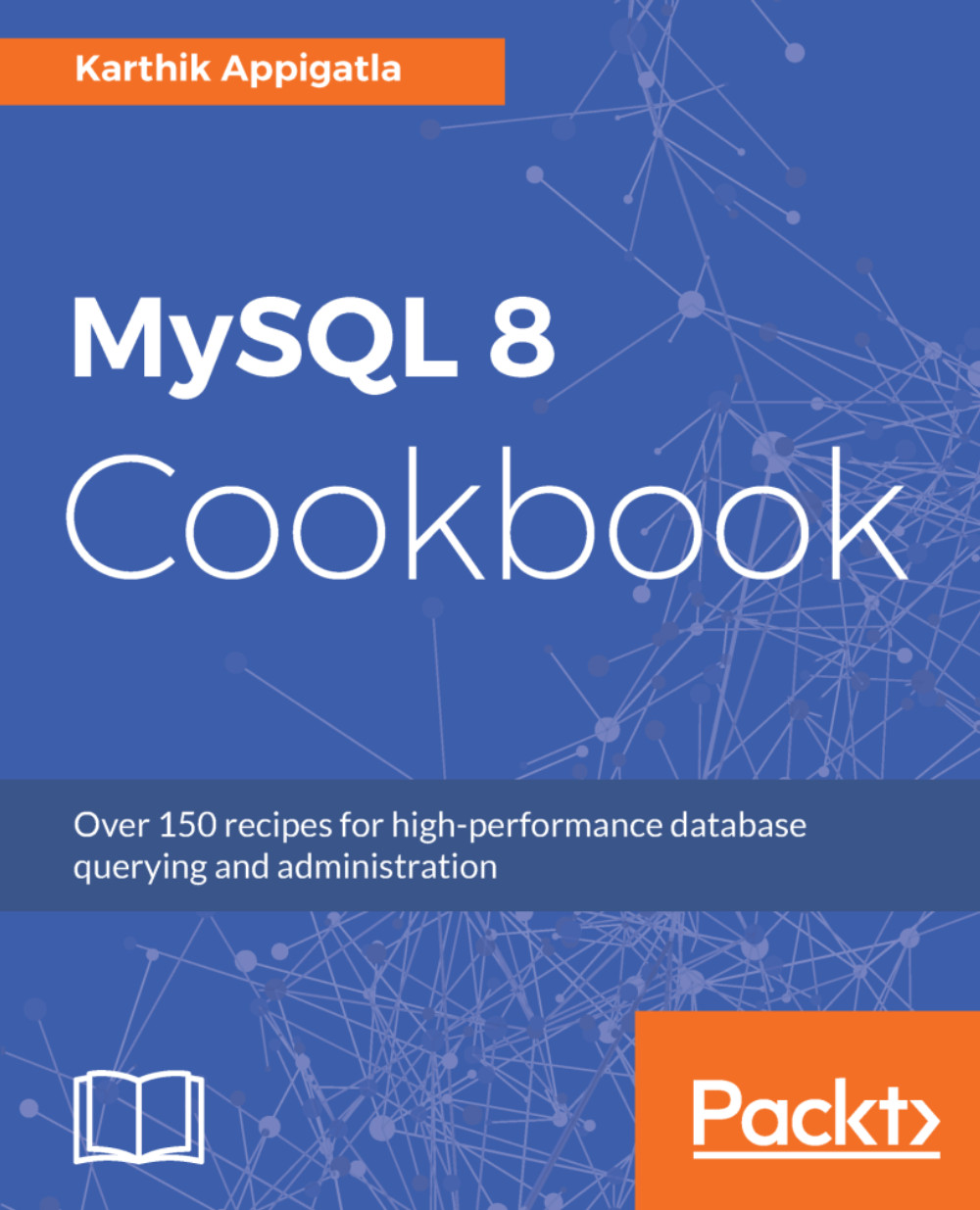
MySQL 8 Cookbook

MySQL 8 Cookbook

By : Karthik Appigatla
3.5 (4)
close
close
MySQL 8 Cookbook

MySQL 8 Cookbook

3.5 (4)
By: Karthik Appigatla

Overview of this book

MySQL is one of the most popular and widely used relational databases in the World today. The recently released MySQL 8 version promises to be better and more efficient than ever before. This book contains everything you need to know to be the go-to person in your organization when it comes to MySQL. Starting with a quick installation and configuration of your MySQL instance, the book quickly jumps into the querying aspects of MySQL. It shows you the newest improvements in MySQL 8 and gives you hands-on experience in managing high-transaction and real-time datasets. If you've already worked with MySQL before and are looking to migrate your application to MySQL 8, this book will also show you how to do that. The book also contains recipes on efficient MySQL administration, with tips on effective user management, data recovery, security, database monitoring, performance tuning, troubleshooting, and more. With quick solutions to common and not-so-common problems you might encounter while working with MySQL 8, the book contains practical tips and tricks to give you the edge over others in designing, developing, and administering your database effectively.
Table of Contents (15 chapters)
close
close

Creating users


So far, you have used only the root user to connect to MySQL and execute statements. The root user should never be used while accessing MySQL, except for administrative tasks from localhost. You should create users, restrict the access, restrict the resource usage, and so on. For creating new users, you should have the CREATE USER privilege that will be discussed in the next section. During the initial set up, you can use the root user to create other users.

How to do it...

Connect to mysql using the root user and execute CREATE USER command to create new users.

mysql> CREATE USER IF NOT EXISTS 'company_read_only'@'localhost' 
IDENTIFIED WITH mysql_native_password 
BY 'company_pass' 
WITH MAX_QUERIES_PER_HOUR 500 
MAX_UPDATES_PER_HOUR 100;

You might get the following error if the password is not strong.

ERROR 1819 (HY000): Your password does not satisfy the current policy requirements

The preceding statement will create users with:

  • * Username: company_read_only.
  • * access only from...
CONTINUE READING
83
Tech Concepts
36
Programming languages
73
Tech Tools
Icon Unlimited access to the largest independent learning library in tech of over 8,000 expert-authored tech books and videos.
Icon Innovative learning tools, including AI book assistants, code context explainers, and text-to-speech.
Icon 50+ new titles added per month and exclusive early access to books as they are being written.
MySQL 8 Cookbook
notes
bookmark Notes and Bookmarks search Search in title playlist Add to playlist font-size Font size

Change the font size

margin-width Margin width

Change margin width

day-mode Day/Sepia/Night Modes

Change background colour

Close icon Search
Country selected

Close icon Your notes and bookmarks

Confirmation

Modal Close icon
claim successful

Buy this book with your credits?

Modal Close icon
Are you sure you want to buy this book with one of your credits?
Close
YES, BUY

Submit Your Feedback

Modal Close icon
Modal Close icon
Modal Close icon