
Sign In Start Free Trial
Account

Add to playlist

Create a Playlist

Modal Close icon
You need to login to use this feature.
  • Book Overview & Buying Learning Informatica PowerCenter 10.x
  • Table Of Contents Toc
Learning Informatica PowerCenter 10.x

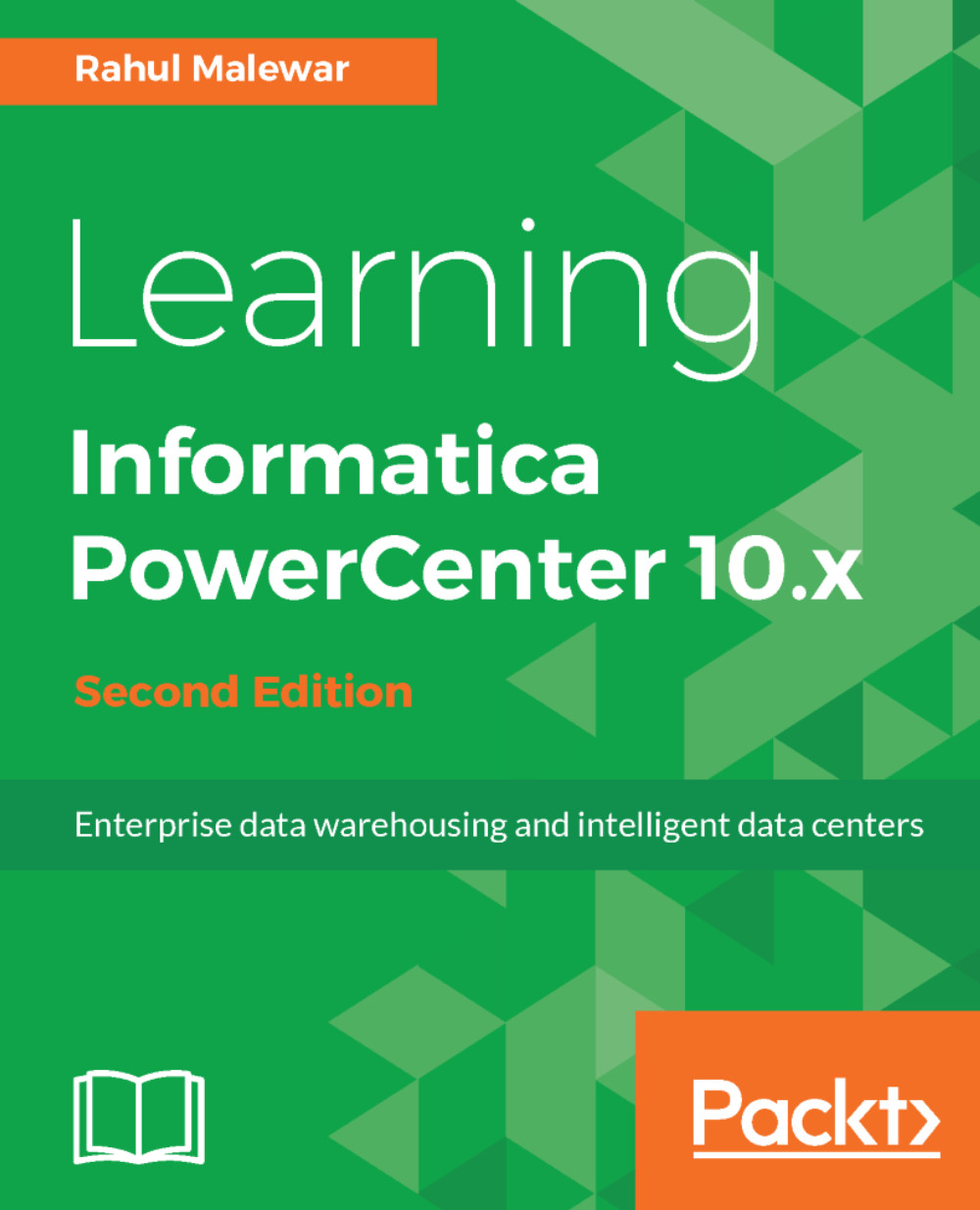
Learning Informatica PowerCenter 10.x - Second Edition

By : Rahul Malewar
4.3 (4)
close
close
Learning Informatica PowerCenter 10.x

Learning Informatica PowerCenter 10.x

4.3 (4)
By: Rahul Malewar

Overview of this book

Informatica PowerCenter is an industry-leading ETL tool, known for its accelerated data extraction, transformation, and data management strategies. This book will be your quick guide to exploring Informatica PowerCenter’s powerful features such as working on sources, targets, transformations, performance optimization, scheduling, deploying for processing, and managing your data at speed. First, you’ll learn how to install and configure tools. You will learn to implement various data warehouse and ETL concepts, and use PowerCenter 10.x components to build mappings, tasks, workflows, and so on. You will come across features such as transformations, SCD, XML processing, partitioning, constraint-based loading, Incremental aggregation, and many more. Moreover, you’ll also learn to deliver powerful visualizations for data profiling using the advanced monitoring dashboard functionality offered by the new version. Using data transformation technique, performance tuning, and the many new advanced features, this book will help you understand and process data for training or production purposes. The step-by-step approach and adoption of real-time scenarios will guide you through effectively accessing all core functionalities offered by Informatica PowerCenter version 10.x.
Table of Contents (13 chapters)
close
close

Using the Designer Screen - Advanced Features

In previous chapters, we developed our skills for using the PowerCenter Designer screen and various transformations present in Informatica.

In this chapter, we will talk about high-level aspects of the PowerCenter Designer screen. Once we are clear about the basics of the Designer screen, we are all set to work on the advanced concepts of PowerCenter Designer. Apart from the basic functionalities of creating mappings, the Designer screen offers multiple utilities to assist you in smoother execution of ETL processing. Some of these functionalities will be regularly used, and some will be rare to you. It is always good to have an understanding of these functionalities to have the upper hand when using the tool.

The topics that will be covered in this chapter are listed as follows:

  • Debugger
  • Reusable transformations
  • Mapplets
  • Target load...
CONTINUE READING
83
Tech Concepts
36
Programming languages
73
Tech Tools
Icon Unlimited access to the largest independent learning library in tech of over 8,000 expert-authored tech books and videos.
Icon Innovative learning tools, including AI book assistants, code context explainers, and text-to-speech.
Icon 50+ new titles added per month and exclusive early access to books as they are being written.
Learning Informatica PowerCenter 10.x
notes
bookmark Notes and Bookmarks search Search in title playlist Add to playlist font-size Font size

Change the font size

margin-width Margin width

Change margin width

day-mode Day/Sepia/Night Modes

Change background colour

Close icon Search
Country selected

Close icon Your notes and bookmarks

Confirmation

Modal Close icon
claim successful

Buy this book with your credits?

Modal Close icon
Are you sure you want to buy this book with one of your credits?
Close
YES, BUY

Submit Your Feedback

Modal Close icon
Modal Close icon
Modal Close icon