Sign In Start Free Trial
Account

Add to playlist

Create a Playlist

Modal Close icon
You need to login to use this feature.
  • Book Overview & Buying Computer Vision with OpenCV 3 and Qt5
  • Table Of Contents Toc
  • Feedback & Rating feedback
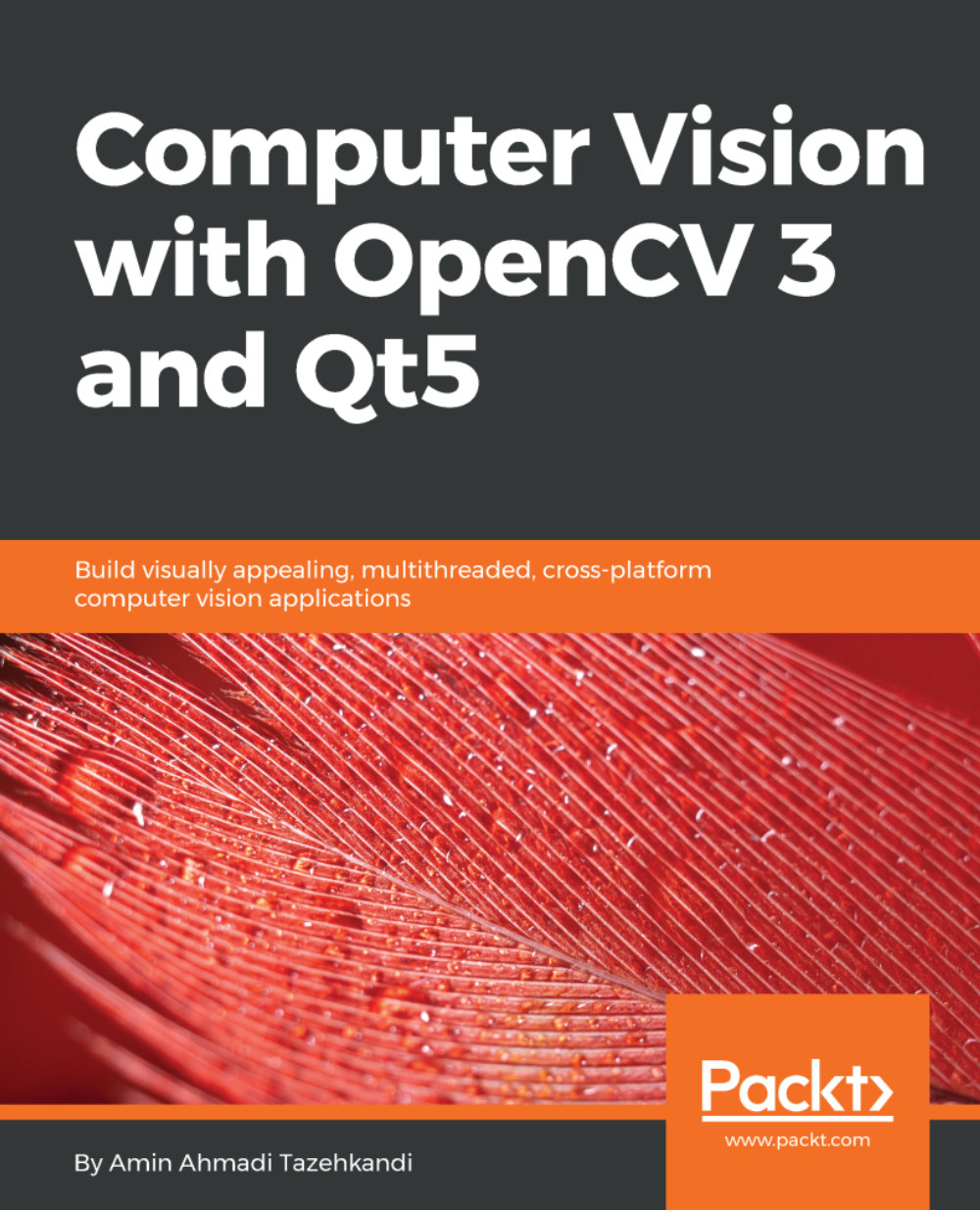
Computer Vision with OpenCV 3 and Qt5

Computer Vision with OpenCV 3 and Qt5

By : Amin Ahmadi Tazehkandi
4.5 (11)
close
close
Computer Vision with OpenCV 3 and Qt5

Computer Vision with OpenCV 3 and Qt5

4.5 (11)
By: Amin Ahmadi Tazehkandi

Overview of this book

Developers have been using OpenCV library to develop computer vision applications for a long time. However, they now need a more effective tool to get the job done and in a much better and modern way. Qt is one of the major frameworks available for this task at the moment. This book will teach you to develop applications with the combination of OpenCV 3 and Qt5, and how to create cross-platform computer vision applications. We’ll begin by introducing Qt, its IDE, and its SDK. Next you’ll learn how to use the OpenCV API to integrate both tools, and see how to configure Qt to use OpenCV. You’ll go on to build a full-fledged computer vision application throughout the book. Later, you’ll create a stunning UI application using the Qt widgets technology, where you’ll display the images after they are processed in an efficient way. At the end of the book, you’ll learn how to convert OpenCV Mat to Qt QImage. You’ll also see how to efficiently process images to filter them, transform them, detect or track objects as well as analyze video. You’ll become better at developing OpenCV applications.
Table of Contents (14 chapters)
close
close

Debugging with Qt Creator


A debugger is a program that can be used to test and other programs, in case of a sudden crash during the program execution or an unexpected behavior in the logic of the program. Most of the time (if not always), debuggers are used in the development environment and in conjunction with an IDE. In our case, we will learn how to use a debugger with Qt Creator. It is important to note that debuggers are not part of the Qt Framework, and, just like compilers, they are usually provided by the operating system SDK. Qt Creator automatically detects and uses debuggers if they are present on a system. This can be by navigating into the Qt Creator Options page via the main menu Tools and then Options. Make sure to select Build & Run from the list on the left side and then switch to the Debuggers tab from the top. You should be able to see one or auto-detected debuggers on the list.

Note

Windows Users: You should see something similar to the screenshot after this information...

Visually different images
CONTINUE READING
83
Tech Concepts
36
Programming languages
73
Tech Tools
Icon Unlimited access to the largest independent learning library in tech of over 8,000 expert-authored tech books and videos.
Icon Innovative learning tools, including AI book assistants, code context explainers, and text-to-speech.
Icon 50+ new titles added per month and exclusive early access to books as they are being written.
Computer Vision with OpenCV 3 and Qt5
notes
bookmark Notes and Bookmarks search Search in title playlist Add to playlist download Download options font-size Font size

Change the font size

margin-width Margin width

Change margin width

day-mode Day/Sepia/Night Modes

Change background colour

Close icon Search
Country selected

Close icon Your notes and bookmarks

Confirmation

Modal Close icon
claim successful

Buy this book with your credits?

Modal Close icon
Are you sure you want to buy this book with one of your credits?
Close
YES, BUY

Submit Your Feedback

Modal Close icon
Modal Close icon
Modal Close icon