
Sign In Start Free Trial
Account

Add to playlist

Create a Playlist

Modal Close icon
You need to login to use this feature.
  • Book Overview & Buying Hands-On Big Data Modeling
  • Table Of Contents Toc
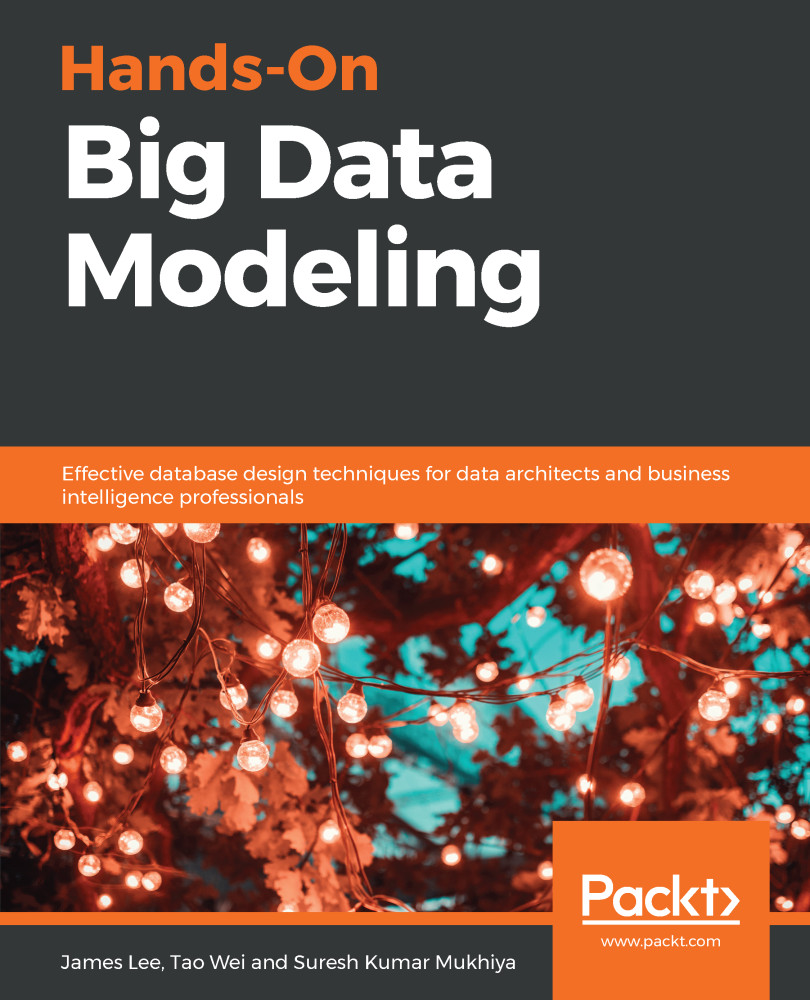
Hands-On Big Data Modeling

Hands-On Big Data Modeling

By : Lee, Wei, Kumar Mukhiya
2.3 (4)
close
close
Hands-On Big Data Modeling

Hands-On Big Data Modeling

2.3 (4)
By: Lee, Wei, Kumar Mukhiya

Overview of this book

Modeling and managing data is a central focus of all big data projects. In fact, a database is considered to be effective only if you have a logical and sophisticated data model. This book will help you develop practical skills in modeling your own big data projects and improve the performance of analytical queries for your specific business requirements. To start with, you’ll get a quick introduction to big data and understand the different data modeling and data management platforms for big data. Then you’ll work with structured and semi-structured data with the help of real-life examples. Once you’ve got to grips with the basics, you’ll use the SQL Developer Data Modeler to create your own data models containing different file types such as CSV, XML, and JSON. You’ll also learn to create graph data models and explore data modeling with streaming data using real-world datasets. By the end of this book, you’ll be able to design and develop efficient data models for varying data sizes easily and efficiently.
Table of Contents (17 chapters)
close
close

Modeling structured data using Python

Let's see what type of data we are going to analyze today using IPython. Download the CSV file from the Chapter 6 codebase from GitHub. You should have access to the data file in the CH06 folder. The CSV files contain the following entries:

id,
date,
price,
bedrooms,
bathrooms,
sqft_living,
sqft_lot,
floors,waterfront,
view,
condition,
grade,
sqft_above,
sqft_basement,
yr_built,
yr_renovated,
zipcode,
lat,
long,
sqft_living15,
sqft_lot1

First things first, we import our libraries and dataset. Then, using the head function, we check out the first few pieces of data to see how they look. After that, we use the describe function to see the percentiles and other key statistics. Let's start our IPython notebook by using the following command:

jupyter notebook

Now let's import the required libraries:

import numpy as np
import pandas as pd
import matplotlib...
Visually different images
CONTINUE READING
83
Tech Concepts
36
Programming languages
73
Tech Tools
Icon Unlimited access to the largest independent learning library in tech of over 8,000 expert-authored tech books and videos.
Icon Innovative learning tools, including AI book assistants, code context explainers, and text-to-speech.
Icon 50+ new titles added per month and exclusive early access to books as they are being written.
Hands-On Big Data Modeling
notes
bookmark Notes and Bookmarks search Search in title playlist Add to playlist download Download options font-size Font size

Change the font size

margin-width Margin width

Change margin width

day-mode Day/Sepia/Night Modes

Change background colour

Close icon Search
Country selected

Close icon Your notes and bookmarks

Confirmation

Modal Close icon
claim successful

Buy this book with your credits?

Modal Close icon
Are you sure you want to buy this book with one of your credits?
Close
YES, BUY

Submit Your Feedback

Modal Close icon
Modal Close icon
Modal Close icon