
Sign In Start Free Trial
Account

Add to playlist

Create a Playlist

Modal Close icon
You need to login to use this feature.
  • Book Overview & Buying Matplotlib for Python Developers
  • Table Of Contents Toc
Matplotlib for Python Developers

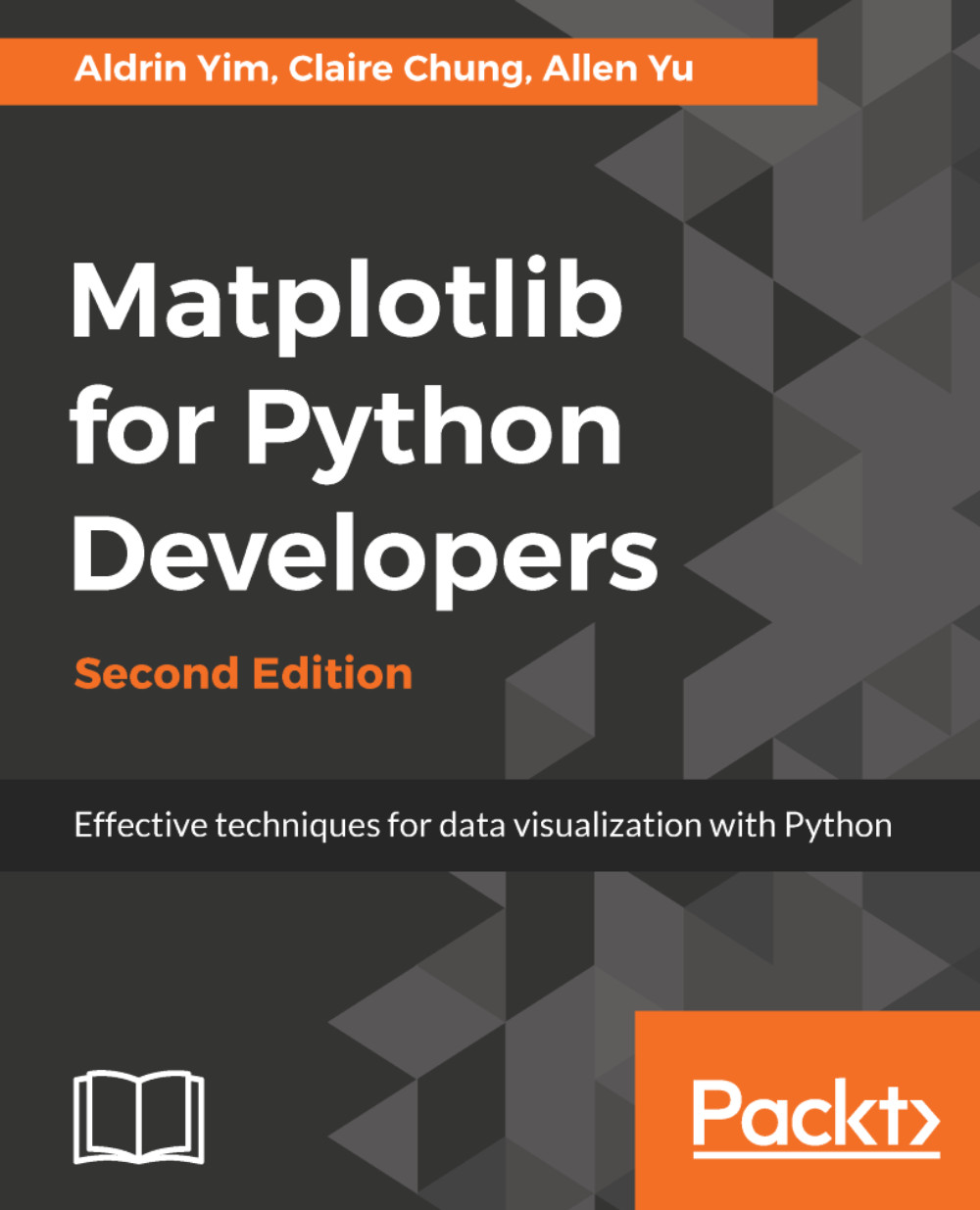
Matplotlib for Python Developers - Second Edition

By : Aldrin Yim, Claire Chung, Allen Yu
2 (2)
close
close
Matplotlib for Python Developers

Matplotlib for Python Developers

2 (2)
By: Aldrin Yim, Claire Chung, Allen Yu

Overview of this book

Python is a general-purpose programming language increasingly being used for data analysis and visualization. Matplotlib is a popular data visualization package in Python used to design effective plots and graphs. This is a practical, hands-on resource to help you visualize data with Python using the Matplotlib library. Matplotlib for Python Developers, Second Edition shows you how to create attractive graphs, charts, and plots using Matplotlib. You will also get a quick introduction to third-party packages, Seaborn, Pandas, Basemap, and Geopandas, and learn how to use them with Matplotlib. After that, you’ll embed and customize your plots in third-party tools such as GTK+3, Qt 5, and wxWidgets. You’ll also be able to tweak the look and feel of your visualization with the help of practical examples provided in this book. Further on, you’ll explore Matplotlib 2.1.x on the web, from a cloud-based platform using third-party packages such as Django. Finally, you will integrate interactive, real-time visualization techniques into your current workflow with the help of practical real-world examples. By the end of this book, you’ll be thoroughly comfortable with using the popular Python data visualization library Matplotlib 2.1.x and leveraging its power to build attractive, insightful, and powerful visualizations.
Table of Contents (11 chapters)
close
close

What is Matplotlib?

Matplotlib is a Python package for data visualization. It allows easy creation of various plots, including line, scattered, bar, box, and radial plots, with high flexibility for refined styling and customized annotation. The versatile artist module allows developers to define basically any kind of visualization. For regular usage, Matplotlib offers a simplistic object-oriented interface, the pyplot module, for easy plotting.

Besides generating static graphics, Matplotlib also supports an interactive interface which not only aids in creating a wide variety of plots but is also very useful in creating web-based applications.

Matplotlib is readily integrated into popular development environments, such as Jupyter Notebook, and it supports many more advanced data visualization packages.

Merits of Matplotlib

There are many advantages in creating data visualization with code so that the visualization streamlines into part of the result generation pipeline. Let's have a look at some of the key advantages of the Matplotlib library. 

Easy to use

The Matplotlib plotting library is easy to use in several ways:

  • Firstly, the object-oriented module structures simplify the plotting process. More often than not, we're only required to call import maplotlib.pyplot as plt to import the plotting API to create and customize many basic plots.
  • Matplotlib is highly integrated with two common data analytics packages, pandas and NumPy. For example, we can simply append .plot() to a pandas DataFrame such as by df.plot() to create a simple plot, and customize its styling with Matplotlib syntax.
  • For styling, Matplotlib offers functions to alter the appearance of each feature, and ready-made default style sheets are also available to avoid these extra steps when refined aesthetics is not required.

Diverse plot types

Often in data analytics, we need sophisticated plots to express our data. Matplotlib offers numerous plotting APIs natively, and is also the basis for a collection of third-party packages for additional functionalities, including:

  • Seaborn: Provides simple plotting APIs, including some advanced plot types, with aesthetically appealing default styling
  • HoloViews: Creates interactive plots with metadata annotation from bundled data 
  • Basemap/GeoPandas/Canopy: Maps data values to colors on geographical maps

We would learn some of the applications of these third-party packages in later chapters on advanced plotting.

Hackable to the core (only when you want)

When we want to go beyond the default settings to ensure that the resultant figure meets our specific purpose, we can customize the appearance and behaviors of each plot feature:

  • Per-element styling is possible
  • The ability to plot data values as colors and draw any shape of patches allows the creation of almost any kind of visualization
  • Useful in customizing plots created by extensions such as Seaborn

Open source and community support

As Matplotlib is open source, it enables developers and data analysts to use it for free. The users also have the freedom to improve and contribute to the Matplotlib library. As part of the open source experience, the users get prompt online support from the members of the global community on various platforms and forums.

What's new in Matplotlib 2.x?

Matplotlib supports Python 3 since version 1.2, released in 2013. The Matplotlib 2.0 release introduced a number of changes and upgrades to improve data visualization projects. Let us look at some of the key improvements and upgrades. 

Improved functionality and performance

Matplotlib 2.0 presents new features that improve user experience, including speed, and output quality, as well as resource usage.

Improved color conversion API and RGBA support

The alpha channel that specifies the transparency level is fully supported in Matplotlib 2.0.

Improved image support

Matplotlib 2.0 now resamples images with less memory and less data type conversion.

Faster text rendering

Community developers claim that the speed of text rendering by the Agg backend has improved by 20%.

Change in the default animation codec

A very efficient codec, H.264, is now used as the default, which replaces MPEG-4, to generate video output for animated plots. With H.264, we can now have longer video record time and lesser data traffic and loading time thanks to the higher compression rate and smaller output file size. It is also noted that real-time playback of H.264 videos is better than those encoded in MPEG-4.

Changes in default styles

There are a number of style changes for improved visualization, such as more intuitive colors by default. We will discuss more in the chapter on figure aesthetics.

For details on all Matplotlib updates, you may visit http://matplotlib.org/devdocs/users/whats_new.html.

Matplotlib website and online documentation

As developers, you probably recognize the importance of reading documentation and manuals to get acquainted with syntax and functionality. We would like to reiterate the importance of reading the library documentation and encourage you to do the same. You can find the documentation herehttps://matplotlib.orgOn the official Matplotlib website, you would find the documentation for each function, news of latest releases and ongoing development, and a list of third-party packages, as well as tutorials and galleries of example plots.

However, building advanced and sophisticated plots by reading through documentation from scratch means a much steeper learning curve and a lot more time spent, especially when the documentation is regularly updated for better comprehension. This book aims to provide the reader with a guided road-map to accelerate the learning process, save time and effort, and put theory into practice. The online manuals can serve as the atlases you can turn to whenever you want to explore further.

The Matplotlib source code is available on GitHub at https://github.com/matplotlib/matplotlib. We encourage our readers to fork it and add their ideas!

Output formats and backends 

Matplotlib enables users to obtain output plots as static figures. The plots can also be piped and made responsive through interactive backends. 

Static output formats

Static images are the most commonly used output format for reporting and presentation purposes, and for our own quick inspection of data. Static images can be classified into two distinct categories.

Raster images

Raster is the classic image format that provides support to a wide variety of image files, including PNG, JPG and BMP. Each raster image can be seen as a dense array of color values. For raster images, resolution matters.

The amount of image details kept is measured in dots per inch (DPI). The higher the DPI value (that is, the more pixel dots kept in it), the clearer the resultant image would be, even when stretched to a larger size. Of course, the file size and computational resources needed for the rendering would increase accordingly.

Vector images

For vector images, instead of a matrix of discrete color dots, information is saved as paths, which are lines joining dots. They scale without losing any details:

  • SVG
  • PDF
  • PS
CONTINUE READING
83
Tech Concepts
36
Programming languages
73
Tech Tools
Icon Unlimited access to the largest independent learning library in tech of over 8,000 expert-authored tech books and videos.
Icon Innovative learning tools, including AI book assistants, code context explainers, and text-to-speech.
Icon 50+ new titles added per month and exclusive early access to books as they are being written.
Matplotlib for Python Developers
notes
bookmark Notes and Bookmarks search Search in title playlist Add to playlist download Download options font-size Font size

Change the font size

margin-width Margin width

Change margin width

day-mode Day/Sepia/Night Modes

Change background colour

Close icon Search
Country selected

Close icon Your notes and bookmarks

Confirmation

Modal Close icon
claim successful

Buy this book with your credits?

Modal Close icon
Are you sure you want to buy this book with one of your credits?
Close
YES, BUY

Submit Your Feedback

Modal Close icon
Modal Close icon
Modal Close icon