Sign In Start Free Trial
Account

Add to playlist

Create a Playlist

Modal Close icon
You need to login to use this feature.
  • Book Overview & Buying Qlik Sense Cookbook
  • Table Of Contents Toc
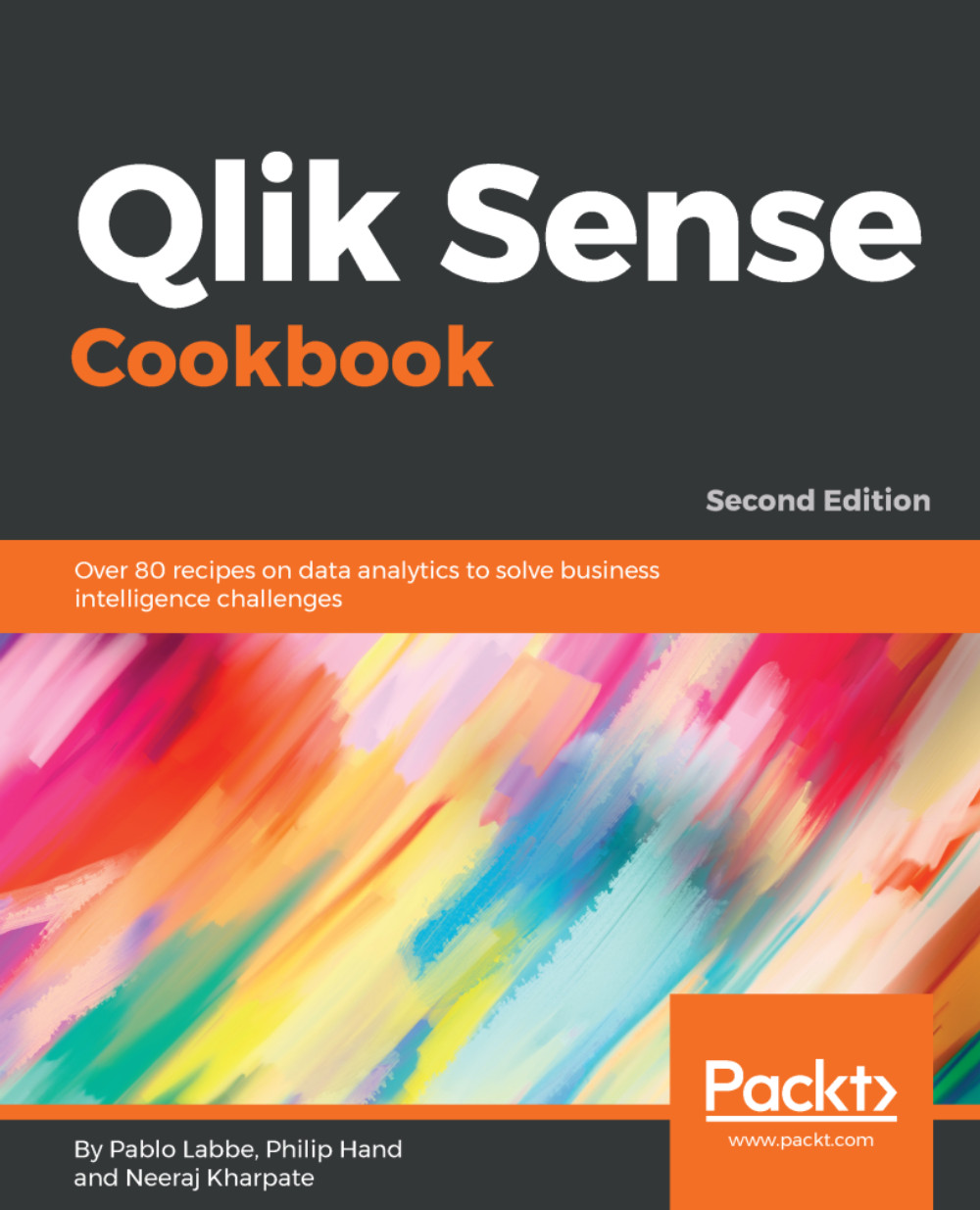
Qlik Sense Cookbook

Qlik Sense Cookbook - Second Edition

By : Labbe, Hand, Kharpate
3.3 (6)
close
close
Qlik Sense Cookbook

Qlik Sense Cookbook

3.3 (6)
By: Labbe, Hand, Kharpate

Overview of this book

Qlik Sense allows you to explore simple and complex data to reveal hidden insight and data relationships that help you make quality decisions for overall productivity. An expert Qlik Sense user can use its features for business intelligence in an enterprise environment effectively. Qlik Sense Cookbook is an excellent guide for all aspiring Qlik Sense developers and will empower you to create featured desktop applications to obtain daily insights at work. This book takes you through the basics and advanced functions of Qlik Sense February 2018 release. You’ll start with a quick refresher on obtaining data from data files and databases, and move on to some more refined features including visualization, and scripting, as well as managing apps and user interfaces. You will then understand how to work with advanced functions like set analysis and set expressions. As you make your way through this book, you will uncover newly added features in Qlik Sense such as new visualizations, label expressions and colors for dimension and measures. By the end of this book, you will have explored various visualization extensions to create your own interactive dashboard with the required tips and tricks. This will help you overcome challenging situations while developing your applications in Qlik Sense.
Table of Contents (11 chapters)
close
close

Using the RangeSum() function to plot cumulative figures in trendline charts


The charts in Qlik Sense don't provide the user with the inbuilt functionality to calculate the cumulative totals, as is the case with QlikView. In order to achieve the cumulative totals in a trendline chart, we make use of the RangeSum() function.

Getting ready

Load the following script that gives information on monthly sales figures for two years:

Sales: 
LOAD  
Month(Date#(Month,'MMM')) as Month, 
Year, 
Sales 
INLINE [ 
Month,Year,Sales 
Jan,2014,1000 
Feb,2014,1520 
Mar,2014,1600 
Apr,2014,3000 
May,2014,2500 
Jun,2014,4500 
Jul,2014,6000 
Aug,2014,6500 
Sep,2014,7800 
Oct,2014,6800 
Nov,2014,3000 
Dec,2014,2500 
Jan,2015,750 
Feb,2015,1200 
Mar,2015,800 
Apr,2015,600 
May,2015,2100 
Jun,2015,3500 
Jul,2015,4700 
]; 

How to do it…

  1. Click on App overview under the Navigation dropdown and create a new sheet.
  2. Drag across the Line chart object from the Assets panel on the sheet, and name it Cumulative Sales.
  3. Add Year and...
CONTINUE READING
83
Tech Concepts
36
Programming languages
73
Tech Tools
Icon Unlimited access to the largest independent learning library in tech of over 8,000 expert-authored tech books and videos.
Icon Innovative learning tools, including AI book assistants, code context explainers, and text-to-speech.
Icon 50+ new titles added per month and exclusive early access to books as they are being written.
Qlik Sense Cookbook
notes
bookmark Notes and Bookmarks search Search in title playlist Add to playlist download Download options font-size Font size

Change the font size

margin-width Margin width

Change margin width

day-mode Day/Sepia/Night Modes

Change background colour

Close icon Search
Country selected

Close icon Your notes and bookmarks

Confirmation

Modal Close icon
claim successful

Buy this book with your credits?

Modal Close icon
Are you sure you want to buy this book with one of your credits?
Close
YES, BUY

Submit Your Feedback

Modal Close icon
Modal Close icon
Modal Close icon