Sign In Start Free Trial
Account

Add to playlist

Create a Playlist

Modal Close icon
You need to login to use this feature.
  • Book Overview & Buying Learn Chart.js
  • Table Of Contents Toc
Learn Chart.js

Learn Chart.js

By : Helder da Rocha
4 (2)
close
close
Learn Chart.js

Learn Chart.js

4 (2)
By: Helder da Rocha

Overview of this book

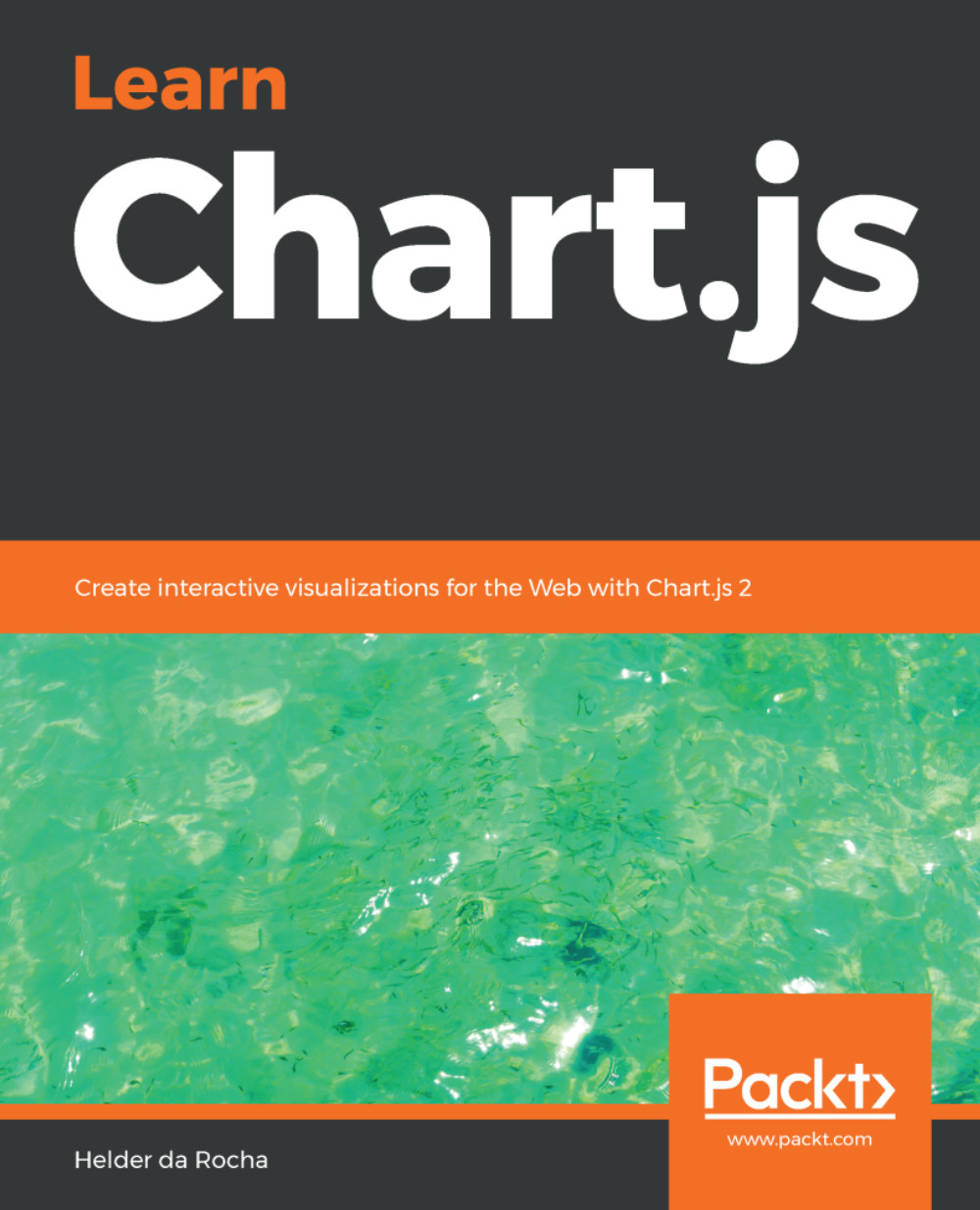
Chart.js is a free, open-source data visualization library, maintained by an active community of developers in GitHub, where it rates as the second most popular data visualization library. If you want to quickly create responsive Web-based data visualizations for the Web, Chart.js is a great choice. This book guides the reader through dozens of practical examples, complete with code you can run and modify as you wish. It is a practical hands-on introduction to Chart.js. If you have basic knowledge of HTML, CSS and JavaScript you can learn to create beautiful interactive Web Canvas-based visualizations for your data using Chart.js. This book will help you set up Chart.js in a Web page and show how to create each one of the eight Chart.js chart types. You will also learn how to configure most properties that override Chart’s default styles and behaviors. Practical applications of Chart.js are exemplified using real data files obtained from public data portals. You will learn how to load, parse, filter and select the data you wish to display from those files. You will also learn how to create visualizations that reveal patterns in the data. This book is based on Chart.js version 2.7.3 and ES2015 JavaScript. By the end of the book, you will be able to create beautiful, efficient and interactive data visualizations for the Web using Chart.js.
Table of Contents (9 chapters)
close
close

Category scales


Typical bar and line charts use a category scale for the x axis, and a numeric scale for the axis. Multiple datasets reuse the same category data. In these charts, the values used for the category axis are obtained from the labels property of the data object. If a dataset has a labels property, its axis will automatically be defined as type:category.

Configuring the axes

Category scales share the same axis configuration as numeric charts, but support some additional properties in the axis and axis.ticks objects. The axis object has one additional property that can be used to override the data object labels for an axis:

Property

Value

Description

labels

Array of String

An array of labels to display. Overrides any other definition for labels, including data object properties: labels, xLabels, or yLabels.

Additional axis configuration for category scales

The following code fragment shows category labels defined in three different properties. Since the single axis contains a labels...

CONTINUE READING
83
Tech Concepts
36
Programming languages
73
Tech Tools
Icon Unlimited access to the largest independent learning library in tech of over 8,000 expert-authored tech books and videos.
Icon Innovative learning tools, including AI book assistants, code context explainers, and text-to-speech.
Icon 50+ new titles added per month and exclusive early access to books as they are being written.
Learn Chart.js
notes
bookmark Notes and Bookmarks search Search in title playlist Add to playlist font-size Font size

Change the font size

margin-width Margin width

Change margin width

day-mode Day/Sepia/Night Modes

Change background colour

Close icon Search
Country selected

Close icon Your notes and bookmarks

Confirmation

Modal Close icon
claim successful

Buy this book with your credits?

Modal Close icon
Are you sure you want to buy this book with one of your credits?
Close
YES, BUY

Submit Your Feedback

Modal Close icon
Modal Close icon
Modal Close icon