
Sign In Start Free Trial
Account

Add to playlist

Create a Playlist

Modal Close icon
You need to login to use this feature.
  • Book Overview & Buying Hands-On Artificial Intelligence with Java for Beginners
  • Table Of Contents Toc
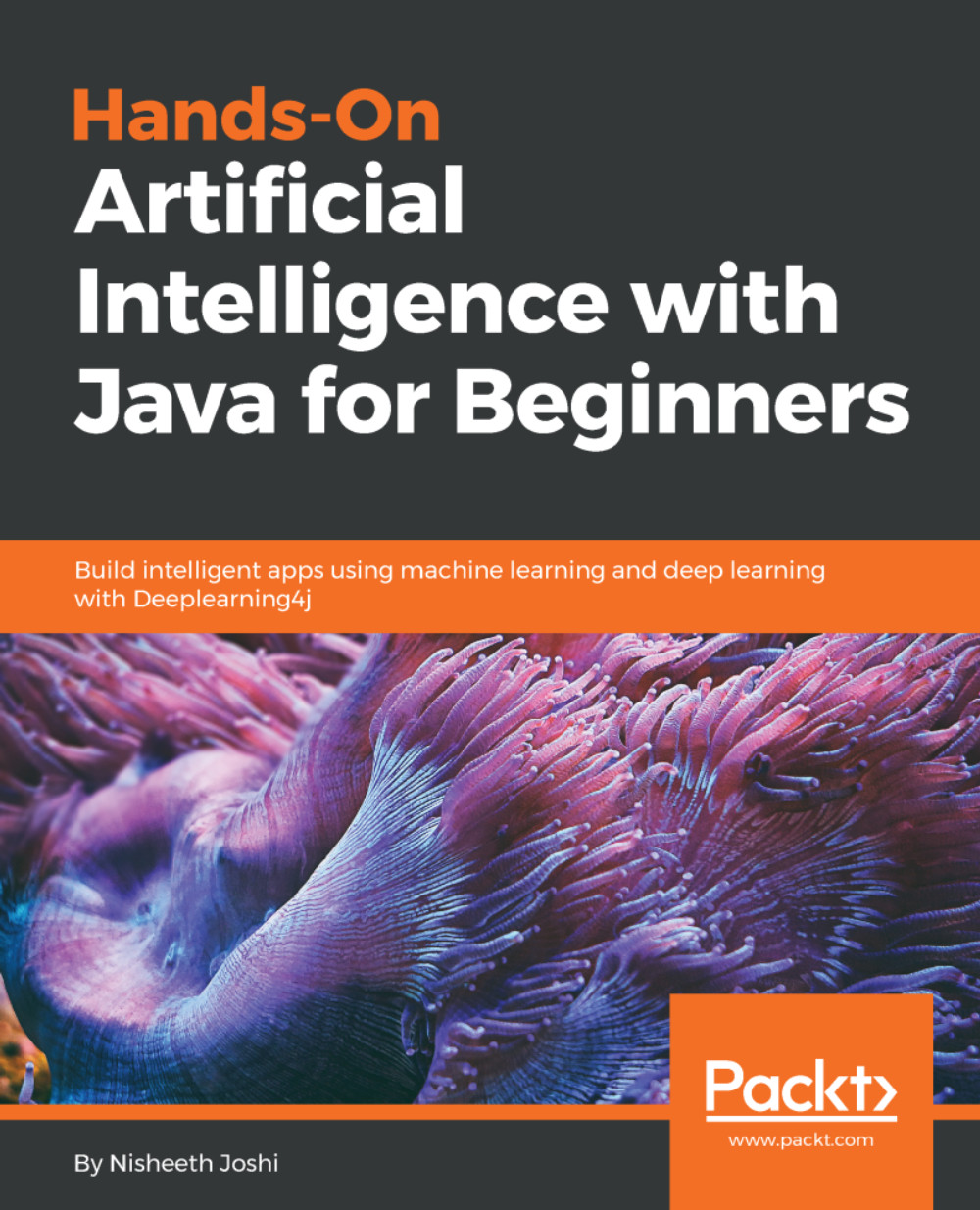
Hands-On Artificial Intelligence with Java for Beginners

Hands-On Artificial Intelligence with Java for Beginners

By : Joshi
1.3 (3)
close
close
Hands-On Artificial Intelligence with Java for Beginners

Hands-On Artificial Intelligence with Java for Beginners

1.3 (3)
By: Joshi

Overview of this book

Artificial intelligence (AI) is increasingly in demand as well as relevant in the modern world, where everything is driven by technology and data. AI can be used for automating systems or processes to carry out complex tasks and functions in order to achieve optimal performance and productivity. Hands-On Artificial Intelligence with Java for Beginners begins by introducing you to AI concepts and algorithms. You will learn about various Java-based libraries and frameworks that can be used in implementing AI to build smart applications. In addition to this, the book teaches you how to implement easy to complex AI tasks, such as genetic programming, heuristic searches, reinforcement learning, neural networks, and segmentation, all with a practical approach. By the end of this book, you will not only have a solid grasp of AI concepts, but you'll also be able to build your own smart applications for multiple domains.
Table of Contents (9 chapters)
close
close

Setting up Prolog with Java

Now, you will see how to download a JPL library, and how to interface with Prolog using JPL in Java.

In your browser, go to http://www.java2s.com/Code/Jar/j/Downloadjpljar.htm:

This is one of the popular repositories of all of the known JAR files that have been created, and it preserves all of those JAR files. We will get all of the information and all of the classes that are available in this JPL library, and we'll use them in our code. Click on jpl/jpl.jar.zip(27 k) to download the library. Then, you will have to extract it to get the jpl.jar file.

Once we have extracted our JAR file, we can check the code to see if it is working. Therefore, we will go to NetBeans. In NetBeans, we'll go to our project, right-click on it, and go to the Properties option. In Properties, we'll go to Libraries and the Add JAR/Folder...

CONTINUE READING
83
Tech Concepts
36
Programming languages
73
Tech Tools
Icon Unlimited access to the largest independent learning library in tech of over 8,000 expert-authored tech books and videos.
Icon Innovative learning tools, including AI book assistants, code context explainers, and text-to-speech.
Icon 50+ new titles added per month and exclusive early access to books as they are being written.
Hands-On Artificial Intelligence with Java for Beginners
notes
bookmark Notes and Bookmarks search Search in title playlist Add to playlist download Download options font-size Font size

Change the font size

margin-width Margin width

Change margin width

day-mode Day/Sepia/Night Modes

Change background colour

Close icon Search
Country selected

Close icon Your notes and bookmarks

Confirmation

Modal Close icon
claim successful

Buy this book with your credits?

Modal Close icon
Are you sure you want to buy this book with one of your credits?
Close
YES, BUY

Submit Your Feedback

Modal Close icon
Modal Close icon
Modal Close icon