Sign In Start Free Trial
Account

Add to playlist

Create a Playlist

Modal Close icon
You need to login to use this feature.
  • Book Overview & Buying PostgreSQL 11 Administration Cookbook
  • Table Of Contents Toc
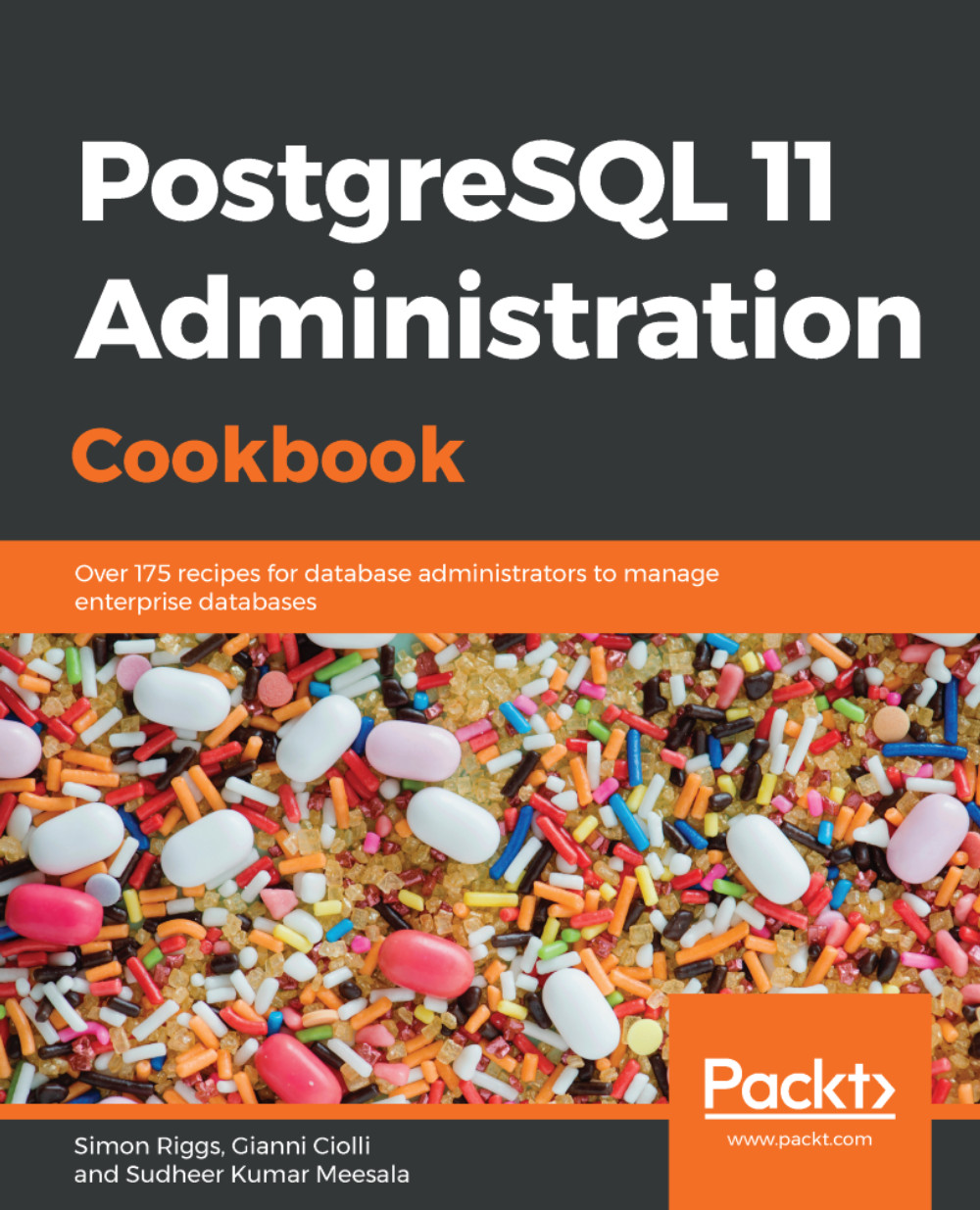
PostgreSQL 11 Administration Cookbook

PostgreSQL 11 Administration Cookbook

By : Simon Riggs, Gianni Ciolli, Meesala
5 (1)
close
close
PostgreSQL 11 Administration Cookbook

PostgreSQL 11 Administration Cookbook

5 (1)
By: Simon Riggs, Gianni Ciolli, Meesala

Overview of this book

PostgreSQL is a powerful, open source database management system with an enviable reputation for high performance and stability. With many new features in its arsenal, PostgreSQL 11 allows you to scale up your PostgreSQL infrastructure. This book takes a step-by-step, recipe-based approach to effective PostgreSQL administration. The book will introduce you to new features such as logical replication, native table partitioning, additional query parallelism, and much more to help you to understand and control, crash recovery and plan backups. You will learn how to tackle a variety of problems and pain points for any database administrator such as creating tables, managing views, improving performance, and securing your database. As you make steady progress, the book will draw attention to important topics such as monitoring roles, backup, and recovery of your PostgreSQL 11 database to help you understand roles and produce a summary of log files, ensuring high availability, concurrency, and replication. By the end of this book, you will have the necessary knowledge to manage your PostgreSQL 11 database efficiently.
Table of Contents (14 chapters)
close
close

Changing parameters in your programs


PostgreSQL allows you to set some parameter settings for each session or transaction.

How to do it…

Execute the following steps to set custom parameters settings:

  1. You can change the value of a setting during your session, like this:
SET work_mem = '16MB';
  1. This value will then be used for every future transaction. You can also change it only for the duration of the current transaction:
SET LOCAL work_mem = '16MB';
  1. The setting will last until you issue this command:
RESET work_mem;
  1. Alternatively, you can issue the following command:
RESET ALL;

The SET and RESET commands are SQL commands that can be issued from any interface. They apply only to PostgreSQL server parameters, but this does not mean that they affect the entire server. In fact, the parameters you can change with SET and RESET apply only to the current session. Also, note that there may be other parameters, such as JDBC driver parameters, that cannot be set in this way. Refer to the Connecting to the PostgreSQL...

CONTINUE READING
83
Tech Concepts
36
Programming languages
73
Tech Tools
Icon Unlimited access to the largest independent learning library in tech of over 8,000 expert-authored tech books and videos.
Icon Innovative learning tools, including AI book assistants, code context explainers, and text-to-speech.
Icon 50+ new titles added per month and exclusive early access to books as they are being written.
PostgreSQL 11 Administration Cookbook
notes
bookmark Notes and Bookmarks search Search in title playlist Add to playlist download Download options font-size Font size

Change the font size

margin-width Margin width

Change margin width

day-mode Day/Sepia/Night Modes

Change background colour

Close icon Search
Country selected

Close icon Your notes and bookmarks

Confirmation

Modal Close icon
claim successful

Buy this book with your credits?

Modal Close icon
Are you sure you want to buy this book with one of your credits?
Close
YES, BUY

Submit Your Feedback

Modal Close icon
Modal Close icon
Modal Close icon