


-
Book Overview & Buying
-
Table Of Contents

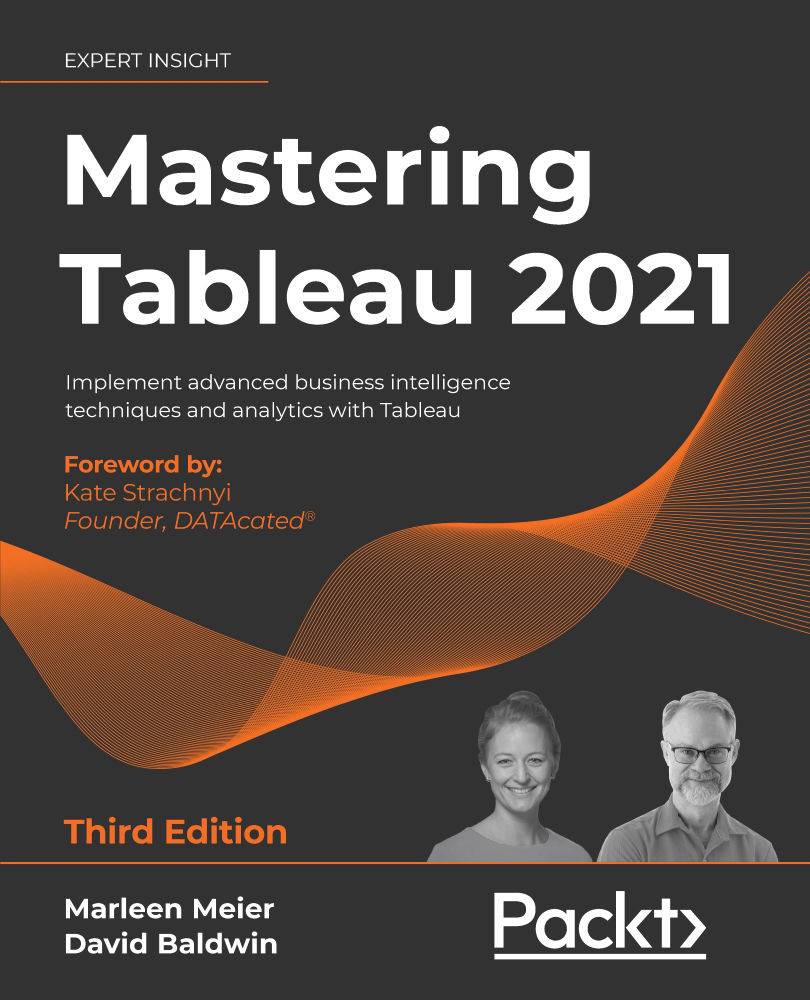
Mastering Tableau 2021 - Third Edition
By :


Mastering Tableau 2021
By:
Overview of this book
Tableau is one of the leading business intelligence (BI) tools that can help you solve data analysis challenges. With this book, you will master Tableau's features and offerings in various paradigms of the BI domain.
Updated with fresh topics including Quick Level of Detail expressions, the newest Tableau Server features, Einstein Discovery, and more, this book covers essential Tableau concepts and advanced functionalities. Leveraging Tableau Hyper files and using Prep Builder, you’ll be able to perform data preparation and handling easily. You’ll gear up to perform complex joins, spatial joins, unions, and data blending tasks using practical examples. Next, you’ll learn how to execute data densification and further explore expert-level examples to help you with calculations, mapping, and visual design using Tableau extensions. You’ll also learn about improving dashboard performance, connecting to Tableau Server and understanding data visualization with examples. Finally, you'll cover advanced use cases such as self-service analysis, time series analysis, and geo-spatial analysis, and connect Tableau to Python and R to implement programming functionalities within it.
By the end of this Tableau book, you’ll have mastered the advanced offerings of Tableau 2021 and be able to tackle common and advanced challenges in the BI domain.
Table of Contents (18 chapters)
Preface


Getting Up to Speed – A Review of the Basics
 Free Chapter
All About Data – Getting Your Data Ready
Tableau Prep Builder
All About Data – Joins, Blends, and Data Structures
Table Calculations
All About Data – Data Densification, Cubes, and Big Data
Level of Detail Calculations
Beyond the Basic Chart Types
Mapping
Tableau for Presentations
Visualization Best Practices and Dashboard Design
Advanced Analytics
Improving Performance
Interacting with Tableau Server/Online
Programming Tool Integration

Another Book You May Enjoy
Index


