


-
Book Overview & Buying
-
Table Of Contents

Building Data Science Applications with FastAPI
By :


Building Data Science Applications with FastAPI
By:
Overview of this book
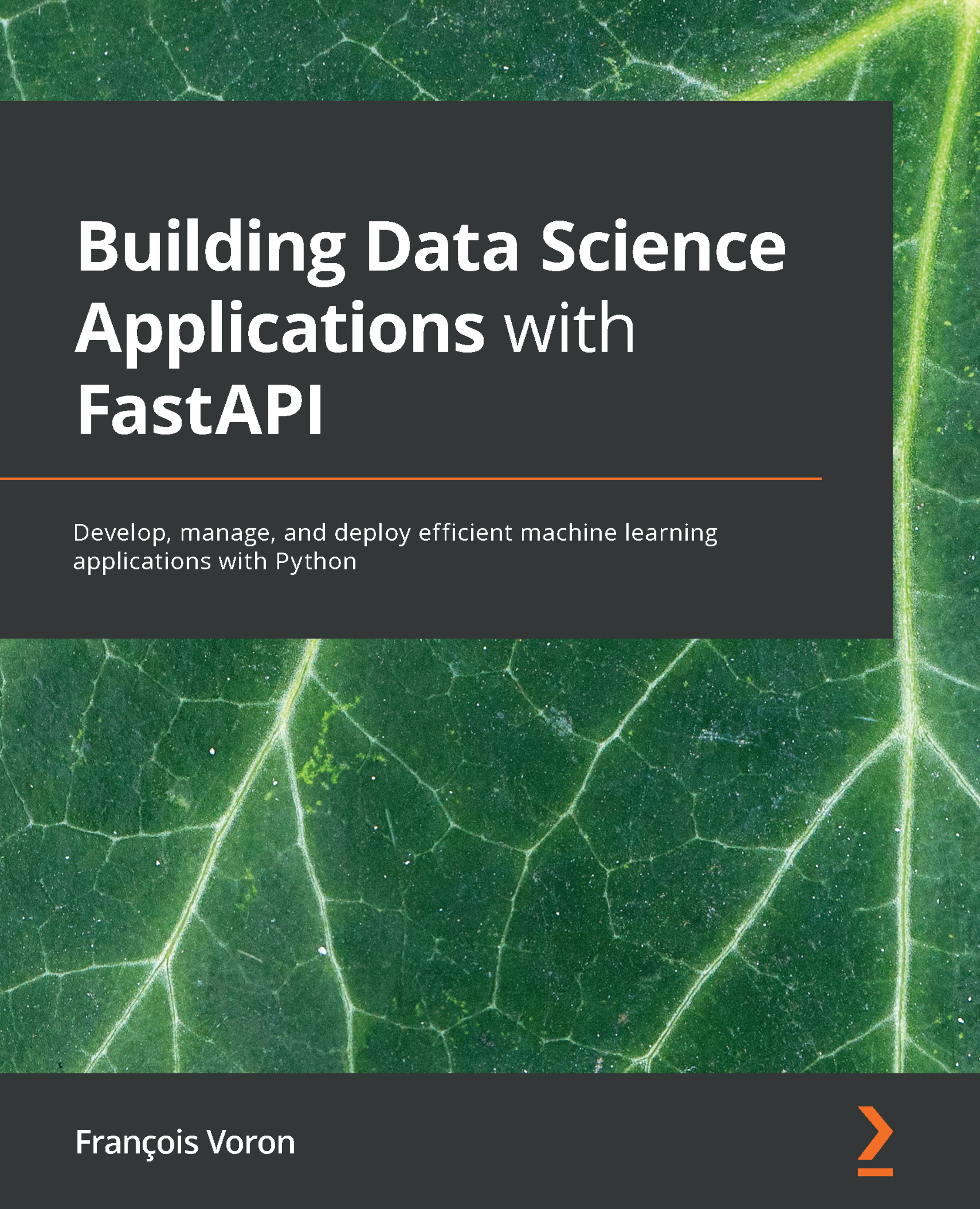
FastAPI is a web framework for building APIs with Python 3.6 and its later versions based on standard Python-type hints. With this book, you’ll be able to create fast and reliable data science API backends using practical examples.
This book starts with the basics of the FastAPI framework and associated modern Python programming language concepts. You'll be taken through all the aspects of the framework, including its powerful dependency injection system and how you can use it to communicate with databases, implement authentication and integrate machine learning models. Later, you’ll cover best practices relating to testing and deployment to run a high-quality and robust application. You’ll also be introduced to the extensive ecosystem of Python data science packages. As you progress, you’ll learn how to build data science applications in Python using FastAPI. The book also demonstrates how to develop fast and efficient machine learning prediction backends and test them to achieve the best performance. Finally, you’ll see how to implement a real-time face detection system using WebSockets and a web browser as a client.
By the end of this FastAPI book, you’ll have not only learned how to implement Python in data science projects but also how to maintain and design them to meet high programming standards with the help of FastAPI.
Table of Contents (19 chapters)
Preface


Section 1: Introduction to Python and FastAPI
 Free Chapter
Chapter 1: Python Development Environment Setup
Chapter 2: Python Programming Specificities
Chapter 3: Developing a RESTful API with FastAPI
Chapter 4: Managing Pydantic Data Models in FastAPI
Chapter 5: Dependency Injections in FastAPI
Section 2: Build and Deploy a Complete Web Backend with FastAPI
Chapter 6: Databases and Asynchronous ORMs
Chapter 7: Managing Authentication and Security in FastAPI
Chapter 8: Defining WebSockets for Two-Way Interactive Communication in FastAPI
Chapter 9: Testing an API Asynchronously with pytest and HTTPX
Chapter 10: Deploying a FastAPI Project
Section 3: Build a Data Science API with Python and FastAPI
Chapter 11: Introduction to NumPy and pandas
Chapter 12: Training Machine Learning Models with scikit-learn
Chapter 13: Creating an Efficient Prediction API Endpoint with FastAPI
Chapter 14: Implement a Real-Time Face Detection System Using WebSockets with FastAPI and OpenCV

Other Books You May Enjoy



