Sign In Start Free Trial
Account

Add to playlist

Create a Playlist

Modal Close icon
You need to login to use this feature.
  • Book Overview & Buying Neural Search - From Prototype to Production with Jina
  • Table Of Contents Toc
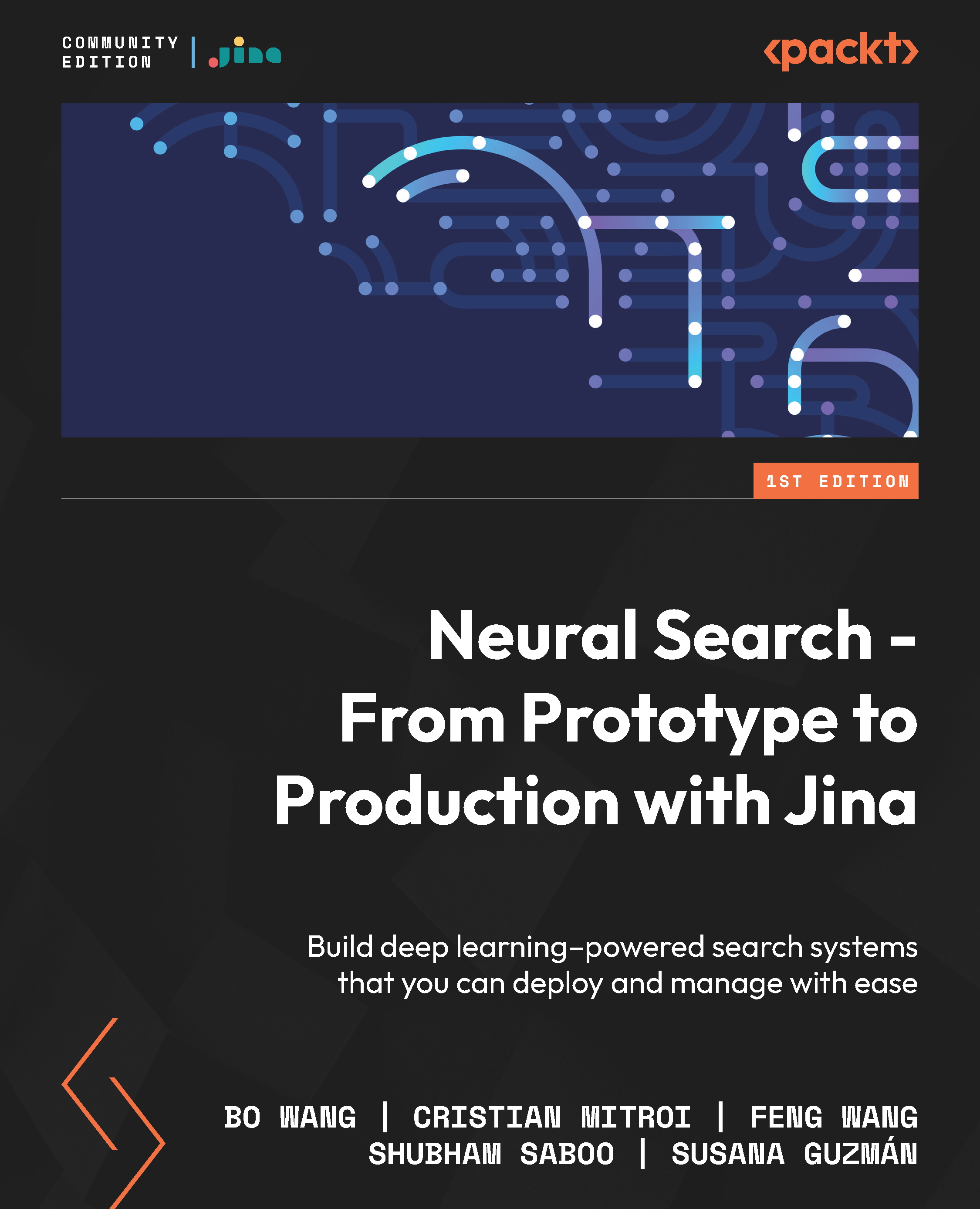
Neural Search - From Prototype to Production with Jina

Neural Search - From Prototype to Production with Jina

By : Bo Wang, Jina AI, Cristian Mitroi, Feng Wang, Shubham Saboo, Susana Guzmán
4.5 (6)
close
close
Neural Search - From Prototype to Production with Jina

Neural Search - From Prototype to Production with Jina

4.5 (6)
By: Bo Wang, Jina AI, Cristian Mitroi, Feng Wang, Shubham Saboo, Susana Guzmán

Overview of this book

Search is a big and ever-growing part of the tech ecosystem. Traditional search, however, has limitations that are hard to overcome because of the way it is designed. Neural search is a novel approach that uses the power of machine learning to retrieve information using vector embeddings as first-class citizens, opening up new possibilities of improving the results obtained through traditional search. Although neural search is a powerful tool, it is new and finetuning it can be tedious as it requires you to understand the several components on which it relies. Jina fills this gap by providing an infrastructure that reduces the time and complexity involved in creating deep learning–powered search engines. This book will enable you to learn the fundamentals of neural networks for neural search, its strengths and weaknesses, as well as how to use Jina to build a search engine. With the help of step-by-step explanations, practical examples, and self-assessment questions, you'll become well-versed with the basics of neural search and core Jina concepts, and learn to apply this knowledge to build your own search engine. By the end of this deep learning book, you'll be able to make the most of Jina's neural search design patterns to build an end-to-end search solution for any modality.
Table of Contents (13 chapters)
close
close
1
Part 1: Introduction to Neural Search Fundamentals
5
Part 2: Introduction to Jina Fundamentals
8
Part 3: How to Use Jina for Neural Search

Flow

Now that you know what Documents and Executors are and how to work with them, we can start to talk about Flow, one of the most important concepts in Jina.

Think of Flow as a manager in Jina; it takes care of all the tasks that will run on your application and will use Documents as its input and output.

Creating a Flow

The creation of a Flow in Jina is very easy and works just like any other object in Python. For example, this is how you would create an empty Flow:

from jina import Flow
f = Flow()

In order to use a Flow, it’s best to always open it as a context manager, just like you would open a file in Python, by using the with function:

from jina import Flow
f = Flow()
with f:     
f.block()

Note

Flow follows a lazy construction pattern: it won’t actually run unless you use the with function to open it.

Adding Executors to a Flow

To add elements to your Flow, all you need to do is use the .add() method. You...

CONTINUE READING
83
Tech Concepts
36
Programming languages
73
Tech Tools
Icon Unlimited access to the largest independent learning library in tech of over 8,000 expert-authored tech books and videos.
Icon Innovative learning tools, including AI book assistants, code context explainers, and text-to-speech.
Icon 50+ new titles added per month and exclusive early access to books as they are being written.
Neural Search - From Prototype to Production with Jina
notes
bookmark Notes and Bookmarks search Search in title playlist Add to playlist download Download options font-size Font size

Change the font size

margin-width Margin width

Change margin width

day-mode Day/Sepia/Night Modes

Change background colour

Close icon Search
Country selected

Close icon Your notes and bookmarks

Confirmation

Modal Close icon
claim successful

Buy this book with your credits?

Modal Close icon
Are you sure you want to buy this book with one of your credits?
Close
YES, BUY

Submit Your Feedback

Modal Close icon
Modal Close icon
Modal Close icon