


-
Book Overview & Buying
-
Table Of Contents

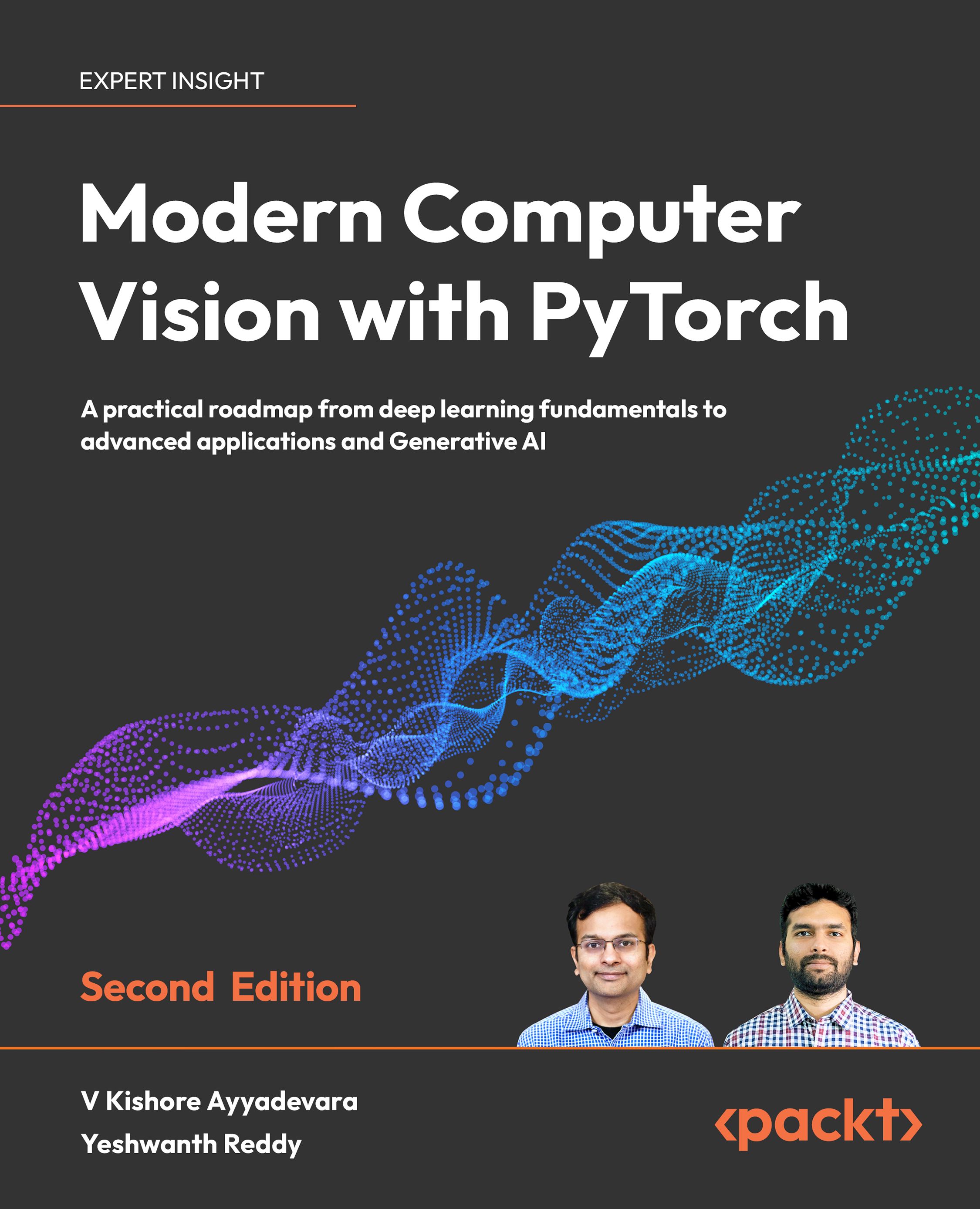
Modern Computer Vision with PyTorch - Second Edition
By :


Modern Computer Vision with PyTorch
By:
Overview of this book
Whether you are a beginner or are looking to progress in your computer vision career, this book guides you through the fundamentals of neural networks (NNs) and PyTorch and how to implement state-of-the-art architectures for real-world tasks.
The second edition of Modern Computer Vision with PyTorch is fully updated to explain and provide practical examples of the latest multimodal models, CLIP, and Stable Diffusion.
You’ll discover best practices for working with images, tweaking hyperparameters, and moving models into production. As you progress, you'll implement various use cases for facial keypoint recognition, multi-object detection, segmentation, and human pose detection. This book provides a solid foundation in image generation as you explore different GAN architectures. You’ll leverage transformer-based architectures like ViT, TrOCR, BLIP2, and LayoutLM to perform various real-world tasks and build a diffusion model from scratch. Additionally, you’ll utilize foundation models' capabilities to perform zero-shot object detection and image segmentation. Finally, you’ll learn best practices for deploying a model to production.
By the end of this deep learning book, you'll confidently leverage modern NN architectures to solve real-world computer vision problems.
Table of Contents (27 chapters)
Preface


Section 1: Fundamentals of Deep Learning for Computer Vision
 Free Chapter
Artificial Neural Network Fundamentals
PyTorch Fundamentals
Building a Deep Neural Network with PyTorch
Section 2: Object Classification and Detection
Introducing Convolutional Neural Networks
Transfer Learning for Image Classification
Practical Aspects of Image Classification
Basics of Object Detection
Advanced Object Detection
Image Segmentation
Applications of Object Detection and Segmentation
Section 3: Image Manipulation
Autoencoders and Image Manipulation
Image Generation Using GANs

Advanced GANs to Manipulate Images
Section 4: Combining Computer Vision with Other Techniques
Combining Computer Vision and Reinforcement Learning
Combining Computer Vision and NLP Techniques
Foundation Models in Computer Vision
Applications of Stable Diffusion
Moving a Model to Production
Unlock Your Exclusive Benefits
Other Books You May Enjoy
Index
Appendix


