Sign In Start Free Trial
Account

Add to playlist

Create a Playlist

Modal Close icon
You need to login to use this feature.
  • Book Overview & Buying Extending Excel with Python and R
  • Table Of Contents Toc
Extending Excel with Python and R

Extending Excel with Python and R

By : Steven Sanderson, David Kun
5 (5)
close
close
Extending Excel with Python and R

Extending Excel with Python and R

5 (5)
By: Steven Sanderson, David Kun

Overview of this book

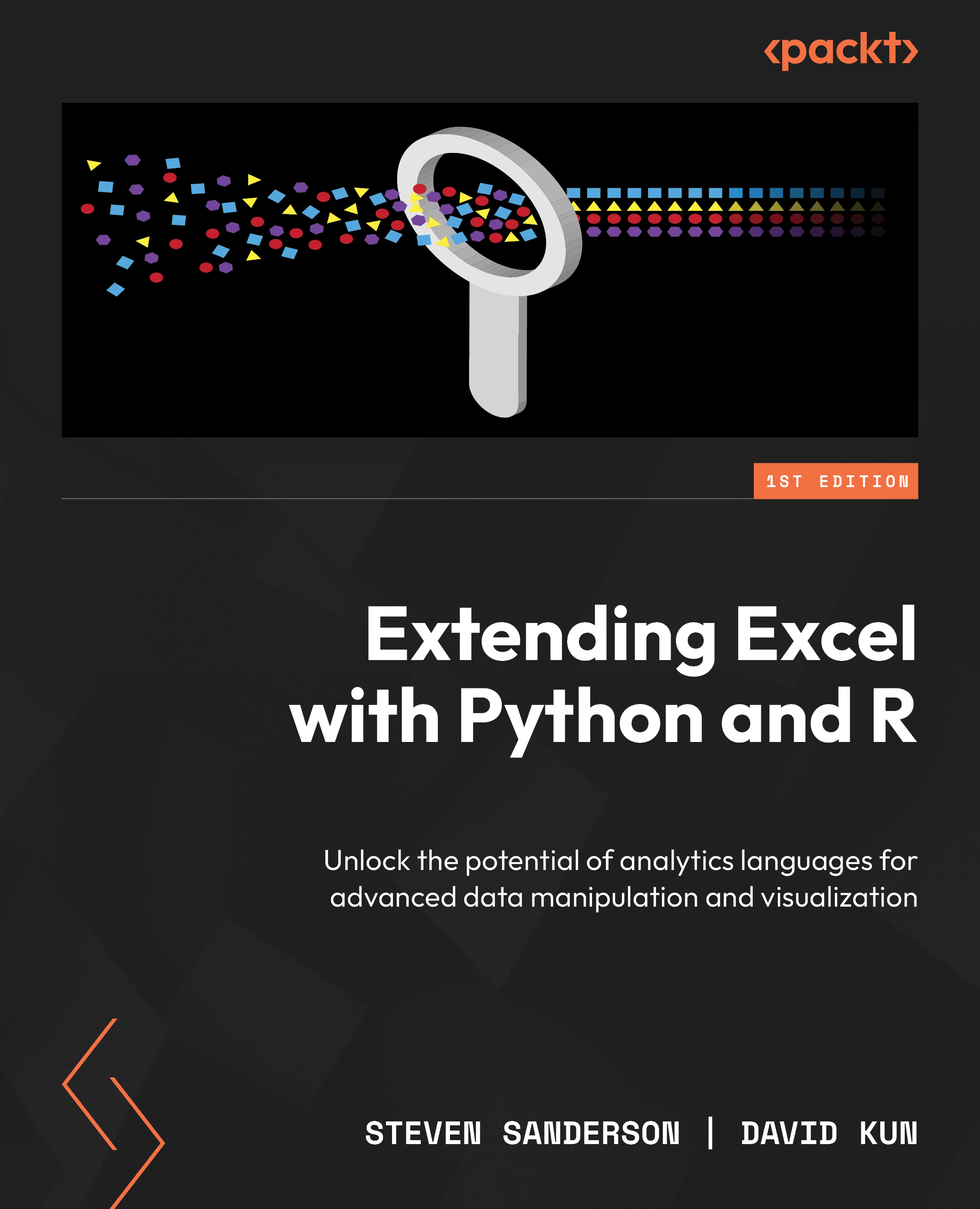
– Extending Excel with Python and R is a game changer resource written by experts Steven Sanderson, the author of the healthyverse suite of R packages, and David Kun, co-founder of Functional Analytics. – This comprehensive guide transforms the way you work with spreadsheet-based data by integrating Python and R with Excel to automate tasks, execute statistical analysis, and create powerful visualizations. – Working through the chapters, you’ll find out how to perform exploratory data analysis, time series analysis, and even integrate APIs for maximum efficiency. – Both beginners and experts will get everything you need to unlock Excel's full potential and take your data analysis skills to the next level. – By the end of this book, you’ll be able to import data from Excel, manipulate it in R or Python, and perform the data analysis tasks in your preferred framework while pushing the results back to Excel for sharing with others as needed.
Table of Contents (20 chapters)
close
close
1
Part 1:The Basics – Reading and Writing Excel Files from R and Python
6
Part 2: Making It Pretty – Formatting, Graphs, and More
10
Part 3: EDA, Statistical Analysis, and Time Series Analysis
14
Part 4: The Other Way Around – Calling R and Python from Excel
16
Part 5: Data Analysis and Visualization with R and Python for Excel Data – A Case Study

Technical requirements

At the time of writing, we are using the following:

  • R 4.2.1
  • The RStudio 2023.03.1+446 “Cherry Blossom” release for Windows

For this chapter, you will need to install the following packages:

  • readxl
  • openxlsx
  • xlsx

To run the Python code in this chapter, we will be using the following:

  • Python 3.11
  • pandas
  • openpyxl
  • The iris.xlsx Excel file available in this book’s GitHub repository

While setting up a Python environment is outside the scope of this book, this is easy to do. The necessary packages can be installed by running the following commands:

python -m pip install pandas==2.0.1
python -m pip install openpyxl==3.1.2

Note that these commands have to be run from a terminal and not from within a Python script. They need to be run in the folder where requirements.txt resides or a full path to the requirements.txt file has to be included.

This book’s GitHub repository also contains a requirements.txt file that you can use to install all dependencies. You can do this by running the following command:

python -m pip install -r requirements.txt

This command installs all the packages that will be used in this chapter so that you don’t have to install them one by one. It also guarantees that the whole dependency tree (including the dependencies of the dependencies) will be the same as what this book’s authors have used.

Alternatively, when using Jupyter Notebooks, you can use the following magic commands:

%pip install pandas==2.0.1
%pip install openpyxl==3.1.2

There is a GitHub account for all of the code examples in this book located at this link: https://github.com/PacktPublishing/Extending-Excel-with-Python-and-R. Each chapter has it’s own folder, with the current one as Chapter01.

Note

Technical requirements for Python throughout the book are conveniently compiled in the requirements.txt file, accessible on GitHub repository here, https://github.com/PacktPublishing/Extending-Excel-with-Python-and-R/blob/main/requirements.txt. Installing these dependencies will streamline your coding experience and ensure smooth progression through the book. Be sure to install them all before diving into the exercises.

CONTINUE READING
83
Tech Concepts
36
Programming languages
73
Tech Tools
Icon Unlimited access to the largest independent learning library in tech of over 8,000 expert-authored tech books and videos.
Icon Innovative learning tools, including AI book assistants, code context explainers, and text-to-speech.
Icon 50+ new titles added per month and exclusive early access to books as they are being written.
Extending Excel with Python and R
notes
bookmark Notes and Bookmarks search Search in title playlist Add to playlist download Download options font-size Font size

Change the font size

margin-width Margin width

Change margin width

day-mode Day/Sepia/Night Modes

Change background colour

Close icon Search
Country selected

Close icon Your notes and bookmarks

Confirmation

Modal Close icon
claim successful

Buy this book with your credits?

Modal Close icon
Are you sure you want to buy this book with one of your credits?
Close
YES, BUY

Submit Your Feedback

Modal Close icon
Modal Close icon
Modal Close icon