


-
Book Overview & Buying
-
Table Of Contents

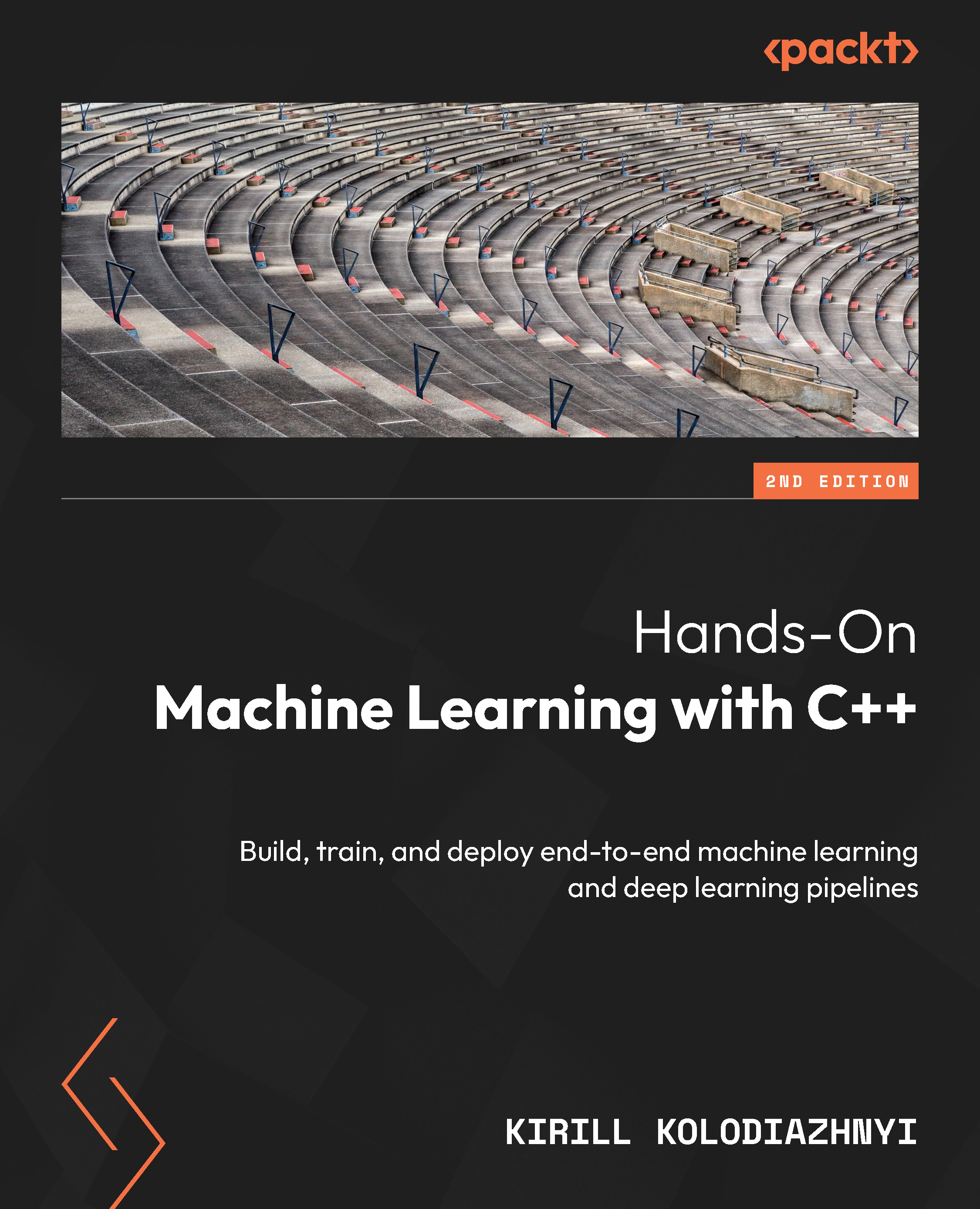
Hands-On Machine Learning with C++ - Second Edition
By :


Hands-On Machine Learning with C++
By:
Overview of this book
Written by a seasoned software engineer with several years of industry experience, this book will teach you the basics of machine learning (ML) and show you how to use C++ libraries, along with helping you create supervised and unsupervised ML models.
You’ll gain hands-on experience in tuning and optimizing a model for various use cases, enabling you to efficiently select models and measure performance. The chapters cover techniques such as product recommendations, ensemble learning, anomaly detection, sentiment analysis, and object recognition using modern C++ libraries. You’ll also learn how to overcome production and deployment challenges on mobile platforms, and see how the ONNX model format can help you accomplish these tasks.
This edition is updated with key topics such as sentiment analysis implementation using transfer learning and transformer-based models, with tracking and visualizing ML experiments with MLflow. An additional section shows how to use Optuna for hyperparameter selection. The section on model deployment into mobile platform includes a detailed explanation of real-time object detection for Android with C++.
By the end of this C++ book, you’ll have real-world machine learning and C++ knowledge, as well as the skills to use C++ to build powerful ML systems.
*Email sign-up and proof of purchase required
Table of Contents (22 chapters)
Preface


Chapter 1: Introduction to Machine Learning with C++
Chapter 2: Data Processing
Chapter 3: Measuring Performance and Selecting Models
Part 2: Machine Learning Algorithms
Chapter 4: Clustering

Chapter 5: Anomaly Detection
Chapter 6: Dimensionality Reduction
Chapter 7: Classification
Chapter 8: Recommender Systems
Chapter 9: Ensemble Learning
Part 3: Advanced Examples
Chapter 10: Neural Networks for Image Classification
Chapter 11: Sentiment Analysis with BERT and Transfer Learning
Part 4: Production and Deployment Challenges
Chapter 12: Exporting and Importing Models
Chapter 13: Tracking and Visualizing ML Experiments
Chapter 14: Deploying Models on a Mobile Platform
Chapter 15: Unlock Your Exclusive Benefits
Index
Other Books You May Enjoy


