


-
Book Overview & Buying
-
Table Of Contents

Learn Model Context Protocol with TypeScript
By :


Learn Model Context Protocol with TypeScript
By:
Overview of this book
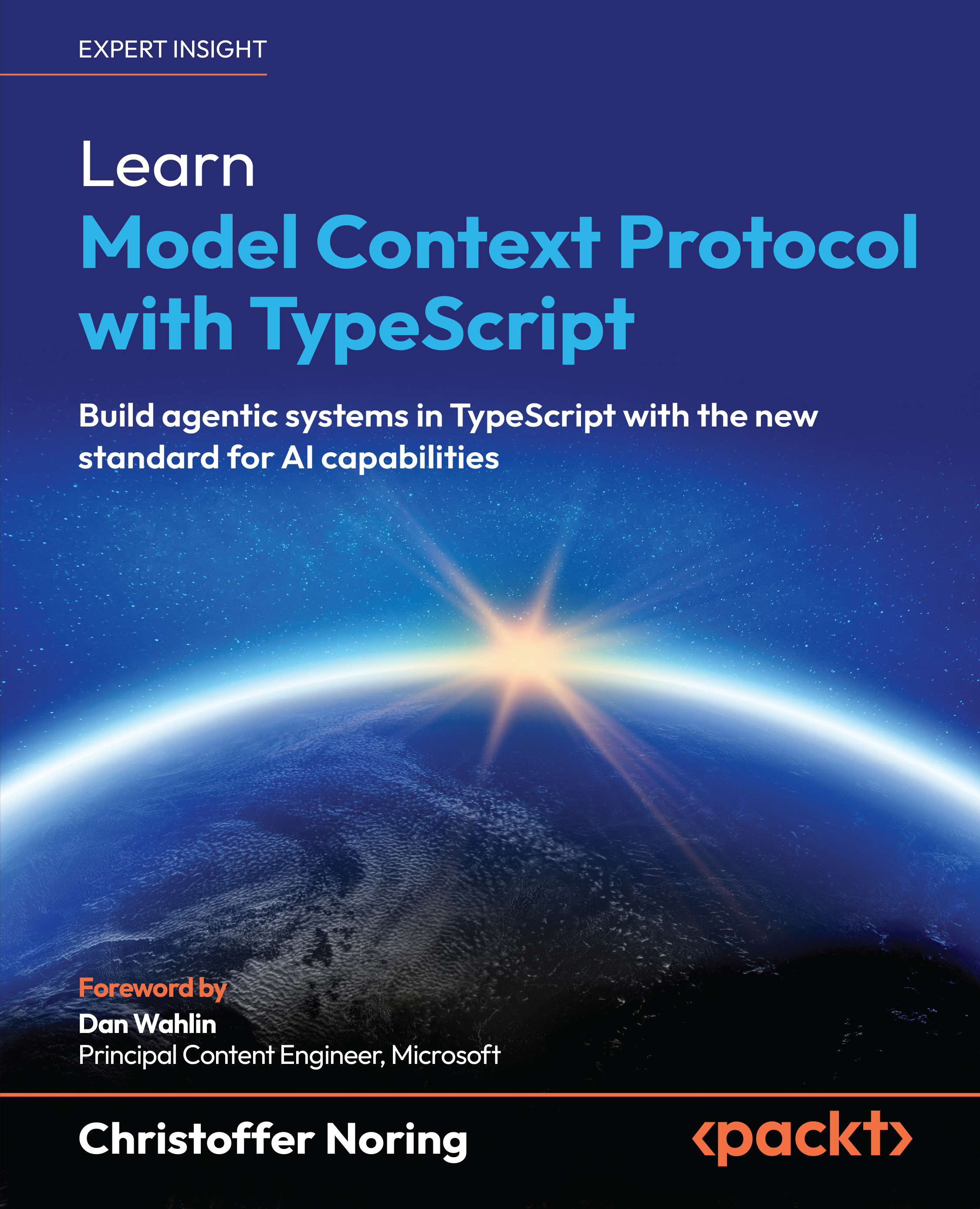
Learn Model Context Protocol with TypeScript introduces developers, architects, and AI practitioners to the transformative capabilities of Model Context Protocol (MCP), an emerging protocol designed to standardize, distribute, and scale AI-driven applications. Through the lens of a practical project, the book tackles the modern challenges of resource management, client-server interaction, and deployment at scale.
Drawing from Christoffer's expertise as a published author and tutor at the University of Oxford, you’ll explore the components of MCP and how they streamline server and client development. After that, you’ll progress from building robust backends and integrating LLMs into intelligent clients to interacting with servers via tools such as Claude for desktop and Visual Studio Code agents. The chapters help you understand the capabilities of hosts, clients, and servers, facilitating better interoperability, easier integration, and clearer communication between different components.
The book also covers security best practices and building for the cloud, ensuring that you're ready to deploy your MCP-based apps. Each chapter enables you to develop hands-on skills for building and operating MCP-based agentic apps.
*Email sign-up and proof of purchase required
Table of Contents (16 chapters)
Preface


 Free Chapter
Introducing the Model Context Protocol
Explaining the Model Context Protocol
Building and Testing Servers

Building SSE Servers
Creating MCP Servers for Web Consumption with Streamable HTTP
Maintaining Clean Architecture with an Advanced Server Approach
Consuming Servers by Building Bespoke Clients/Agents
Consuming Servers Using an IDE
Delegating Tasks with Sampling
Improving Interactive Workflows with Elicitation
Securing Your Application
Bringing MCP Apps to Production
Unlock Your Exclusive Benefits
Other Books You May Enjoy
Index


