-
Book Overview & Buying
-
Table Of Contents

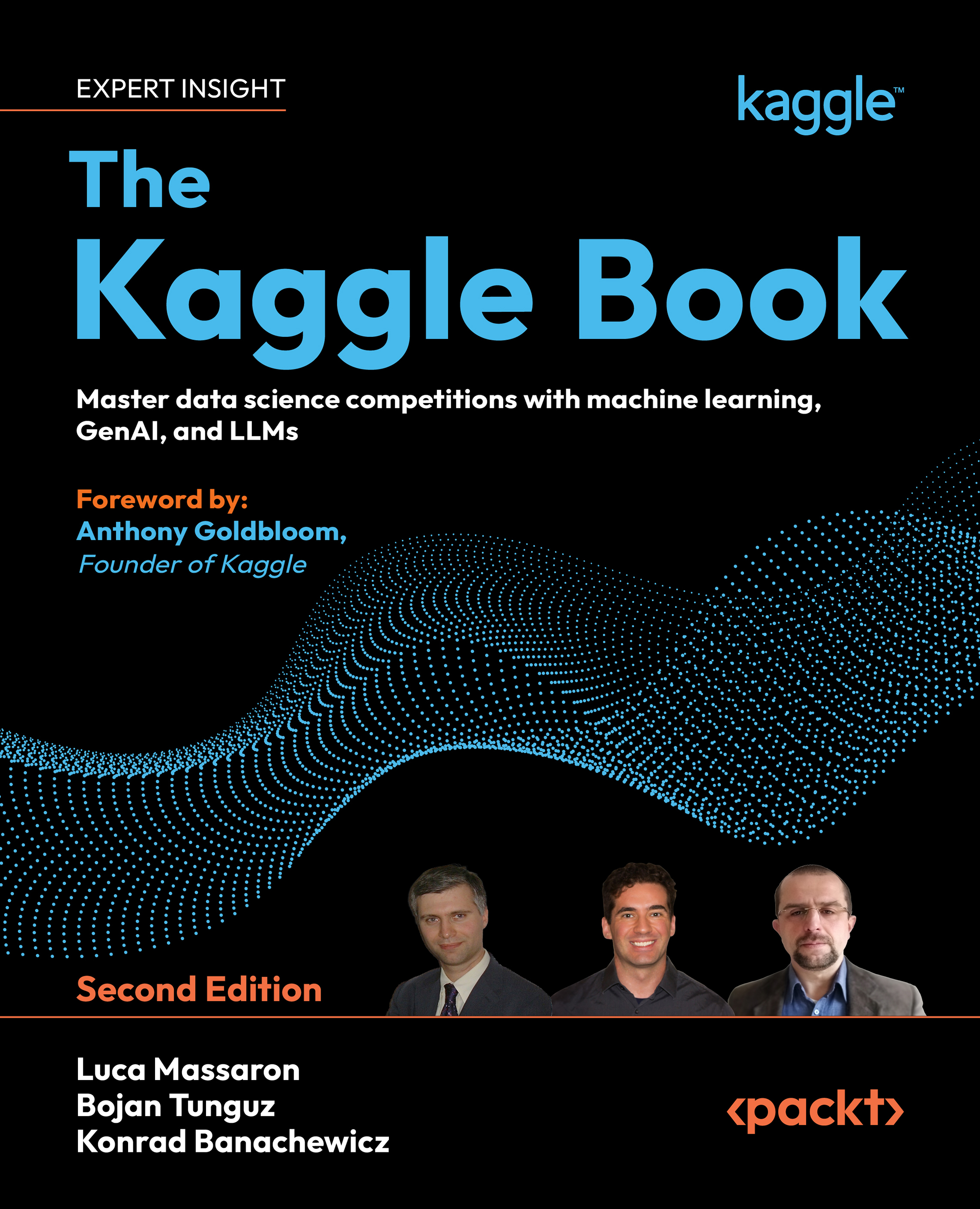
The Kaggle Book - Second Edition
By :


The Kaggle Book
By:
Overview of this book
Kaggle has become the proving ground for millions of data enthusiasts worldwide, offering what no classroom tutorial can match: battle-tested skills built through real-world challenges and the hands-on experience that employers seek. Every competition sharpens your data analysis skills, expands your network within the data scientist community, and gives compelling proof of expertise to unlock career opportunities.
The first book of its kind, The Kaggle Book brings together everything you need to excel in competitions, data science projects, and beyond. This new edition includes fresh content and new chapters on Kaggle Models, time series, and Generative AI competitions, with three Kaggle Grandmasters guiding you through modeling strategies and sharing hard-earned insights accumulated over years of competition.
The book extends far past competition tactics, revealing techniques for tackling image, tabular, and textual data as well as reinforcement learning tasks. You’ll also discover tips for designing better validation schemes and working confidently with both standard and unconventional evaluation metrics.
Whether you want to climb the Kaggle leaderboard, accelerate your data science career, or improve the accuracy of your models, this book is for you.
Join our Discord community of over 1,000 members to learn, share, and grow together!
Table of Contents (23 chapters)
Preface


 Free Chapter
Part 1: Your Kaggle Launchpad: Mastering the Essentials
Introducing Kaggle and Other Data Science Competitions
Organizing Data with Datasets
Working and Learning with Kaggle Notebooks
Kaggle Models

Leveraging Discussion Forums
Part 2: Elevating Your Game: Advanced Techniques for Competitive Success
Competition Tasks and Metrics
Designing Good Validation
Modeling for Tabular Competitions
Hyperparameter Optimization
Ensembling with Blending and Stacking Solutions
Modeling for Computer Vision
Modeling for NLP
Generative AI in Kaggle Competitions
Simulation and Optimization Competitions
Part 3: Kaggle for Your Career: Building Your Profile and Finding Opportunities
Creating Your Portfolio of Projects and Ideas
Finding New Professional Opportunities
Unlock Your Exclusive Benefits
Other Books You May Enjoy
Index