


-
Book Overview & Buying
-
Table Of Contents

Building Natural Language and LLM Pipelines
By :


Building Natural Language and LLM Pipelines
By:
Overview of this book
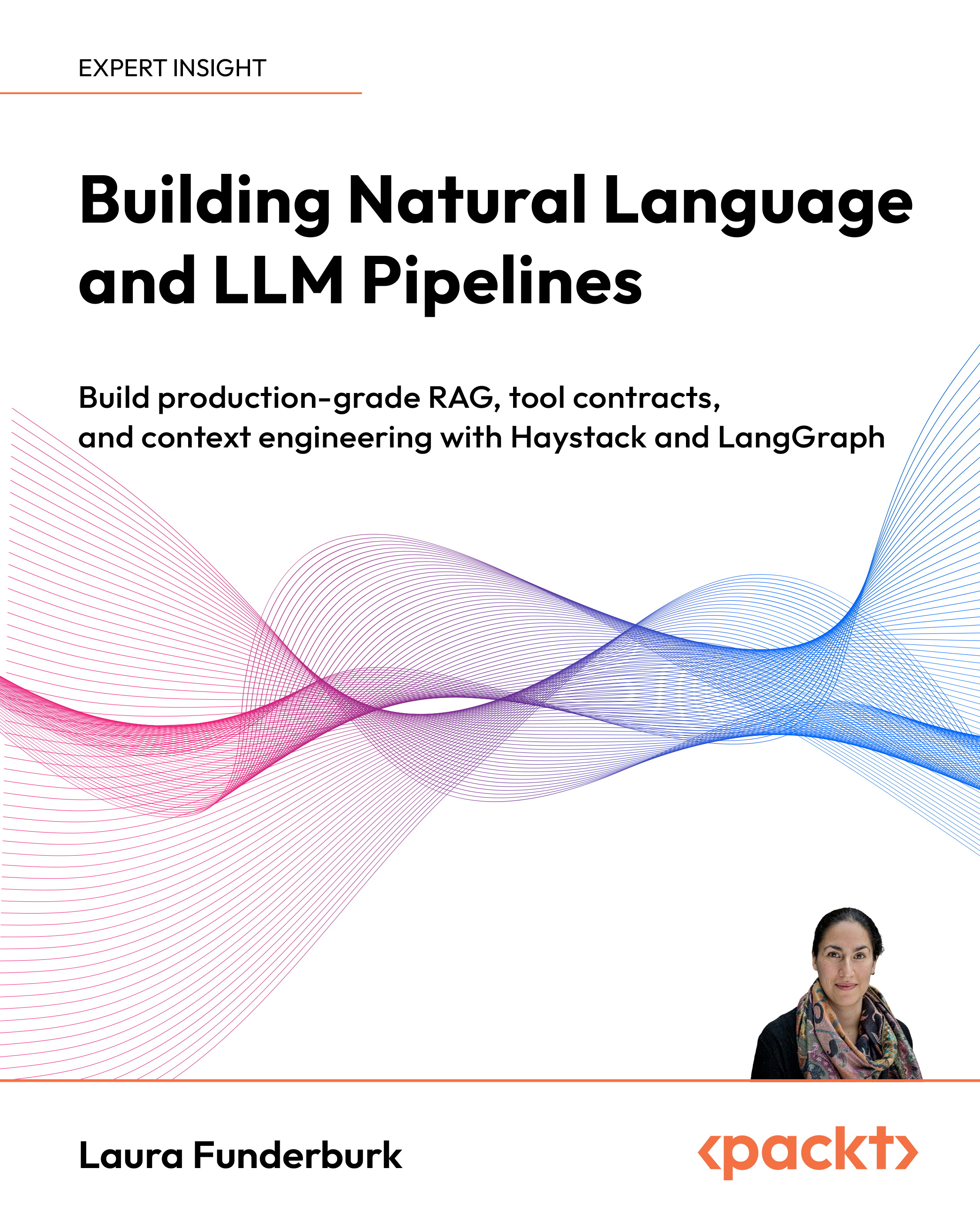
Modern LLM applications often break in production due to brittle pipelines, loose tool definitions, and noisy context. This book shows you how to build production-ready, context-aware systems using Haystack and LangGraph. You’ll learn to design deterministic pipelines with strict tool contracts and deploy them as microservices. Through structured context engineering, you’ll orchestrate reliable agent workflows and move beyond simple prompt-based interactions.
You'll start by understanding LLM behavior—tokens, embeddings, and transformer models—and see how prompt engineering has evolved into a full context engineering discipline. Then, you'll build retrieval-augmented generation (RAG) pipelines with retrievers, rankers, and custom components using Haystack’s graph-based architecture. You’ll also create knowledge graphs, synthesize unstructured data, and evaluate system behavior using Ragas and Weights & Biases. In LangGraph, you’ll orchestrate agents with supervisor-worker patterns, typed state machines, retries, fallbacks, and safety guardrails.
By the end of the book, you’ll have the skills to design scalable, testable LLM pipelines and multi-agent systems that remain robust as the AI ecosystem evolves.
*Email sign-up and proof of purchase required
Table of Contents (18 chapters)
Preface


Chapter 1: Introduction to Natural Language Processing Pipelines
Chapter 2: Diving Deep into Large Language Models
Part 2: Building The Tool Layer with Haystack
Chapter 3: Introduction to Haystack by deepset
Chapter 4: Bringing Components Together – Haystack Pipelines for Different Use Cases

Chapter 5: Haystack Pipeline Development with Custom Components
Chapter 6: Building Reproducible and Production-Ready RAG Systems
Part 3: Deployment and Agentic Orchestration
Chapter 7: Deploying Haystack-Based Applications
Chapter 8: Hands-On Projects
Part 4: The Future of Agentic AI
Chapter 9: Future Trends and Beyond
Chapter 10: Epilogue: The Architecture of Agentic AI
Chapter 11: Unlock Your Exclusive Benefits
Other Books You May Enjoy
Index


