-
Book Overview & Buying
-
Table Of Contents

Amazon Redshift Cookbook - Second Edition
By :


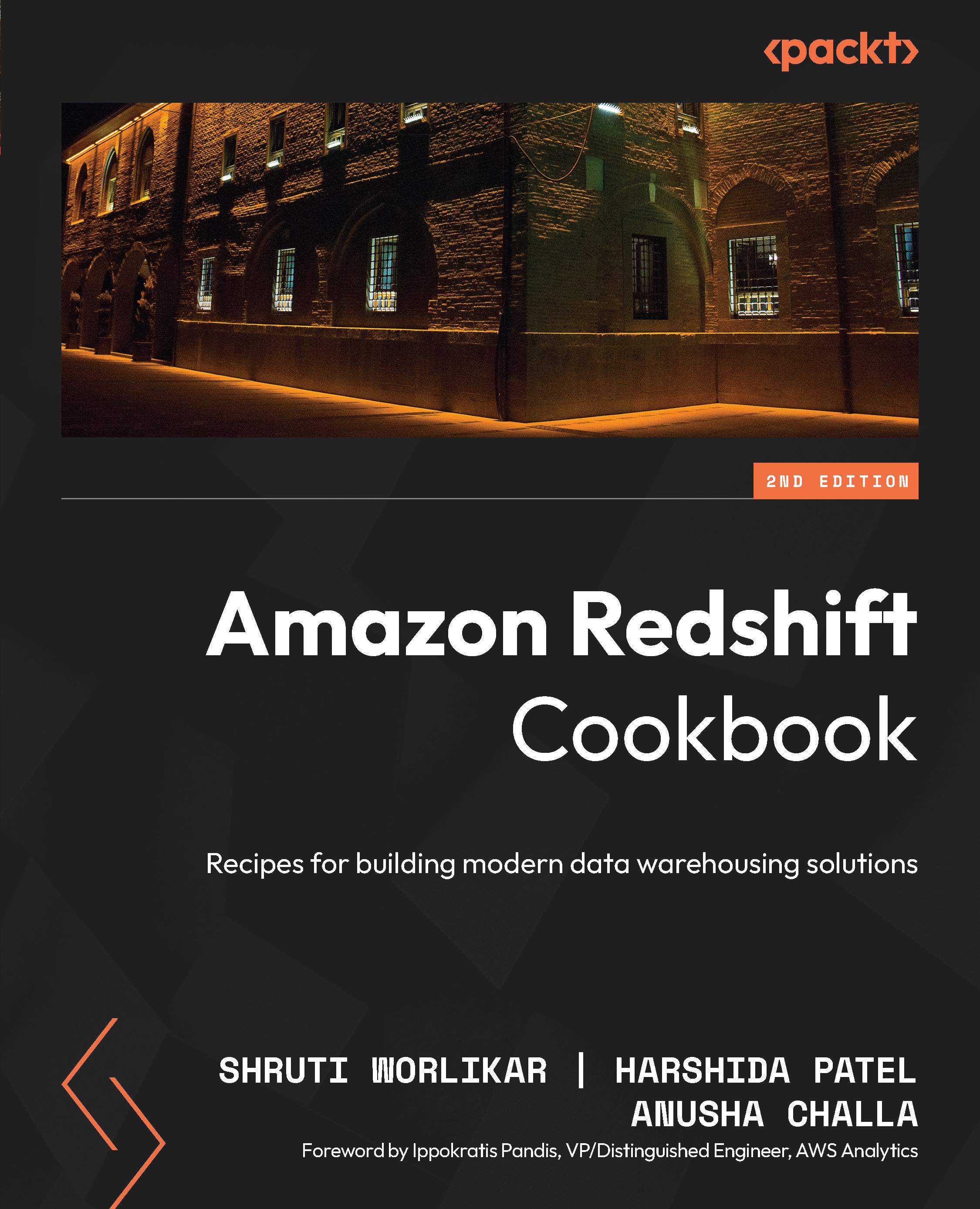
Amazon Redshift Cookbook
By:
Overview of this book
Amazon Redshift Cookbook offers comprehensive guidance for leveraging AWS's fully managed cloud data warehousing service. Whether you're building new data warehouse workloads or migrating traditional on-premises platforms to the cloud, this essential resource delivers proven implementation strategies. Written by AWS specialists, these easy-to-follow recipes will equip you with the knowledge to successfully implement Amazon Redshift-based data analytics solutions using established best practices.
The book focuses on Redshift architecture, showing you how to perform database administration tasks on Redshift. You'll learn how to optimize your data warehouse to quickly execute complex analytic queries against very large datasets. The book covers recipes to help you take full advantage of Redshift's columnar architecture and managed services. You'll discover how to deploy fully automated and highly scalable extract, transform, and load (ETL) processes, helping you minimize the operational effort that you invest in managing regular ETL pipelines and ensuring the timely and accurate refreshing of your data warehouse.
By the end of the Redshift book, you'll be able to implement a Redshift-based data analytics solution by adopting best-practice approaches for solving commonly faced problems.
*Email sign-up and proof of purchase required
Table of Contents (17 chapters)
Preface


 Free Chapter
Getting Started with Amazon Redshift

Data Management
Loading and Unloading Data
Zero-ETL Ingestions
Scalable Data Orchestration for Automation
Platform Authorization and Security
Data Authorization and Security
Performance Optimization
Cost Optimization
Lakehouse Architecture
Data Sharing with Amazon Redshift
Generative AI and ML with Amazon Redshift
Unlock Your Exclusive Benefits
Other Books You May Enjoy
Index