Sign In Start Free Trial
Account

Add to playlist

Create a Playlist

Modal Close icon
You need to login to use this feature.
  • Book Overview & Buying Bioinformatics with Python Cookbook
  • Table Of Contents Toc
Bioinformatics with Python Cookbook

Bioinformatics with Python Cookbook - Fourth Edition

By : Shane Brubaker
close
close
Bioinformatics with Python Cookbook

Bioinformatics with Python Cookbook

By: Shane Brubaker

Overview of this book

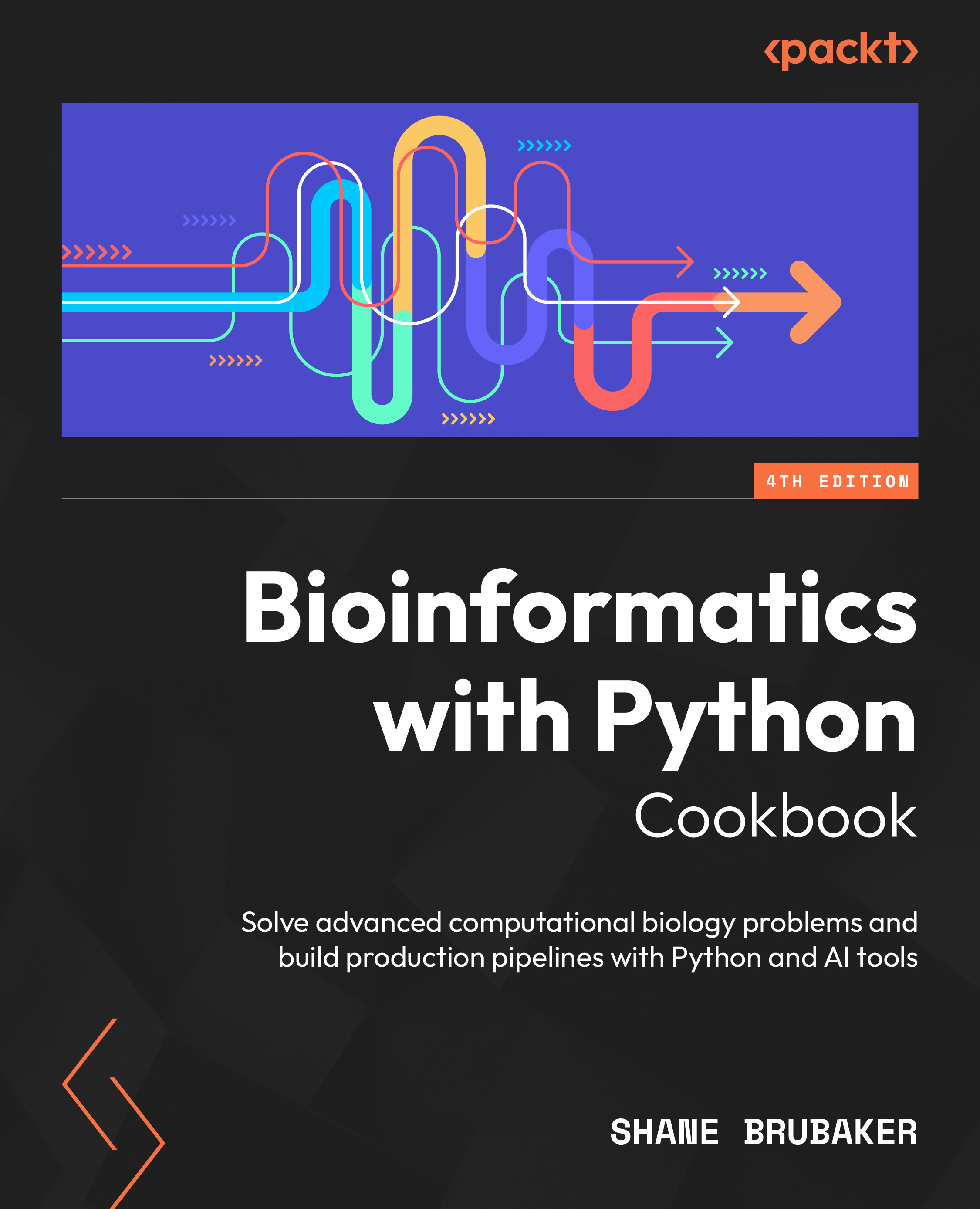
If you've ever felt overwhelmed by the vast number of Python tools available for bioinformatics, you're not alone. The Bioinformatics with Python Cookbook is a recipe-based guide that explores practical approaches for solving classic bioinformatics challenges, showing you which Python packages work best for each task. You’ll start with the essential Python libraries for data science and bioinformatics, then move through key workflows in sequencing analysis, quality control, alignment, and variant calling. Along the way, you’ll pick up modern coding practices, explore recent advances in bioinformatics research, and gain hands-on experience with libraries such as NumPy, pandas, and sci-kit learn. This book walks you through core bioinformatics tasks such as phylogenetic analysis and population genomics while familiarizing you with the wealth of modern public bioinformatics databases. You’ll learn cloud computing approaches used by researchers, set up workflow orchestration systems for controlling bioinformatics pipelines, and see how AI and the use of large language models (LLMs) are reshaping the field–right down to designing proteins and DNA. By the end of this book, you’ll be ready to apply Python for real bioinformatics work and launch bioinformatics pipelines for your research.
Table of Contents (22 chapters)
close
close

Computer Specifications and Python Setup

We will start by installing the basic software that is required for most of this book. This will include the Python distribution, some fundamental Python libraries, and our Jupyter Notebook environment. We will also set up our GitHub environment and gain access to the repository for the book. As different users have different requirements, we will cover two different approaches for installing the software. One approach is using the Anaconda Python (http://docs.continuum.io/anaconda/) distribution and the other is via Docker (a server virtualization method based on containers sharing the same operating system kernel; please refer to https://www.docker.com/). This will still install Anaconda for you but inside a container.

If you are using a Windows-based operating system, you are strongly encouraged to consider changing your operating system or using Docker via some of the existing options on Windows. On macOS, you should be able to install most of the software natively, though Docker is also available. Learning using a local distribution (Anaconda or something else) is easier than Docker, but given that package management can be complex in Python, Docker images provide a level of stability.

Most modern data scientists use a Mac due to the ease with which you can interact with a native Linux-style operating system. We recommend using a similar computer for this book. In the Technical requirements section, we provide the specifications of the computer and libraries used to develop this book. In most cases, deviations from such a system should work fine with minimal modifications, but if you have trouble, you can try the Docker container. Another alternative could be to use a cloud workstation (some options follow).

In this chapter, we will cover the following recipes:

  • Installing the required software with Anaconda
  • Installing the required software with Docker
  • Introduction to Jupyter Notebook

In this chapter, we will first install some prerequisite software – details of which are given in the Technical requirements section. Each recipe will then take you through the software and the steps that are needed to install it. Each chapter and section might have extra requirements on top of these – we will make those clear as the book progresses. An alternative way to start is to use the Installing the required software with Docker recipe, after which everything will be taken care of for you via a Docker container.

CONTINUE READING
83
Tech Concepts
36
Programming languages
73
Tech Tools
Icon Unlimited access to the largest independent learning library in tech of over 8,000 expert-authored tech books and videos.
Icon Innovative learning tools, including AI book assistants, code context explainers, and text-to-speech.
Icon 50+ new titles added per month and exclusive early access to books as they are being written.
Bioinformatics with Python Cookbook
notes
bookmark Notes and Bookmarks search Search in title playlist Add to playlist download Download options font-size Font size

Change the font size

margin-width Margin width

Change margin width

day-mode Day/Sepia/Night Modes

Change background colour

Close icon Search
Country selected

Close icon Your notes and bookmarks

Confirmation

Modal Close icon
claim successful

Buy this book with your credits?

Modal Close icon
Are you sure you want to buy this book with one of your credits?
Close
YES, BUY

Submit Your Feedback

Modal Close icon
Modal Close icon
Modal Close icon