Sign In Start Free Trial
Account

Add to playlist

Create a Playlist

Modal Close icon
You need to login to use this feature.
  • Book Overview & Buying Power BI Machine Learning and OpenAI
  • Table Of Contents Toc
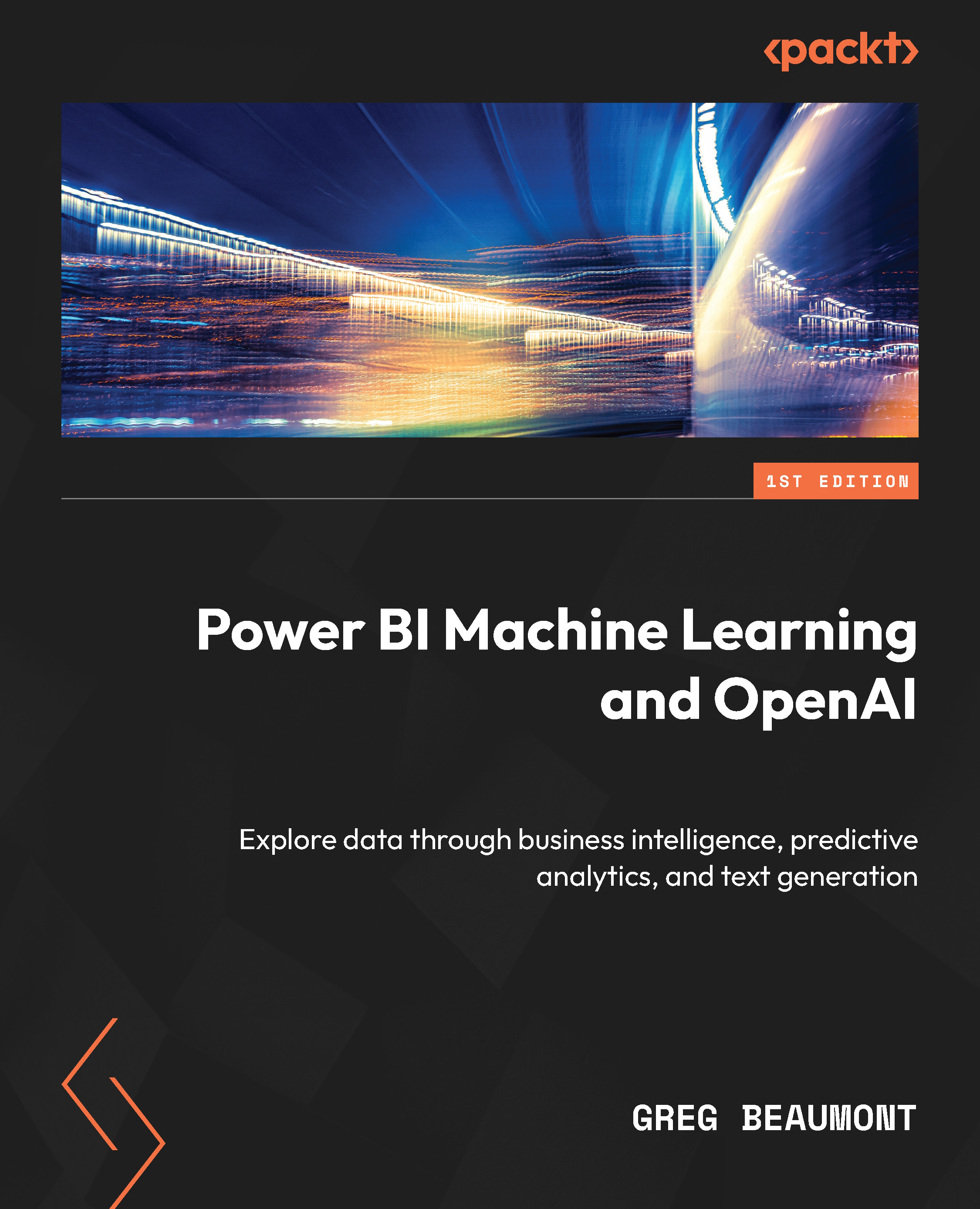
Power BI Machine Learning and OpenAI

Power BI Machine Learning and OpenAI

By : Greg Beaumont
4.9 (8)
close
close
Power BI Machine Learning and OpenAI

Power BI Machine Learning and OpenAI

4.9 (8)
By: Greg Beaumont

Overview of this book

Microsoft Power BI is the ultimate solution for businesses looking to make data-driven decisions and unlock the full potential of their data. Unleashing Your Data with Power BI Machine Learning and OpenAI is designed for data scientists and BI professionals seeking to improve their existing solutions and workloads using AI. The book explains the intricacies of the subject by using a workshop-style data story for data ingestion, data modeling, analytics, and predictive analytics with Power BI machine learning. Along the way, you’ll learn about AI features, AI visuals, R/Python integration, and OpenAI integration. The workshop-style content allows you to practice all your learnings in real-life challenges and gain hands-on experience. Additionally, you’ll gain an understanding of AI/ML, step by step, with replicable examples and references. From enhancing data visualizations to building SaaS Power BI ML models, and integrating Azure OpenAI, this book will help you unlock new capabilities in Power BI. By the end of this book, you’ll be well-equipped to build ML models in Power BI, plan projects for both BI and ML, understand R/Python visuals with Power BI, and introduce OpenAI to enhance your analytics solutions.
Table of Contents (21 chapters)
close
close
1
Part 1: Data Exploration and Preparation
6
Part 2: Artificial Intelligence and Machine Learning Visuals and Publishing to the Power BI Service
10
Part 3: Machine Learning in Power BI
15
Part 4: Integrating OpenAI with Power BI

Requirements, Data Modeling, and Planning

You begin your journey by assessing the requirements and data for your project. The use case will be a fictional scenario, but everything will be built using real data from the Federal Aviation Administration’s (FAA) Wildlife Strike Database. The data is real, the topic can be understood by anyone, and the findings within the data are interesting and fun. According to the FAA’s website, about 47 animal strikes are reported daily by aircraft. These incidents can damage airplanes, potentially endanger passengers, and negatively impact wild animal (especially bird) populations.

For the use case, you have been assigned to provide your leadership with tools to do an interactive analysis of the FAA Wildlife Strike data, find insights about factors that influence the incidents, and also make predictions about future wildlife strike incidents and the associated costs. The primary goal of your project, predicting the future impact of FAA Wildlife Strikes, will require building some Power BI machine learning models.

Before uploading data to Power BI’s machine learning (ML) tools, you’ll need to create tables of data that will train the ML models. There is an old saying about data and analytics: “Garbage in, garbage out.” Software as a Service (SaaS) machine learning tools are easy to use, but you still need to feed them good-quality curated data. Identifying the right training data and getting it into the right format are crucial steps in an ML project.

This project will encompass data exploration, data transformation, data analysis, and additional downstream data transformations before you begin working with Power BI ML tools. You are already an experienced business intelligence (BI) professional and Power BI user, and now you are ready to take your skills to the next level with ML in Power BI!

Power BI supports connections to source data in many different formats, ranging from relational databases to unstructured sources to big flat tables of raw data. Countless books have been written about the best ways to structure and model data for different use cases. Rather than dive into the specifics of data modeling, for this book, we will begin with two simple assumptions:

  • Most of the time, a star schema design will provide the most efficient storage and query performance for business intelligence data models
  • Basic ML models, such as the ones you will build in this book, are usually created with a flattened table

Just to be clear, not every solution will follow these assumptions. Rather, these assumptions are generalizations that can provide you with a starting point as you approach the design of a new data model. Quite often, there will not be a perfect answer, and the optimal design will be dictated by the types of queries and business logic that are generated by the end consumers of the data model.

If you’ve never heard the terms star schema and flattened data before, don’t worry! The book will progress at a pace that is intended to help you learn and will also stay at a level that makes sense when you review the FAA data. Let’s browse the FAA Wildlife Strike data and decide upon the best data modeling strategy for your new project!

In this chapter, we will take the following steps so that you can understand the data, think through how it will be used, and then formulate a preliminary plan for the data model:

  • Reviewing the source data
  • Reviewing the requirements for the solution
  • Designing a preliminary data model
  • Considerations for ML
CONTINUE READING
83
Tech Concepts
36
Programming languages
73
Tech Tools
Icon Unlimited access to the largest independent learning library in tech of over 8,000 expert-authored tech books and videos.
Icon Innovative learning tools, including AI book assistants, code context explainers, and text-to-speech.
Icon 50+ new titles added per month and exclusive early access to books as they are being written.
Power BI Machine Learning and OpenAI
notes
bookmark Notes and Bookmarks search Search in title playlist Add to playlist download Download options font-size Font size

Change the font size

margin-width Margin width

Change margin width

day-mode Day/Sepia/Night Modes

Change background colour

Close icon Search
Country selected

Close icon Your notes and bookmarks

Confirmation

Modal Close icon
claim successful

Buy this book with your credits?

Modal Close icon
Are you sure you want to buy this book with one of your credits?
Close
YES, BUY

Submit Your Feedback

Modal Close icon
Modal Close icon
Modal Close icon