


-
Book Overview & Buying
-
Table Of Contents

Power BI Machine Learning and OpenAI
By :


Power BI Machine Learning and OpenAI
By:
Overview of this book
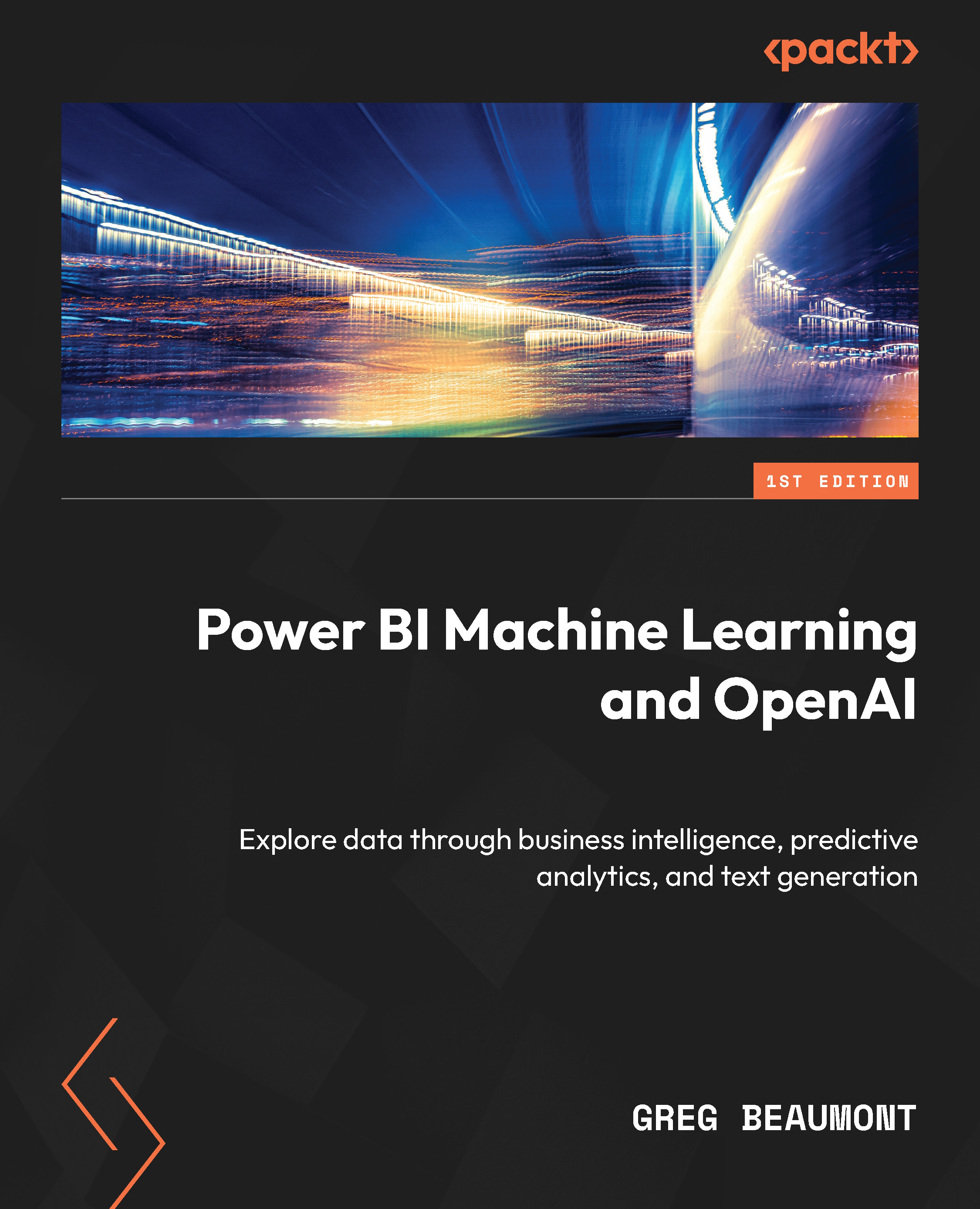
Microsoft Power BI is the ultimate solution for businesses looking to make data-driven decisions and unlock the full potential of their data. Unleashing Your Data with Power BI Machine Learning and OpenAI is designed for data scientists and BI professionals seeking to improve their existing solutions and workloads using AI. The book explains the intricacies of the subject by using a workshop-style data story for data ingestion, data modeling, analytics, and predictive analytics with Power BI machine learning. Along the way, you’ll learn about AI features, AI visuals, R/Python integration, and OpenAI integration. The workshop-style content allows you to practice all your learnings in real-life challenges and gain hands-on experience. Additionally, you’ll gain an understanding of AI/ML, step by step, with replicable examples and references. From enhancing data visualizations to building SaaS Power BI ML models, and integrating Azure OpenAI, this book will help you unlock new capabilities in Power BI.
By the end of this book, you’ll be well-equipped to build ML models in Power BI, plan projects for both BI and ML, understand R/Python visuals with Power BI, and introduce OpenAI to enhance your analytics solutions.
Table of Contents (21 chapters)
Preface


Part 1: Data Exploration and Preparation
 Free Chapter
Chapter 1: Requirements, Data Modeling, and Planning
Chapter 2: Preparing and Ingesting Data with Power Query
Chapter 3: Exploring Data Using Power BI and Creating a Semantic Model
Chapter 4: Model Data for Machine Learning in Power BI
Part 2: Artificial Intelligence and Machine Learning Visuals and Publishing to the Power BI Service
Chapter 5: Discovering Features Using Analytics and AI Visuals
Chapter 6: Discovering New Features Using R and Python Visuals

Chapter 7: Deploying Data Ingestion and Transformation Components to the Power BI Cloud Service
Part 3: Machine Learning in Power BI
Chapter 8: Building Machine Learning Models with Power BI
Chapter 9: Evaluating Trained and Tested ML Models
Chapter 10: Iterating Power BI ML models
Chapter 11: Applying Power BI ML Models
Part 4: Integrating OpenAI with Power BI
Chapter 12: Use Cases for OpenAI
Chapter 13: Using OpenAI and Azure OpenAI in Power BI Dataflows
Chapter 14: Project Review and Looking Forward
Index
Other Books You May Enjoy


