
Sign In Start Free Trial
Account

Add to playlist

Create a Playlist

Modal Close icon
You need to login to use this feature.
  • Book Overview & Buying Learn Power BI
  • Table Of Contents Toc
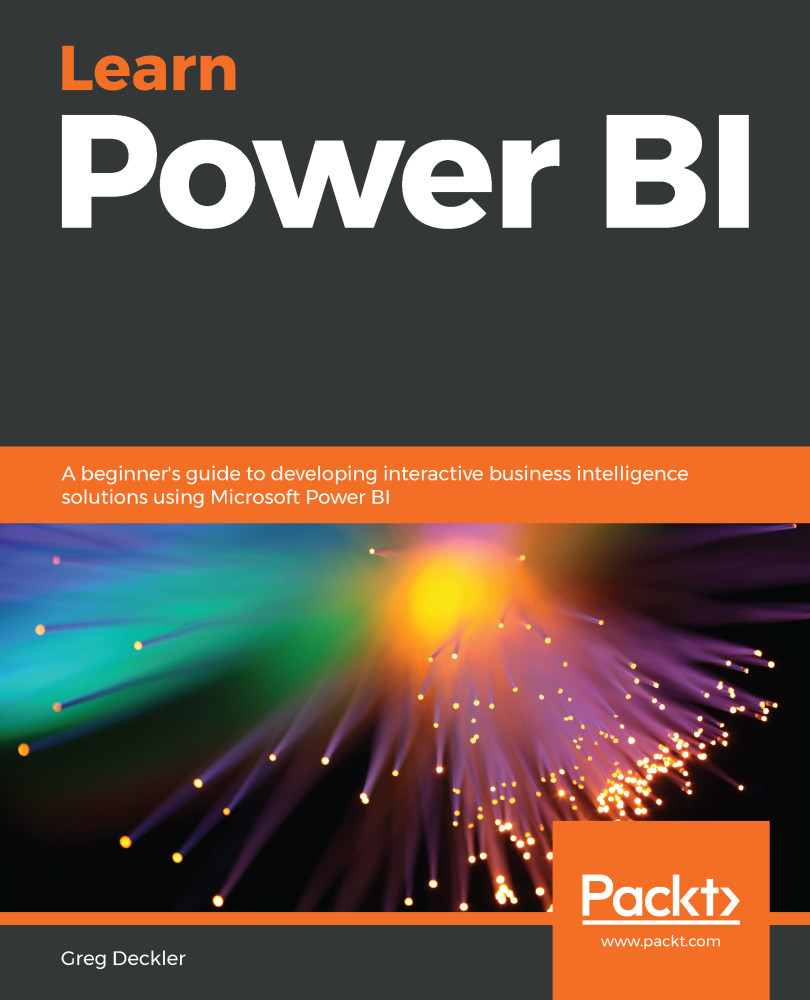
Learn Power BI

Learn Power BI

By : Greg Deckler
3.5 (8)
close
close
Learn Power BI

Learn Power BI

3.5 (8)
By: Greg Deckler

Overview of this book

To succeed in today's transforming business world, organizations need business intelligence capabilities to make smarter decisions faster than ever before. This Power BI book is an entry-level guide that will get you up and running with data modeling, visualization, and analytical techniques from scratch. You'll find this book handy if you want to get well-versed with the extensive Power BI ecosystem. You'll start by covering the basics of business intelligence and installing Power BI. You'll then learn the wide range of Power BI features to unlock business insights. As you progress, the book will take you through how to use Power Query to ingest, cleanse, and shape your data, and use Power BI DAX to create simple to complex calculations. You'll also be able to add a variety of interactive visualizations to your reports to bring your data to life. Finally, you'll gain hands-on experience in creating visually stunning reports that speak to business decision makers, and see how you can securely share these reports and collaborate with others. By the end of this book, you'll be ready to create simple, yet effective, BI reports and dashboards using the latest features of Power BI.
Table of Contents (15 chapters)
close
close
Lock Free Chapter
1
Section 1: The Basics
3
Section 2: The Desktop
9
Section 3: The Service

Summary

This chapter has been all about using reports in the Service. The Service extends the functionality around reports far beyond what is provided in the Desktop. It does this through enabling collaboration, printing and exporting, embedding, and even the editing and creation of new reports. The Service allows report authors and viewers to collaborate on reports through commenting on entire reports or individual visuals. In addition, report users can subscribe to reports in order to receive automated emails containing the current contents of reports.

The Service also provides the critical ability to print reports, which is missing from the Desktop, in addition to allowing reports to be exported in various formats, such as PowerPoint and PDF. The Service also allows reports to be securely embedded in other websites and SharePoint Online. Finally, the Service allows you to edit...

CONTINUE READING
83
Tech Concepts
36
Programming languages
73
Tech Tools
Icon Unlimited access to the largest independent learning library in tech of over 8,000 expert-authored tech books and videos.
Icon Innovative learning tools, including AI book assistants, code context explainers, and text-to-speech.
Icon 50+ new titles added per month and exclusive early access to books as they are being written.
Learn Power BI
notes
bookmark Notes and Bookmarks search Search in title playlist Add to playlist download Download options font-size Font size

Change the font size

margin-width Margin width

Change margin width

day-mode Day/Sepia/Night Modes

Change background colour

Close icon Search
Country selected

Close icon Your notes and bookmarks

Confirmation

Modal Close icon
claim successful

Buy this book with your credits?

Modal Close icon
Are you sure you want to buy this book with one of your credits?
Close
YES, BUY

Submit Your Feedback

Modal Close icon
Modal Close icon
Modal Close icon