
Sign In Start Free Trial
Account

Add to playlist

Create a Playlist

Modal Close icon
You need to login to use this feature.
  • Book Overview & Buying Practical Data Analysis Using Jupyter Notebook
  • Table Of Contents Toc
Practical Data Analysis Using Jupyter Notebook

Practical Data Analysis Using Jupyter Notebook

By : Marc Wintjen
3.9 (9)
close
close
Practical Data Analysis Using Jupyter Notebook

Practical Data Analysis Using Jupyter Notebook

3.9 (9)
By: Marc Wintjen

Overview of this book

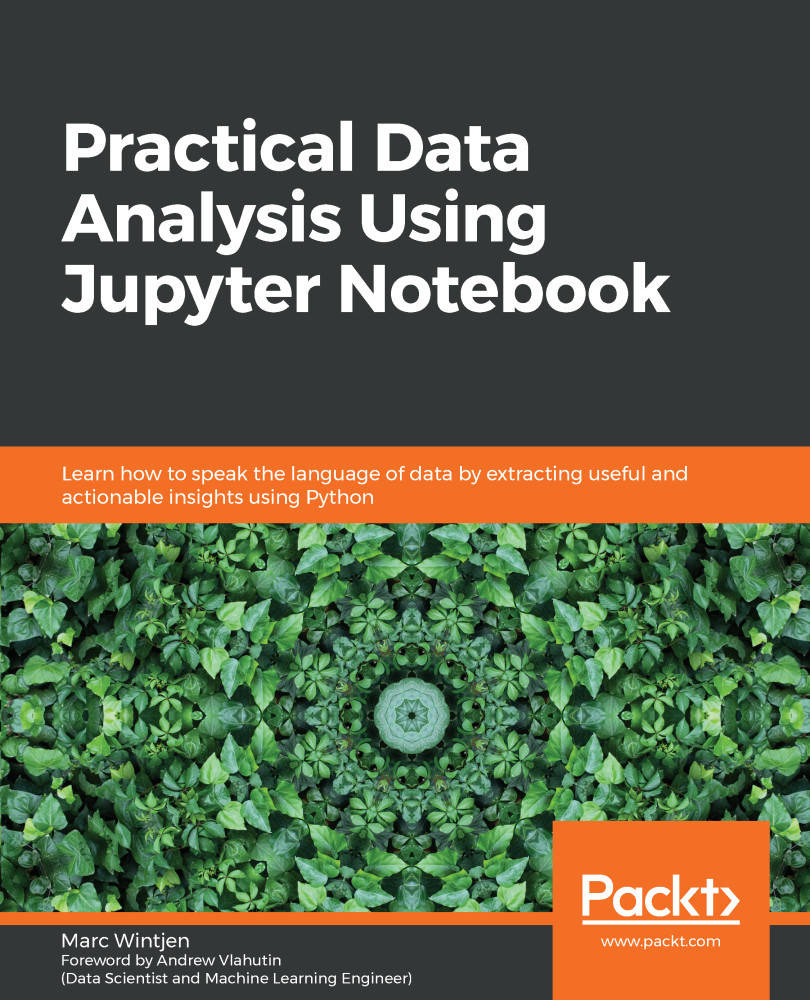
Data literacy is the ability to read, analyze, work with, and argue using data. Data analysis is the process of cleaning and modeling your data to discover useful information. This book combines these two concepts by sharing proven techniques and hands-on examples so that you can learn how to communicate effectively using data. After introducing you to the basics of data analysis using Jupyter Notebook and Python, the book will take you through the fundamentals of data. Packed with practical examples, this guide will teach you how to clean, wrangle, analyze, and visualize data to gain useful insights, and you'll discover how to answer questions using data with easy-to-follow steps. Later chapters teach you about storytelling with data using charts, such as histograms and scatter plots. As you advance, you'll understand how to work with unstructured data using natural language processing (NLP) techniques to perform sentiment analysis. All the knowledge you gain will help you discover key patterns and trends in data using real-world examples. In addition to this, you will learn how to handle data of varying complexity to perform efficient data analysis using modern Python libraries. By the end of this book, you'll have gained the practical skills you need to analyze data with confidence.
Table of Contents (18 chapters)
close
close
1
Section 1: Data Analysis Essentials
7
Section 2: Solutions for Data Discovery
12
Section 3: Working with Unstructured Big Data
16
Works Cited
Visualizing and Working with Time Series Data

Regardless of whether the data source is from a file or database, we have now defined a repeatable analysis workflow. This is used to load the data into either an array or DataFrame and then answer business questions by running a few Python commands using their respective libraries.

This process has served us well so far and is a necessary step to up-skill our learning of how to work with data, which ultimately improves data literacy.Now, we are going to take yet another exciting step to help you communicate analysis by visualizing your data. In this chapter, we will learn how to create visual artifacts that can support structured data. We will break down the anatomy of a chart by uncovering the fundamentals of how data visualizations are created. Using the plotting features available in Python, you will create your first time series chart using the matplotlib library.

...
CONTINUE READING
83
Tech Concepts
36
Programming languages
73
Tech Tools
Icon Unlimited access to the largest independent learning library in tech of over 8,000 expert-authored tech books and videos.
Icon Innovative learning tools, including AI book assistants, code context explainers, and text-to-speech.
Icon 50+ new titles added per month and exclusive early access to books as they are being written.
Practical Data Analysis Using Jupyter Notebook
notes
bookmark Notes and Bookmarks search Search in title playlist Add to playlist download Download options font-size Font size

Change the font size

margin-width Margin width

Change margin width

day-mode Day/Sepia/Night Modes

Change background colour

Close icon Search
Country selected

Close icon Your notes and bookmarks

Confirmation

Modal Close icon
claim successful

Buy this book with your credits?

Modal Close icon
Are you sure you want to buy this book with one of your credits?
Close
YES, BUY

Submit Your Feedback

Modal Close icon
Modal Close icon
Modal Close icon