-
Book Overview & Buying
-
Table Of Contents

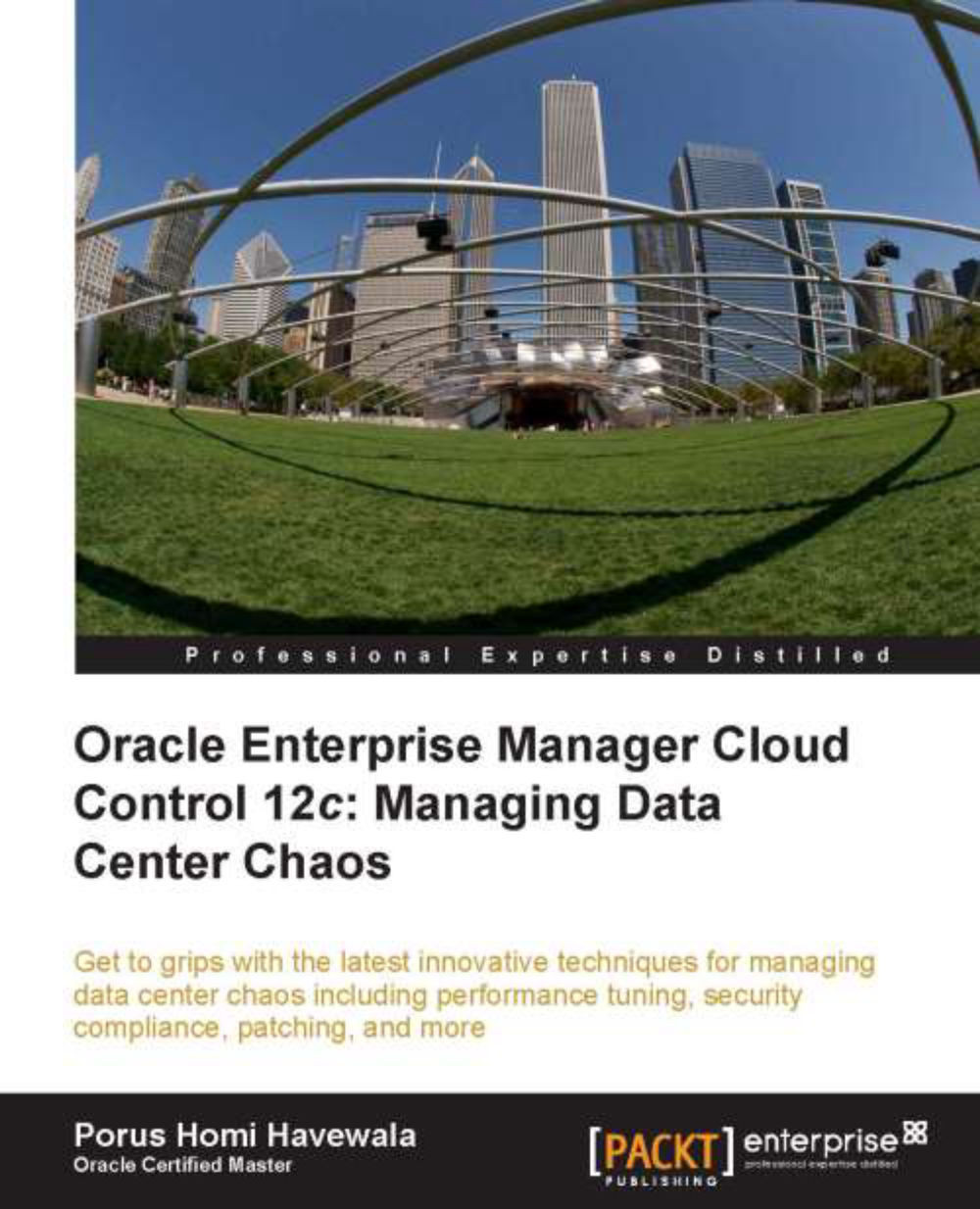
Oracle Enterprise Manager Cloud Control 12c: Managing Data Center Chaos
By :


Oracle Enterprise Manager Cloud Control 12c: Managing Data Center Chaos
By:
Overview of this book
Data centers around the world are experiencing an unprecedented era of growth due to expanding data volumes. There is also a corresponding increase in the number of databases and applications. In such rapid-growth centers, it is inevitable that fighting fires daily becomes a common occurrence. There is often no controlled method of performance management, neither is rapidly changing configuration information collected.
With the lack of automation and control, Data Centers do not often realize their intended cost-effectiveness and regress into a chaotic and uncontrolled day-to-day type of existence. This was the case until Oracle Enterprise Manager started being used as an Enterprise-wide central management solution, changing the whole game in the process.
In this brand new book by Porus Homi Havewala, one of the leading experts in the Oracle space, you will be introduced to the all-encompassing world of Oracle Enterprise Manager Cloud Control 12c, Oracle's premier product for managing and monitoring the Enterprise space. Drawing from the author's many years of experience in the real world, the book brings together the major capabilities of the latest Enterprise Manager software and demonstrates how to ease the growing pains of Data Centers.
The book takes you on a descriptive journey of what issues are normally experienced in the Data Center, and how Oracle Enterprise Manager Cloud Control 12c manages to address and resolve many of the issues.
The book introduces the reader to the typical chaos in Data Centers and discusses the way these common issues are normally resolved, by manual labor or manual scripting using extensive human resources. Then it will show you how Cloud Control 12c aids in Database Performance Management, Configuration Management, Security Compliance, Automated Provisioning, Automated Patching and Database Change Management.
You will learn how Cloud Control 12c allows Exadata Database Machine Monitoring and Management, Test Data Management for data subsetting of large databases, as well as Sensitive Data De-identification using Data Masking.
The book includes various real life examples and case studies of actual Oracle customers to show how they have benefited from using Oracle Enterprise Manager. It explores the strong standing of Oracle in the Enterprise Management game, now also strengthened by the new Enterprise Manager Cloud Control 12c.
Table of Contents (13 chapters)
Preface


 Free Chapter
1. Chaos at Data Centers
2. Enter Oracle Cloud Control
3. Ease the Chaos with Performance Management
4. Ease the Chaos with Configuration Management and Security Compliance
5. Ease the Chaos with Automated Provisioning

6. Ease the Chaos with Automated Patching
7. Ease the Chaos with Change Management
8. Ease the Chaos with Test Data Management
9. Ease the Chaos with Data Masking
10. Ease the Chaos with Exadata Management
11. Real-life Examples and Case Studies, and It's a Wrap: The Future is the Cloud
Index