Sign In Start Free Trial
Account

Add to playlist

Create a Playlist

Modal Close icon
You need to login to use this feature.
  • Book Overview & Buying Processing 2: Creative Coding Hotshot
  • Table Of Contents Toc
Processing 2: Creative Coding Hotshot

Processing 2: Creative Coding Hotshot

By : Nikolaus Gradwohl
4.2 (9)
close
close
Processing 2: Creative Coding Hotshot

Processing 2: Creative Coding Hotshot

4.2 (9)
By: Nikolaus Gradwohl

Overview of this book

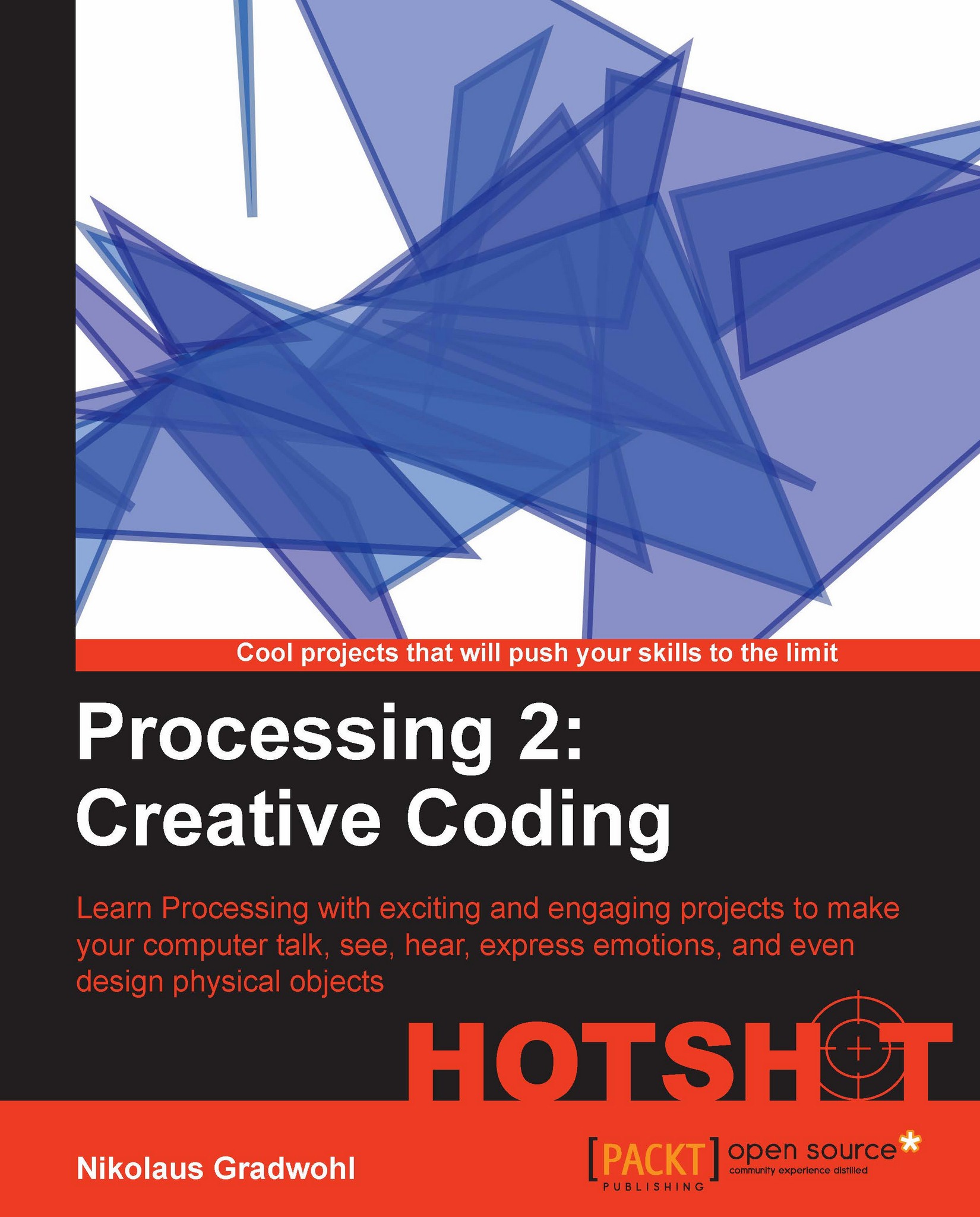
Processing makes it convenient for developers, artists, and designers to create their own projects easily and efficiently. Processing offers you a platform for expressing your ideas and engaging audiences in new ways. This book teaches you everything you need to know to explore new frontiers in animation and interactivity with the help of Processing."Processing 2: Creative Coding Hotshot' will present you with nine exciting projects that will take you beyond the basics and show you how you can make your programs see, hear, and even feel! With these projects, you will also learn how to build your own hardware controllers and integrate devices such as a Kinect senor board in your Processing sketches.Processing is an exciting programming environment for programmers and visual artists alike that makes it easier to create interactive programs.Through nine complete projects, "Processing 2: Creative Coding Hotshot' will help you explore the exciting possibilities that this open source language provides. The topics we will cover range from creating robot - actors performing Shakespeare's "Romeo and Juliet", to generating objects for 3D printing, and you will learn how to run your processing sketches nearly anywhere from a desktop computer to a browser or a mobile device.
Table of Contents (16 chapters)
close
close
Processing 2: Creative Coding Hotshot
Credits
About the Author
About the Reviewers
www.PacktPub.com
Preface
1
Index

Connecting your Arduino


Say hello to your Arduino. The first task of our current mission is to write a sketch that runs on Arduino and reads the value of a variable resistor. Since this is a book about Processing, we are going to write a Processing sketch that receives the resistor values from our Arduino board and prints the value.

Prepare for Lift Off

In this task, we are going to write code that runs on Arduino, so we need the Arduino IDE installed. You can download it from www.arduino.cc and install it by unzipping the package that matches your operating system.

Engage Thrusters

Let's hook up our Arduino:

  1. The first thing we need to do for this task is to build a little circuit, so take one of your variable resistors and hook it up to the solderless breadboard like in the following diagram:

  2. Now connect a red wire from the 5V pin of your Arduino board to one of the outer leads of our resistor.

  3. The middle pin of the resistor gets connected to the pin labeled ANALOG IN 0 on your Arduino board.

  4. Connect...

CONTINUE READING
83
Tech Concepts
36
Programming languages
73
Tech Tools
Icon Unlimited access to the largest independent learning library in tech of over 8,000 expert-authored tech books and videos.
Icon Innovative learning tools, including AI book assistants, code context explainers, and text-to-speech.
Icon 50+ new titles added per month and exclusive early access to books as they are being written.
Processing 2: Creative Coding Hotshot
notes
bookmark Notes and Bookmarks search Search in title playlist Add to playlist font-size Font size

Change the font size

margin-width Margin width

Change margin width

day-mode Day/Sepia/Night Modes

Change background colour

Close icon Search
Country selected

Close icon Your notes and bookmarks

Confirmation

Modal Close icon
claim successful

Buy this book with your credits?

Modal Close icon
Are you sure you want to buy this book with one of your credits?
Close
YES, BUY

Submit Your Feedback

Modal Close icon
Modal Close icon
Modal Close icon