Sign In Start Free Trial
Account

Add to playlist

Create a Playlist

Modal Close icon
You need to login to use this feature.
  • Book Overview & Buying Unity 5  Game Optimization
  • Table Of Contents Toc
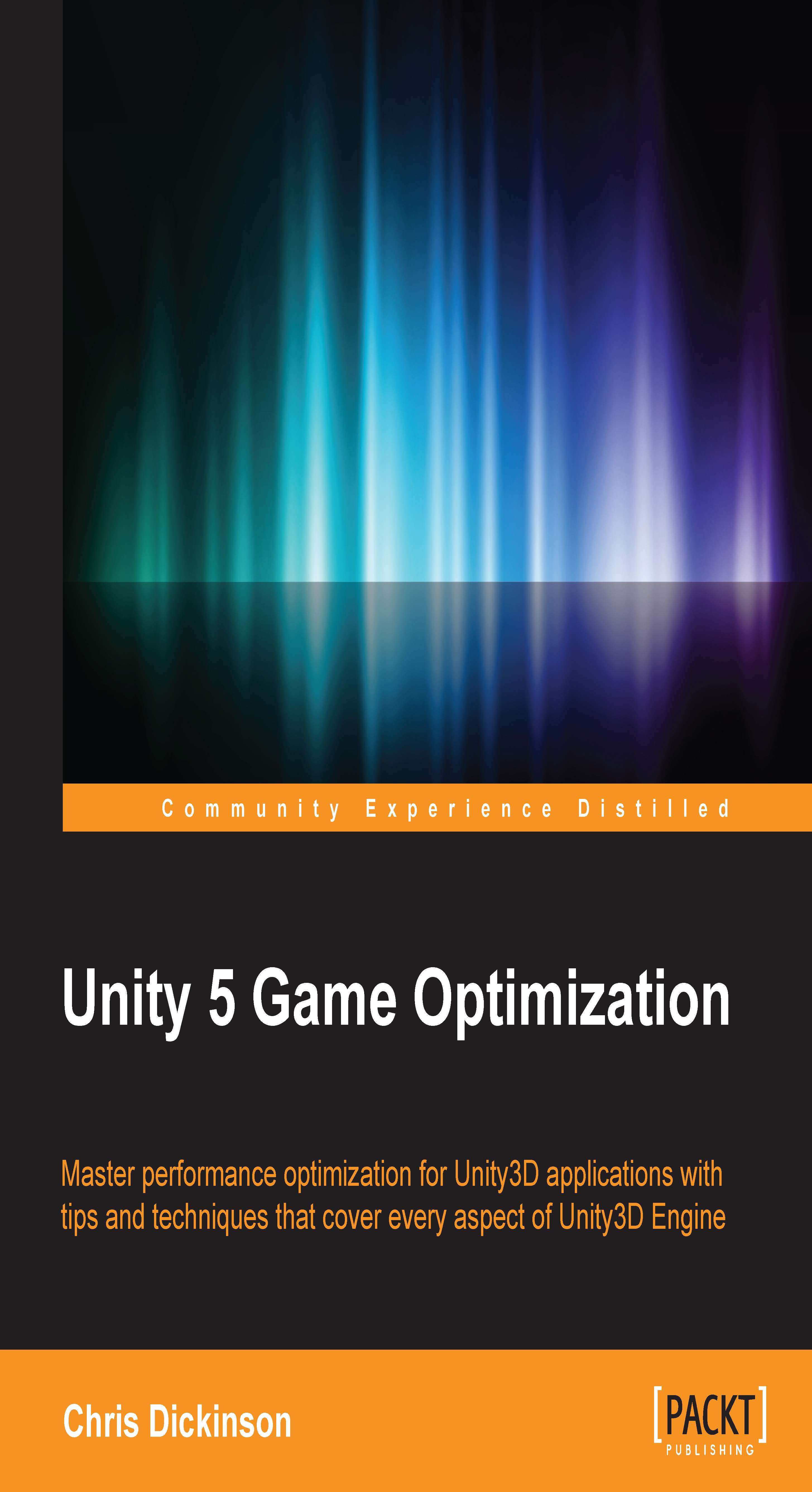
Unity 5  Game Optimization

Unity 5 Game Optimization

By : Chris Dickinson
4.3 (7)
close
close
Unity 5  Game Optimization

Unity 5 Game Optimization

4.3 (7)
By: Chris Dickinson

Overview of this book

Competition within the gaming industry has become significantly fiercer in recent years with the adoption of game development frameworks such as Unity3D. Through its massive feature-set and ease-of-use, Unity helps put some of the best processing and rendering technology in the hands of hobbyists and professionals alike. This has led to an enormous explosion of talent, which has made it critical to ensure our games stand out from the crowd through a high level of quality. A good user experience is essential to create a solid product that our users will enjoy for many years to come. Nothing turns gamers away from a game faster than a poor user-experience. Input latency, slow rendering, broken physics, stutters, freezes, and crashes are among a gamer's worst nightmares and it's up to us as game developers to ensure this never happens. High performance does not need to be limited to games with the biggest teams and budgets. Initially, you will explore the major features of the Unity3D Engine from top to bottom, investigating a multitude of ways we can improve application performance starting with the detection and analysis of bottlenecks. You'll then gain an understanding of possible solutions and how to implement them. You will then learn everything you need to know about where performance bottlenecks can be found, why they happen, and how to work around them. This book gathers a massive wealth of knowledge together in one place, saving many hours of research and can be used as a quick reference to solve specific issues that arise during product development.
Table of Contents (10 chapters)
close
close
9
Index

Custom editors/menus tips


We can set custom hotkeys for MenuItems. For example, we can make the K key trigger our Menu item method, by defining the MenuItem attribute as follows:

[MenuItem("My Menu/Menu Item _k")]

We can also include modifier keys such as Ctrl (Cmd), Shift, and Alt using the %, #, and & characters, respectively.

MenuItems also have two overloads, which allows us to set two additional parameters: a Boolean that determines whether the menu item requires a validation method, and an integer that determines the menu item's priority in the hierarchy.

Check the documentation for MenuItems for a complete list of available hotkey modifiers, special keys, and how to create validation methods:

http://docs.unity3d.com/ScriptReference/MenuItem.html

It is possible to "ping" an object in the Hierarchy, similar to what happens when we click on a GameObject reference in the Inspector View, by calling EditorGUIUtility.PingObject().

The original implementation of the Editor class, and the way...

CONTINUE READING
83
Tech Concepts
36
Programming languages
73
Tech Tools
Icon Unlimited access to the largest independent learning library in tech of over 8,000 expert-authored tech books and videos.
Icon Innovative learning tools, including AI book assistants, code context explainers, and text-to-speech.
Icon 50+ new titles added per month and exclusive early access to books as they are being written.
Unity 5  Game Optimization
notes
bookmark Notes and Bookmarks search Search in title playlist Add to playlist font-size Font size

Change the font size

margin-width Margin width

Change margin width

day-mode Day/Sepia/Night Modes

Change background colour

Close icon Search
Country selected

Close icon Your notes and bookmarks

Confirmation

Modal Close icon
claim successful

Buy this book with your credits?

Modal Close icon
Are you sure you want to buy this book with one of your credits?
Close
YES, BUY

Submit Your Feedback

Modal Close icon
Modal Close icon
Modal Close icon