Sign In Start Free Trial
Account

Add to playlist

Create a Playlist

Modal Close icon
You need to login to use this feature.
  • Book Overview & Buying Learn OpenGL
  • Table Of Contents Toc
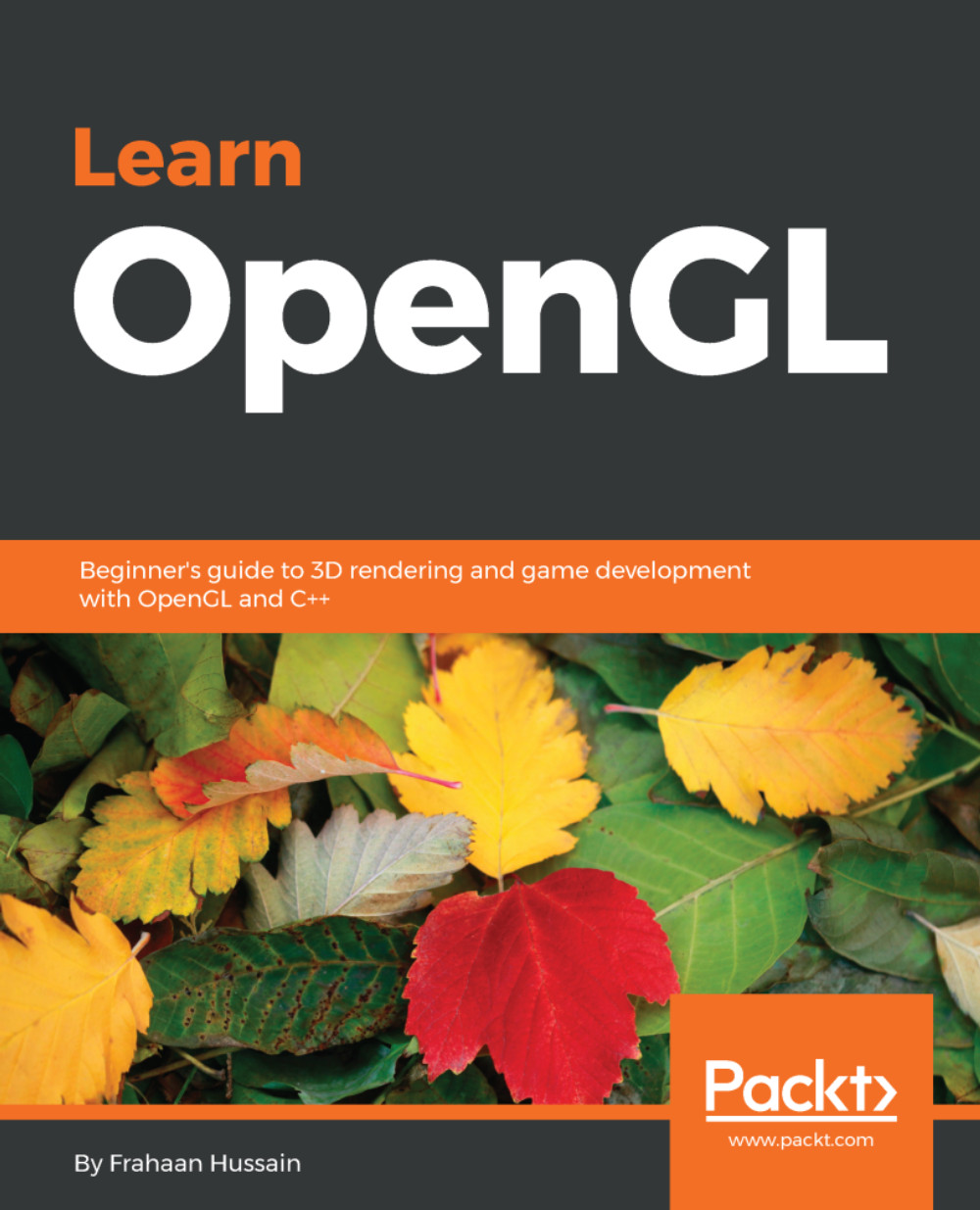
Learn OpenGL

Learn OpenGL

By : Frahaan Hussain
2.5 (4)
close
close
Learn OpenGL

Learn OpenGL

2.5 (4)
By: Frahaan Hussain

Overview of this book

Learn OpenGL is your one-stop reference guide to get started with OpenGL and C++ for game development. From setting up the development environment to getting started with basics of drawing and shaders, along with concepts such as lighting, model loading, and cube mapping, this book will get you up to speed with the fundamentals. You begin by setting up your development environment to use OpenGL on Windows and macOS. With GLFW and GLEW set up using absolute and relative linking done, you are ready to setup SDL and SFML for both the operating systems. Now that your development environment is set up, you'll learn to draw using simple shaders as well as make the shader more adaptable and reusable. Then we move on to more advanced topics like texturing your objects with images and transforming your objects using translate, rotate and scale. With these concepts covered, we'll move on to topics like lighting to enable you to incorporate amazing dynamic lights in your game world. By the end of the book, you'll learn about model loading, right from setting up ASSIMP to learning about the model class and loading a model in your game environment. We will conclude by understanding cube mapping to bring advance worlds to your game.
Table of Contents (8 chapters)
close
close

Disclaimer

The illustrations used in this book are for illustrative purposes only. We do not recommend you to misuse these in any way. For more information please consult the terms and conditions of the publishers mentioned here.

Nintendo : https://www.nintendo.com/terms-of-use

Download the example code files

You can download the example code files for this book from your account at www.packt.com. If you purchased this book elsewhere, you can visit www.packt.com/support and register to have the files emailed directly to you.

You can download the code files by following these steps:

  1. Log in or register at www.packt.com.
  2. Select the SUPPORT tab.
  3. Click on Code Downloads & Errata.
  4. Enter the name of the book in the Search box and follow the onscreen instructions.

Once the file is downloaded, please make sure that you unzip or extract the folder using the latest version of:

  • WinRAR/7-Zip for Windows
  • Zipeg/iZip/UnRarX for Mac
  • 7-Zip/PeaZip for Linux

The code bundle for the book is also hosted on GitHub at https://github.com/PacktPublishing/Learn-OpenGL. In case there's an update to the code, it will be updated on the existing GitHub repository.

We also have other code bundles from our rich catalog of books and videos available at https://github.com/PacktPublishing/. Check them out!

Download the color images

Conventions used

There are a number of text conventions used throughout this book.

CodeInText: Indicates code words in text, database table names, folder names, filenames, file extensions, pathnames, dummy URLs, user input, and Twitter handles. Here is an example: "Extract the library files for GLEW and GLFW in External Libraries folder. "

A block of code is set as follows:

   SDL_GL_SetAttribute(SDL_GL_CONTEXT_MAJOR_VERSION, 3); 
   SDL_GL_SetAttribute(SDL_GL_CONTEXT_MINOR_VERSION, 3); 
   SDL_GL_SetAttribute(SDL_GL_STENCIL_SIZE, 8); 

When we wish to draw your attention to a particular part of a code block, the relevant lines or items are set in bold:

   SDL_GL_SetAttribute(SDL_GL_CONTEXT_MAJOR_VERSION, 3); 
   SDL_GL_SetAttribute(SDL_GL_CONTEXT_MINOR_VERSION, 3); 
   SDL_GL_SetAttribute(SDL_GL_STENCIL_SIZE, 8); 

Any command-line input or output is written as follows:

brew install glfw3 
brew install glew

Bold: Indicates a new term, an important word, or words that you see onscreen. For example, words in menus or dialog boxes appear in the text like this. Here is an example: "Open up Xcode and click on the Create a new Xcode project option."

Warnings or important notes appear like this.
Tips and tricks appear like this.

CONTINUE READING
83
Tech Concepts
36
Programming languages
73
Tech Tools
Icon Unlimited access to the largest independent learning library in tech of over 8,000 expert-authored tech books and videos.
Icon Innovative learning tools, including AI book assistants, code context explainers, and text-to-speech.
Icon 50+ new titles added per month and exclusive early access to books as they are being written.
Learn OpenGL
notes
bookmark Notes and Bookmarks search Search in title playlist Add to playlist download Download options font-size Font size

Change the font size

margin-width Margin width

Change margin width

day-mode Day/Sepia/Night Modes

Change background colour

Close icon Search
Country selected

Close icon Your notes and bookmarks

Confirmation

Modal Close icon
claim successful

Buy this book with your credits?

Modal Close icon
Are you sure you want to buy this book with one of your credits?
Close
YES, BUY

Submit Your Feedback

Modal Close icon
Modal Close icon
Modal Close icon