


-
Book Overview & Buying
-
Table Of Contents

Learn Clip Studio Paint - Third Edition
By :


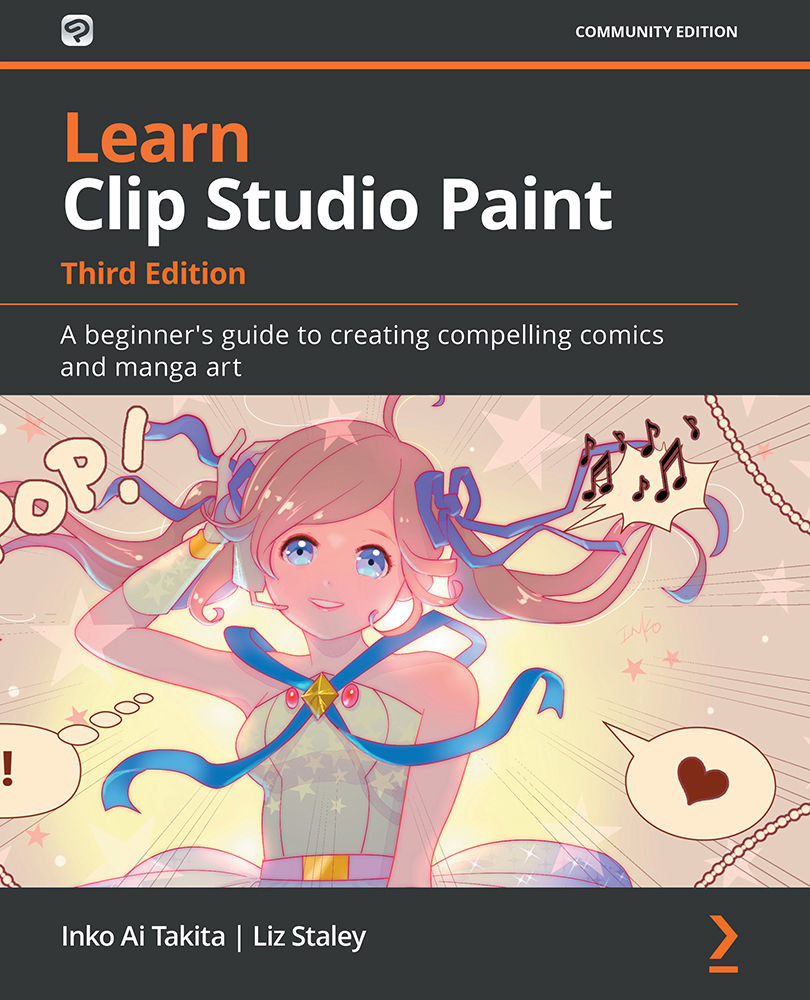
Learn Clip Studio Paint
By:
Overview of this book
Clip Studio Paint is a versatile digital painting program for creating manga and illustrations, helping artists expand their digital portfolio. This software is packed with tools that make panel laying, speech adding, toning, and editing much easier. This easy-to-follow guide is clearly divided into chapters covering drawing tools, interface customization, and using various visual effects so you can focus on specific techniques in detail one at a time.
Learn Clip Studio Paint is a comprehensive introduction for those who are new to Clip Studio Paint that will have you up to speed in no time. You'll start by experiencing what it's like to create manga digitally and find new ways to shape your drawing. Next, using practical tips and rich visual references, the book shows you how to apply techniques to your creations, giving you the opportunity to expand your range of visual expression. As you advance, you'll explore how to create special effect brushes using an in-depth example, along with discovering how to color, blend, and edit your art digitally. Finally, you'll find out how to print, use the Clip Studio Paint Assets, and learn how to create unique and inspiring art that stands out from the rest.
By the end of this Clip Studio Paint book, you'll have gained a clear understanding of its tools and be able to start telling your own manga story using your improved digital drawing skills.
Table of Contents (22 chapters)
Preface


Chapter 1: Image Gallery of Manga and Illustrations Created by Clip Studio Paint
 Free Chapter
Chapter 2: Installing Clip Studio Paint Pro and Interface Basics
Chapter 3: Pages and Panels to Shape Manga
Chapter 4: Introducing Clip Studio Paint Brushes
Chapter 5: Penciling: Layer and Layer Property Palettes
Chapter 6: Erasers, Selections, and the Sub View Palette
Chapter 7: Using Text and Balloon Tools
Chapter 8: Getting Started with Inking Tools
Chapter 9: Inking Special Effects
Chapter 10: Vector Layers and the Material Palette
Chapter 11: Creating Your Own Sound Effects
Chapter 12: Making Layer Masks and Screentones
Chapter 13: All About Rulers
Chapter 14: Using 3D Figures and Objects
Chapter 15: Color Palette
Chapter 16: Using Clip Studio Paint to Color Your Manga
Chapter 17: Auto Actions and Your Workflow
Chapter 18: Exploring the Clip Studio Assets and Animation

Chapter 19: Exporting, Printing, and Uploading Your Manga
Chapter 20: Finding Your Own Manga Look
Other Books You May Enjoy


