


-
Book Overview & Buying
-
Table Of Contents

Game Development with Godot 4 and C#
By :


Game Development with Godot 4 and C#
By:
Overview of this book
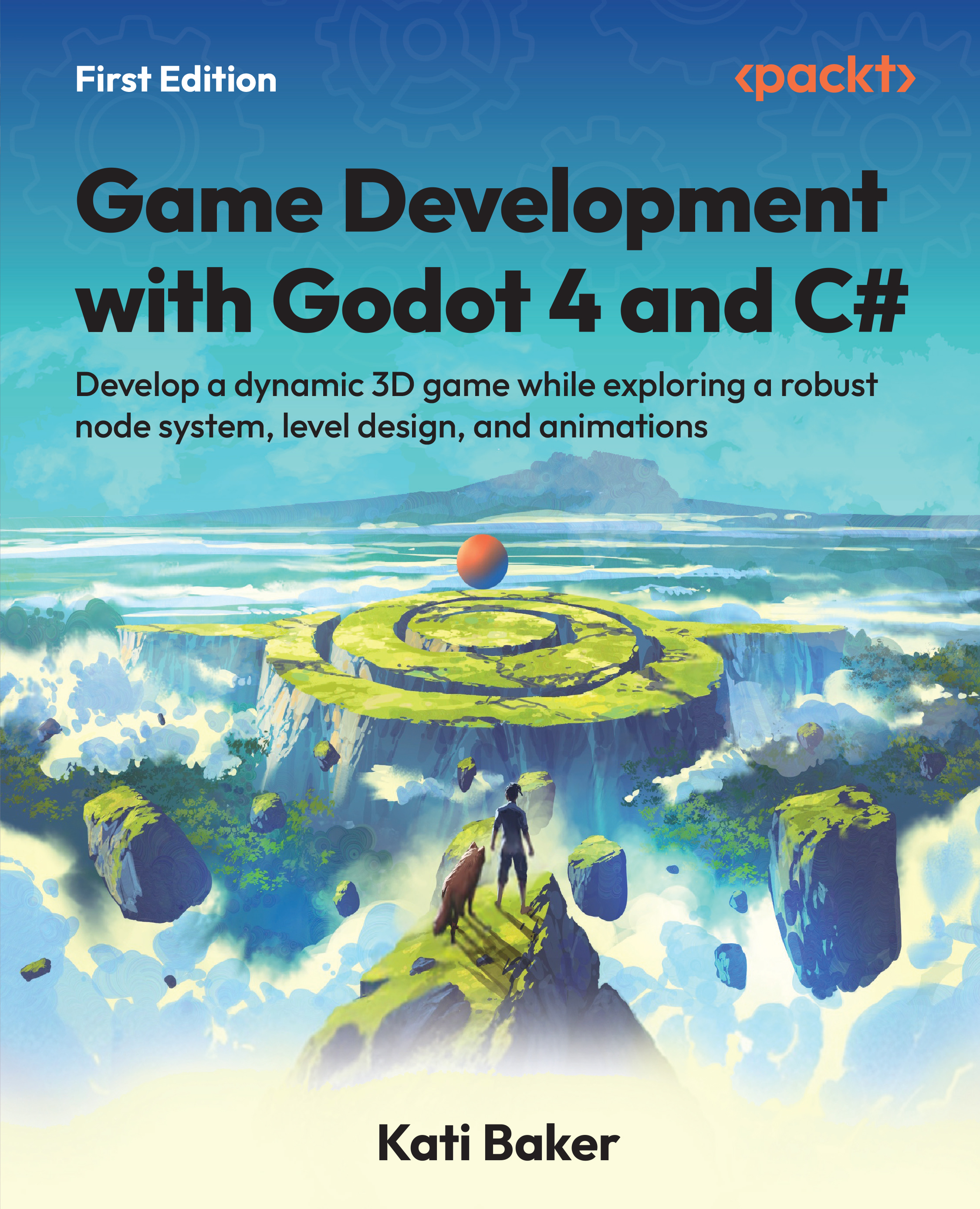
Godot is a versatile, open-source game engine that empowers developers with creative freedom and ownership of their work. Written by a game developer and designer who's been creating games since her first game jam in 2016, this comprehensive guide helps you gain the essential skills you need to embark on an exciting journey into the realm of game development with Godot 4 and C#.
This book guides you through the installation of the Godot Engine and introduces you to the powerful capabilities of C# within it. The chapters will help you smoothly integrate C# into your Godot project as you learn how to create a captivating 3D adventure game by exploring topics including project organization, player controller creation, world design, and user-friendly UI development. As you progress, you'll delve into advanced game development aspects such as audio integration, pathfinding algorithms, and dynamic lighting. You'll also get to grips with accessibility considerations in game development and effective bug reporting techniques. Toward the end, you'll discover the vibrant Godot community and gain access to a wealth of resources to further improve your game development skills.
By the end of this Godot book, you'll have built a complete 3D adventure game and gained a solid foundation to continue creating your own games.
Table of Contents (21 chapters)
Preface


Part I: Understanding the Godot Engine and C#
 Free Chapter
Introducing Godot 4
Understanding How C# Works in Godot
Organizing and Setting Up a Project for a 3D Action Game
Part II: Creating a Simple 3D Action Game
Creating Our Player Controller
Creating Our Game World
Developing and Managing the User Interface

Adding Sound Effects and Music
Adding Navigation and Pathfinding
Part III: Expanding Our 3D Action Game and Additional Resources
Setting Up Lighting in Godot
Understanding Accessibility and Additional Features
Exporting Your Game
Contributing to Godot and Additional Resources
Next Steps as a Godot Developer
Unlock Your Exclusive Benefits
Other Books You May Enjoy
Index
Appendix: Transitioning from Godot 3 to Godot 4


