


-
Book Overview & Buying
-
Table Of Contents

Unreal Engine 5 Best Practices
By :


Unreal Engine 5 Best Practices
By:
Overview of this book
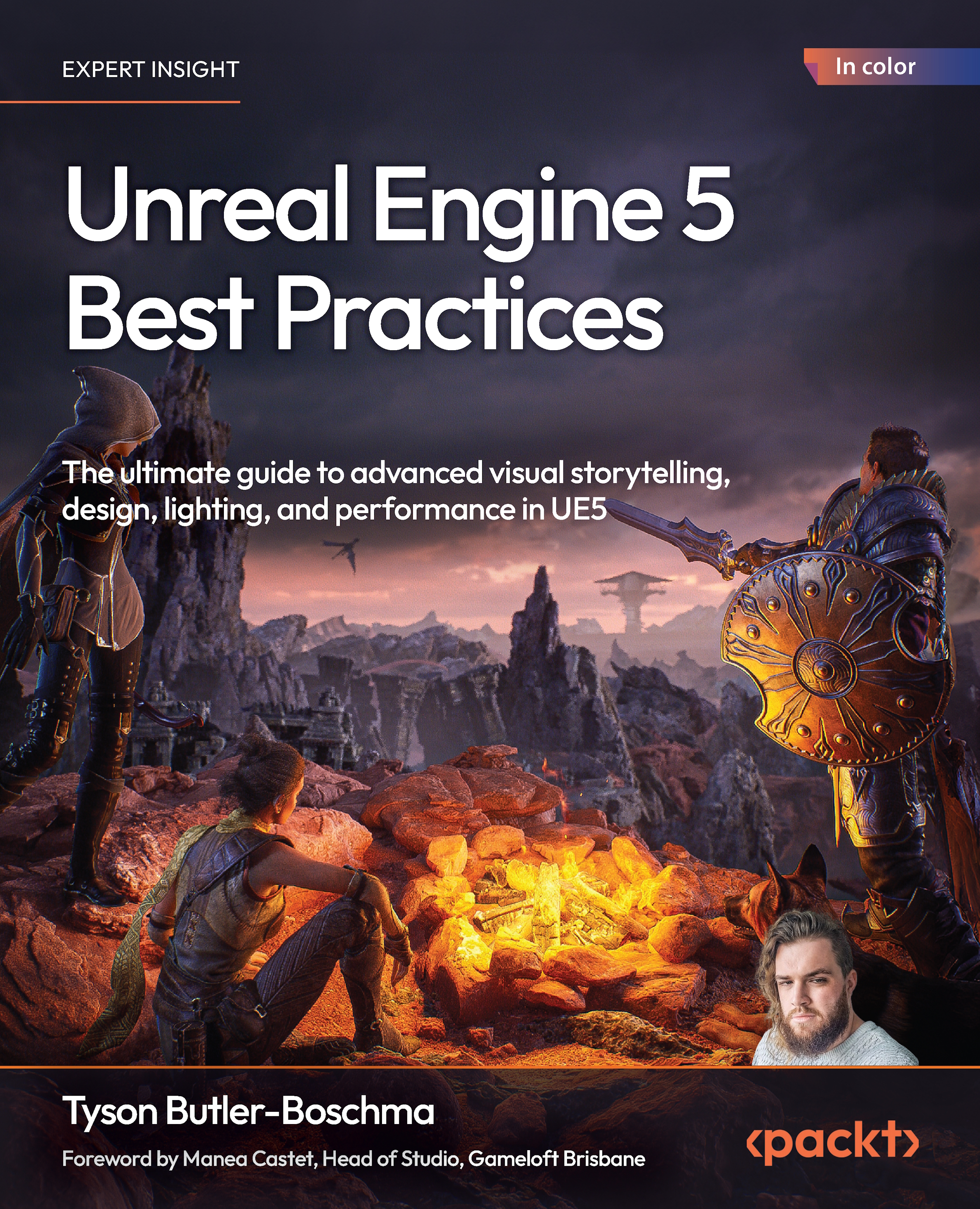
Written by multi-award-winning Unreal generalist Tyson J. Butler-Boschma, Founder and Creative Director of Toybox Games Studios, this book addresses common challenges you face when advancing your expertise in lighting, environment design, and cinematic storytelling. The chapters help you move quickly from mastering core skills to exploring the most innovative Unreal Engine 5 features, such as Lumen, ray tracing, Nanite, and Chaos Physics, to craft professional-quality immersive scenes and experiences.
Packed with actionable insights and step-by-step workflows, this hands-on guide teaches you how to optimize performance without sacrificing visual fidelity, use Unreal’s built-in tools to create interactive environments, and implement cutting-edge techniques to enhance storytelling and interactivity. Each chapter features practical examples and troubleshooting tips to help you overcome real-world obstacles and bring your creative visions to life.
By the end of this book, you’ll be fully equipped to design visually stunning, high-performance projects in Unreal Engine 5.
*Email sign-up and proof of purchase required
Table of Contents (21 chapters)
Preface


 Free Chapter
Part I: Mastering Lighting, Atmosphere, and Environment Design
Lighting with Lumen and Advanced Techniques
Atmospheric Effects and Visual Storytelling

Unreal’s Advanced Modeling Tools
Part II: Advanced Interactivity and Game Design
Designing Engaging Game Environments
Integrating Chaos Physics for Dynamic Gameplay Mechanics
Responsive and Adaptive Worlds
Part III: Crafting Immersive Cinematic Storytelling
Designing High-Quality Cinematic Sequences
Environment as Narrative and Storytelling
Adaptive Cutscenes and Interactive Paths
Part IV: Optimizing Performance and Overcoming Complex Challenges
Profiling and Performance Techniques
Advanced Optimization for Real-Time Rendering
Asset Management Best Practices
Troubleshooting Common Development Challenges
Unlock Your Exclusive Benefits
Other Books You May Enjoy
Index


