Sign In Start Free Trial
Account

Add to playlist

Create a Playlist

Modal Close icon
You need to login to use this feature.
  • Book Overview & Buying Unity 3.x Game Development by Example Beginner's Guide
  • Table Of Contents Toc
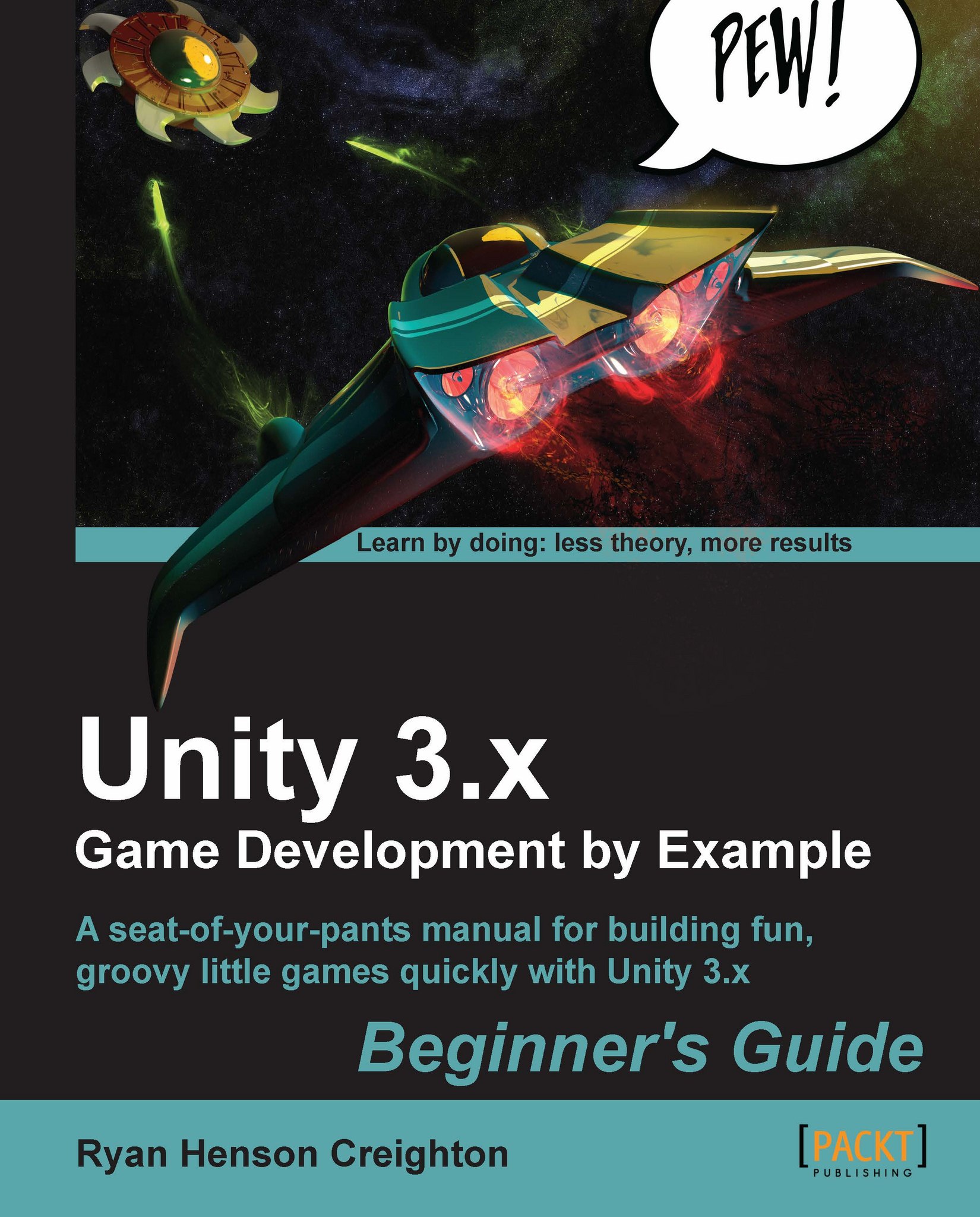
Unity 3.x Game Development by Example Beginner's Guide

Unity 3.x Game Development by Example Beginner's Guide

By : Ryan Henson Creighton
3.8 (13)
close
close
Unity 3.x Game Development by Example Beginner's Guide

Unity 3.x Game Development by Example Beginner's Guide

3.8 (13)
By: Ryan Henson Creighton

Overview of this book

Beginner game developers are wonderfully optimistic, passionate, and ambitious. But that ambition is often dangerous! Too often, budding indie developers and hobbyists bite off more than they can chew. Some of the most popular games in recent memory – Doodle Jump, Paper Toss, and Canabalt, to name a few – have been fun, simple games that have delighted players and delivered big profits to their creators. This is the perfect climate for new game developers to succeed by creating simple games with Unity.This book starts you off on the right foot, emphasizing small, simple game ideas and playable projects that you can actually finish. The complexity of the games increases gradually as we progress through the chapters. The chosen examples help you learn a wide variety of game development techniques. With this understanding of Unity and bite-sized bits of programming, you can make your own mark in the game industry by finishing fun, simple games.Unity 3.x Game Development by Example shows you how to build crucial game elements that you can reuse and re-skin in many different games, using the phenomenal (and free!) Unity 3D game engine. It initiates you into indie game culture by teaching you how to make your own small, simple games using Unity3D and some gentle, easy-to-understand code. It will help you turn a rudimentary keep-up game into a madcap race through hospital hallways to rush a still-beating heart to the transplant ward, program a complete 2D game using Unity's User Interface controls, put a dramatic love story spin on a simple catch game, and turn that around into a classic space shooter with spectacular explosions and "pew" sounds! By the time you're finished, you'll have learned to develop a number of important pieces to create your own games that focus in on that small, singular piece of joy that makes games fun.
Table of Contents (15 chapters)
close
close
14
Index

Summary

Chapter 1 was all about getting a feel for what Unity can do and for what the program interface had to offer. Here's what we found out:

  • Massive 80 person teams, all the way down to tiny one or two person teams are using Unity to create fun games.
  • By thinking small, we'll have more success in learning Unity and producing fully functional games instead of huge but half-baked abandoned projects.
  • Different flavors of Unity help us deploy our games to different platforms. By using the free indie version, we can deploy to the Web, the Mac, and PC platforms.
  • The Unity interface has controls and panels that let us visually compose our game assets, and test games on the fly right inside the program!

I hope you've taken some time to thoroughly vandalize the Bootcamp Demo. If you save the file by clicking on File | Save Project, you'll have a perma-upside-down space marine in your demo. If you want to return to a pristine AngryBots Demo later to wreak more havoc, don't bother saving the hilarious (but meaningless) changes we've made in this chapter.

Big ambition, tiny games

Now that we've trashed this joint, let's take a quick trip through some game design theory. In the next chapter, we'll figure out the scope and scale of a game that a solo, beginner developer should actually tackle. Crack your knuckles and put on your favorite hat because you're about to dip yourself in awesome sauce.

CONTINUE READING
83
Tech Concepts
36
Programming languages
73
Tech Tools
Icon Unlimited access to the largest independent learning library in tech of over 8,000 expert-authored tech books and videos.
Icon Innovative learning tools, including AI book assistants, code context explainers, and text-to-speech.
Icon 50+ new titles added per month and exclusive early access to books as they are being written.
Unity 3.x Game Development by Example Beginner's Guide
notes
bookmark Notes and Bookmarks search Search in title playlist Add to playlist font-size Font size

Change the font size

margin-width Margin width

Change margin width

day-mode Day/Sepia/Night Modes

Change background colour

Close icon Search
Country selected

Close icon Your notes and bookmarks

Confirmation

Modal Close icon
claim successful

Buy this book with your credits?

Modal Close icon
Are you sure you want to buy this book with one of your credits?
Close
YES, BUY

Submit Your Feedback

Modal Close icon
Modal Close icon
Modal Close icon