Sign In Start Free Trial
Account

Add to playlist

Create a Playlist

Modal Close icon
You need to login to use this feature.
  • Book Overview & Buying Learning Raspbian
  • Table Of Contents Toc
  • Feedback & Rating feedback
Learning Raspbian

Learning Raspbian

By : Harrington
4 (14)
close
close
Learning Raspbian

Learning Raspbian

4 (14)
By: Harrington

Overview of this book

This book is intended for developers who have worked with the Raspberry Pi and who want to learn how to make the most of the Raspbian operating system and their Raspberry Pi. Whether you are a beginner to the Raspberry Pi or a seasoned expert, this book will make you familiar with the Raspbian operating system and teach you how to get your Raspberry Pi up and running.
Table of Contents (10 chapters)
close
close
9
Index

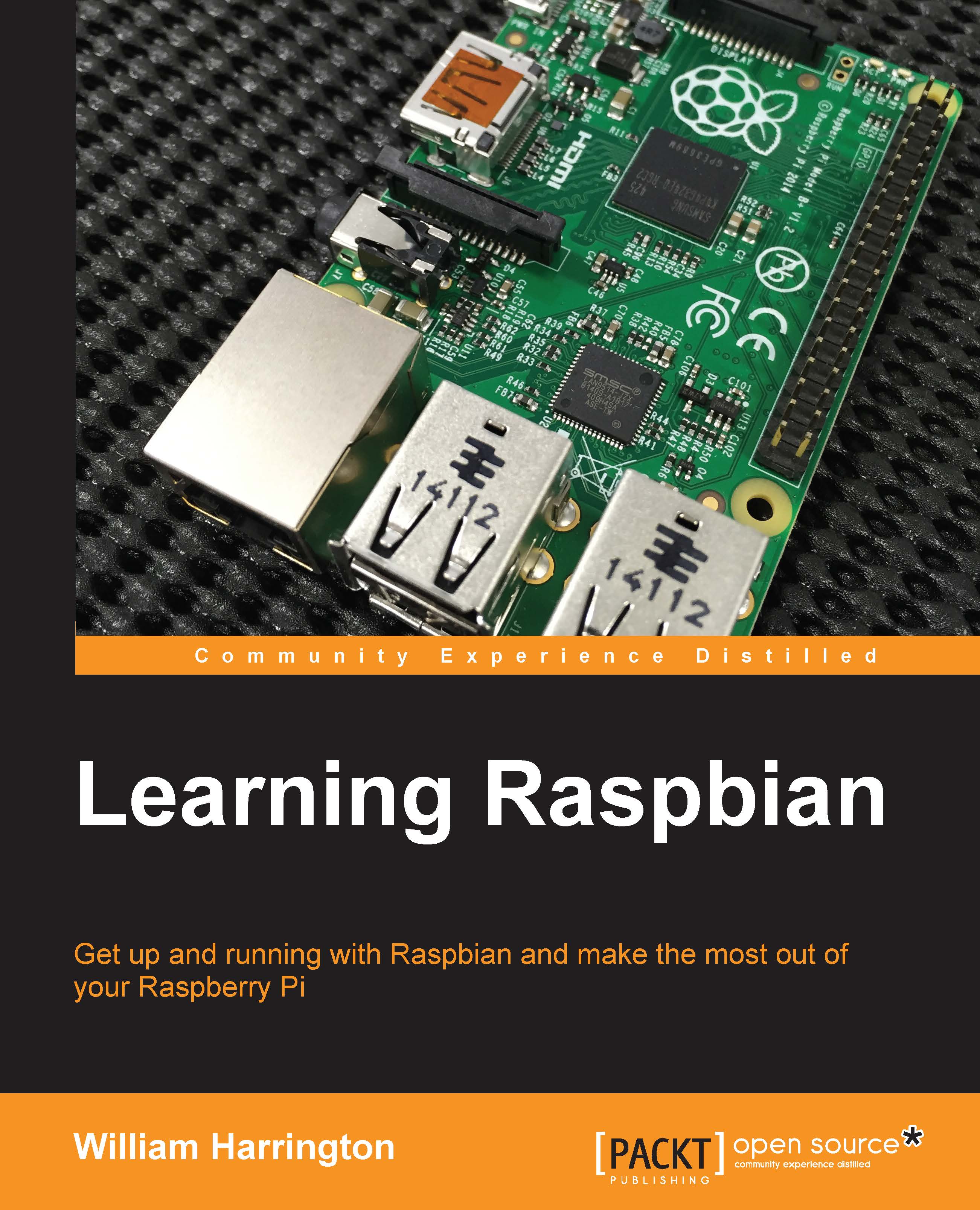
The Raspberry Pi hardware

At the heart of Raspberry Pi is the powerful Broadcom BCM2835 "system on a chip". The BCM2835 is similar to the chip at the heart of almost every smartphone and set top box in the world that uses ARM architecture. The BCM2835 CPU on the Raspberry Pi runs at 700 MHz and its performance is roughly equivalent to a 300 MHz Pentium II computer that was available back in 1999.

To put this in perspective, the guidance computer used in the Apollo missions was less powerful than a pocket calculator!

The Raspberry Pi hardware

Block diagram of the Raspberry Pi

The Raspberry Pi comes with either 256 MB or 512 MB of RAM, depending on which model you buy. Hopefully, this will increase in future versions!

Graphic capabilities

Graphics in the Raspberry Pi are provided by a Videocore 4 GPU. The graphic performance of the graphics processing unit (GPU) is roughly equivalent to the Xbox, launched in 2011, which cost many hundreds of dollars. These might seem like very low specifications, but they are enough to play Quake 3 at 1080p and full HD movies.

There are two ways to connect a display to the Raspberry Pi. The first is using a composite video cable and the second is using HDMI. The composite output is useful as you are able to use any old TV as a monitor. The HDMI output is recommended however, as it provides superior video quality. A VGA connection is not provided on the Raspberry Pi as it would be cost prohibitive. However, it is possible to use an HDMI to VGA/DVI converter for users who have VGA or DVI monitors.

The Raspberry Pi also supports an LCD touchscreen. An official version has not been released yet, although many unofficial ones are available. The Raspberry Pi Foundation says that they expect to release one this year.

The Raspberry Pi model

The Raspberry Pi has several different variants: the Model A and the Model B. The Model A is a low-cost version and unfortunately omits the USB hub chip. This chip also functions as a USB to an Ethernet converter. The Raspberry Pi Foundation has also just released the Raspberry Pi Model B+ that has extra USB ports and resolves many of the power issues surrounding the Model B and Model B USB ports.

Parameters

Model A

Model B

Model B+

CPU

BCM2835

BCM2835

BCM2835

RAM

256 MB

512 MB

512 MB

USB Ports

1

2

4

Ethernet Ports

0

1

1

Price (USD)

~$25

~$35

~$35

Available since

February 2012

February 2012

July 2014

Boards

The Raspberry Pi model

Differences between the Raspberry Pi models

Note

Did you know that the Raspberry Pi is so popular that if you search for raspberry pie in Google, they will actually show you results for the Raspberry Pi!

Accessories

The success of the Raspberry Pi has encouraged many other groups to design accessories for the Raspberry Pi, and users to use them. These accessories range from a camera to a controller for an automatic CNC machine. Some of these accessories include:

Visually different images
CONTINUE READING
83
Tech Concepts
36
Programming languages
73
Tech Tools
Icon Unlimited access to the largest independent learning library in tech of over 8,000 expert-authored tech books and videos.
Icon Innovative learning tools, including AI book assistants, code context explainers, and text-to-speech.
Icon 50+ new titles added per month and exclusive early access to books as they are being written.
Learning Raspbian
notes
bookmark Notes and Bookmarks search Search in title playlist Add to playlist font-size Font size

Change the font size

margin-width Margin width

Change margin width

day-mode Day/Sepia/Night Modes

Change background colour

Close icon Search
Country selected

Close icon Your notes and bookmarks

Confirmation

Modal Close icon
claim successful

Buy this book with your credits?

Modal Close icon
Are you sure you want to buy this book with one of your credits?
Close
YES, BUY

Submit Your Feedback

Modal Close icon
Modal Close icon
Modal Close icon