Sign In Start Free Trial
Account

Add to playlist

Create a Playlist

Modal Close icon
You need to login to use this feature.
  • Book Overview & Buying Arduino for Kids
  • Table Of Contents Toc
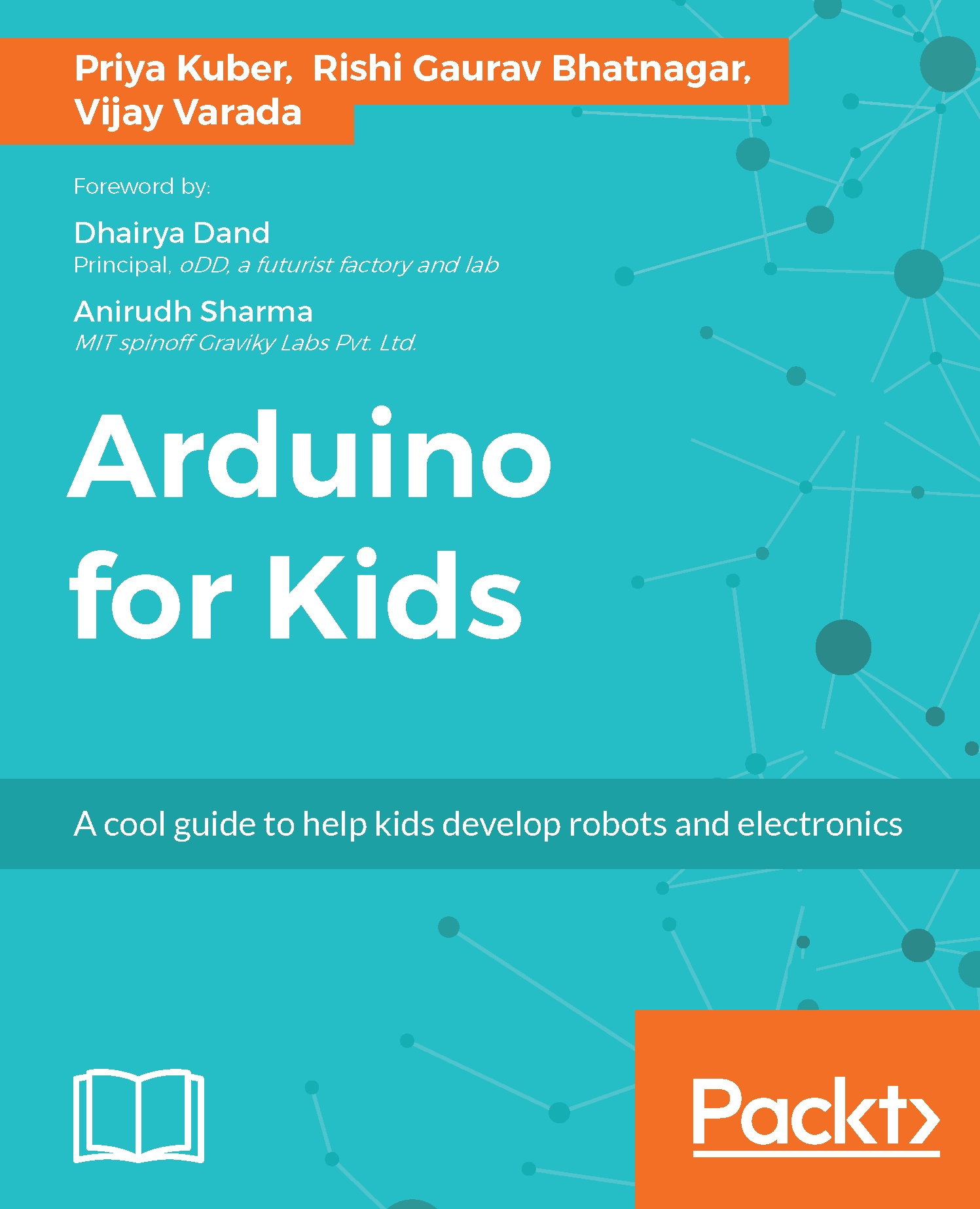
Arduino for Kids

Arduino for Kids

By : Priya Kuber, Rishi Gaurav Bhatnagar, Vijay Varada
1 (4)
close
close
Arduino for Kids

Arduino for Kids

1 (4)
By: Priya Kuber, Rishi Gaurav Bhatnagar, Vijay Varada

Overview of this book

The mission of this book is to integrate technology with the tools that children already use for crafts so that they feel that the technology is an extension of their playtime. We use coding, sensors, and micro-controllers integrated with art and craft supplies, origami, and Playdough. There are 10 fun-filled chapters that talk to children directly, and give clear instructions for non-technical parents too. We use Arduino as the controller of choice due to its easy availability and large community. By the end of the book, children will comfortably be able to set up their Arduino, read and understand code, manipulate code, and ultimately write their own code for projects. They will also be able to use basic sensors and know how components connect to each other. All the learning takes place with lots of colorful pictures and the circuits are neatly presented using wiring.
Table of Contents (11 chapters)
close
close

Getting familiar with the sensor


It's now time to write the code for the sensor. Let's output the values of the sensor to Arduinos Serial Monitor and play around with the sensor a little. We are going to use the ping_cm() function from the NewPing library. Other functions of the library are listed at http://playground.arduino.cc/Code/NewPing.

According to the web page the function is explained as follows:

sonar.ping_cm(); Sends a ping, returns the distance in centimeters or 0 (zero) if no ping echo within set distance limit. There are other functions (also called Methods in some cases) that return the distance in inches, or the time it took for the eco to return, mentioned on the webpage.

Let's get coding for our sensor!

#include <NewPing.h> 
 
NewPing sonar(8, 9); 
 
void setup() { 
 Serial.begin(115200); 
} 
 
void loop() { 
  delay(50); 
  int dist = sonar.ping_cm(); 
  Serial.print("Distance: "); 
  Serial.print(dist); &...
CONTINUE READING
83
Tech Concepts
36
Programming languages
73
Tech Tools
Icon Unlimited access to the largest independent learning library in tech of over 8,000 expert-authored tech books and videos.
Icon Innovative learning tools, including AI book assistants, code context explainers, and text-to-speech.
Icon 50+ new titles added per month and exclusive early access to books as they are being written.
Arduino for Kids
notes
bookmark Notes and Bookmarks search Search in title playlist Add to playlist download Download options font-size Font size

Change the font size

margin-width Margin width

Change margin width

day-mode Day/Sepia/Night Modes

Change background colour

Close icon Search
Country selected

Close icon Your notes and bookmarks

Confirmation

Modal Close icon
claim successful

Buy this book with your credits?

Modal Close icon
Are you sure you want to buy this book with one of your credits?
Close
YES, BUY

Submit Your Feedback

Modal Close icon
Modal Close icon
Modal Close icon