Sign In Start Free Trial
Account

Add to playlist

Create a Playlist

Modal Close icon
You need to login to use this feature.
  • Book Overview & Buying Mastering Oculus Rift Development
  • Table Of Contents Toc
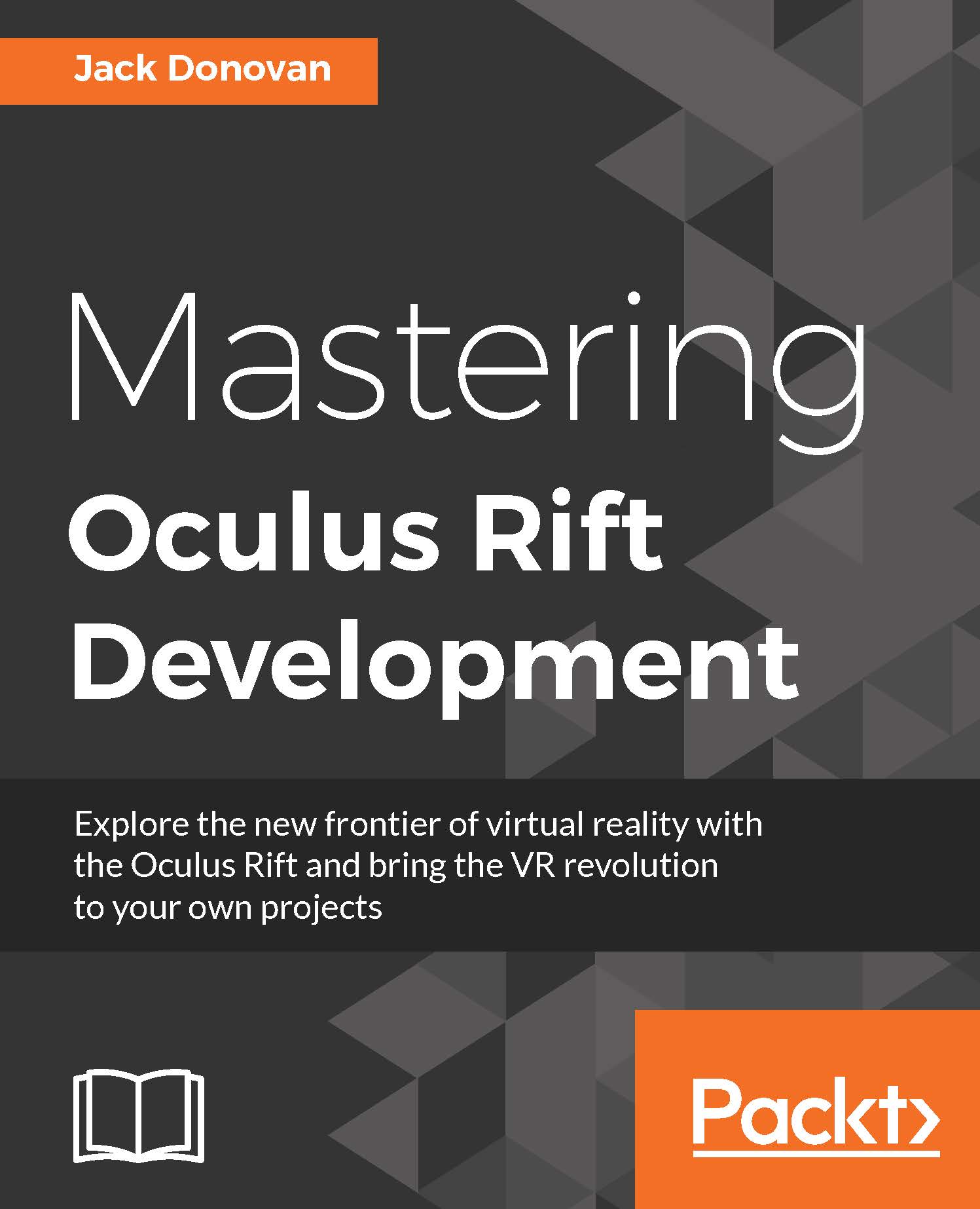
Mastering Oculus Rift Development

Mastering Oculus Rift Development

By : Donovan
5 (3)
close
close
Mastering Oculus Rift Development

Mastering Oculus Rift Development

5 (3)
By: Donovan

Overview of this book

Virtual reality (VR) is changing the world of gaming and entertainment as we know it. VR headsets such as the Oculus Rift immerse players in a virtual world by tracking their head movements and simulating depth, giving them the feeling that they are actually present in the environment. We will first use the Oculus SDK in the book and will then move on to the widely popular Unity Engine, showing you how you can add that extra edge to your VR games using the power of Unity. In this book, you’ll learn how to take advantage of this new medium by designing around each of its unique features. This book will demonstrate the Unity 5 game engine, one of most widely-used engines for VR development, and will take you through a comprehensive project that covers everything necessary to create and publish a complete VR experience for the Oculus Rift. You will also be able to identify the common perils and pitfalls of VR development to ensure that your audience has the most comfortable experience possible. By the end of the book, you will be able to create an advanced VR game for the Oculus Rift, and you’ll have everything you need to bring your ideas into a new reality.
Table of Contents (11 chapters)
close
close

Adding basic 3D spatialization


In this section, we'll dive deeper into that Spatial Blend property we looked at earlier and create sound that has a discrete location in the level. We'll start by adding a few 3D sounds to our interactive walls: one to play when it's activated, and another to play when it's destroyed.

Find the audio files included with this chapter called WallActivated.wav and WallDestroyed.wav and drag them into your Audio folder:

Open your DynamicWall script and add two variables to store references to these sounds, as well as one for the Audio Source component:

public class DynamicWall : MonoBehaviour 
{ 
   ... 
   [SerializeField] private AudioClip wallActivatedClip; 
   [SerializeField] private AudioClip wallDestroyedClip; 
   private AudioSource audioSource; 
   ... 
} 

We'll have to add an Audio Source component to the wall prefab before we can get a reference to it, so find an instance of DynamicWallBase to the scene and click...

CONTINUE READING
83
Tech Concepts
36
Programming languages
73
Tech Tools
Icon Unlimited access to the largest independent learning library in tech of over 8,000 expert-authored tech books and videos.
Icon Innovative learning tools, including AI book assistants, code context explainers, and text-to-speech.
Icon 50+ new titles added per month and exclusive early access to books as they are being written.
Mastering Oculus Rift Development
notes
bookmark Notes and Bookmarks search Search in title playlist Add to playlist download Download options font-size Font size

Change the font size

margin-width Margin width

Change margin width

day-mode Day/Sepia/Night Modes

Change background colour

Close icon Search
Country selected

Close icon Your notes and bookmarks

Confirmation

Modal Close icon
claim successful

Buy this book with your credits?

Modal Close icon
Are you sure you want to buy this book with one of your credits?
Close
YES, BUY

Submit Your Feedback

Modal Close icon
Modal Close icon
Modal Close icon