Sign In Start Free Trial
Account

Add to playlist

Create a Playlist

Modal Close icon
You need to login to use this feature.
  • Book Overview & Buying Raspberry Pi Zero Cookbook
  • Table Of Contents Toc
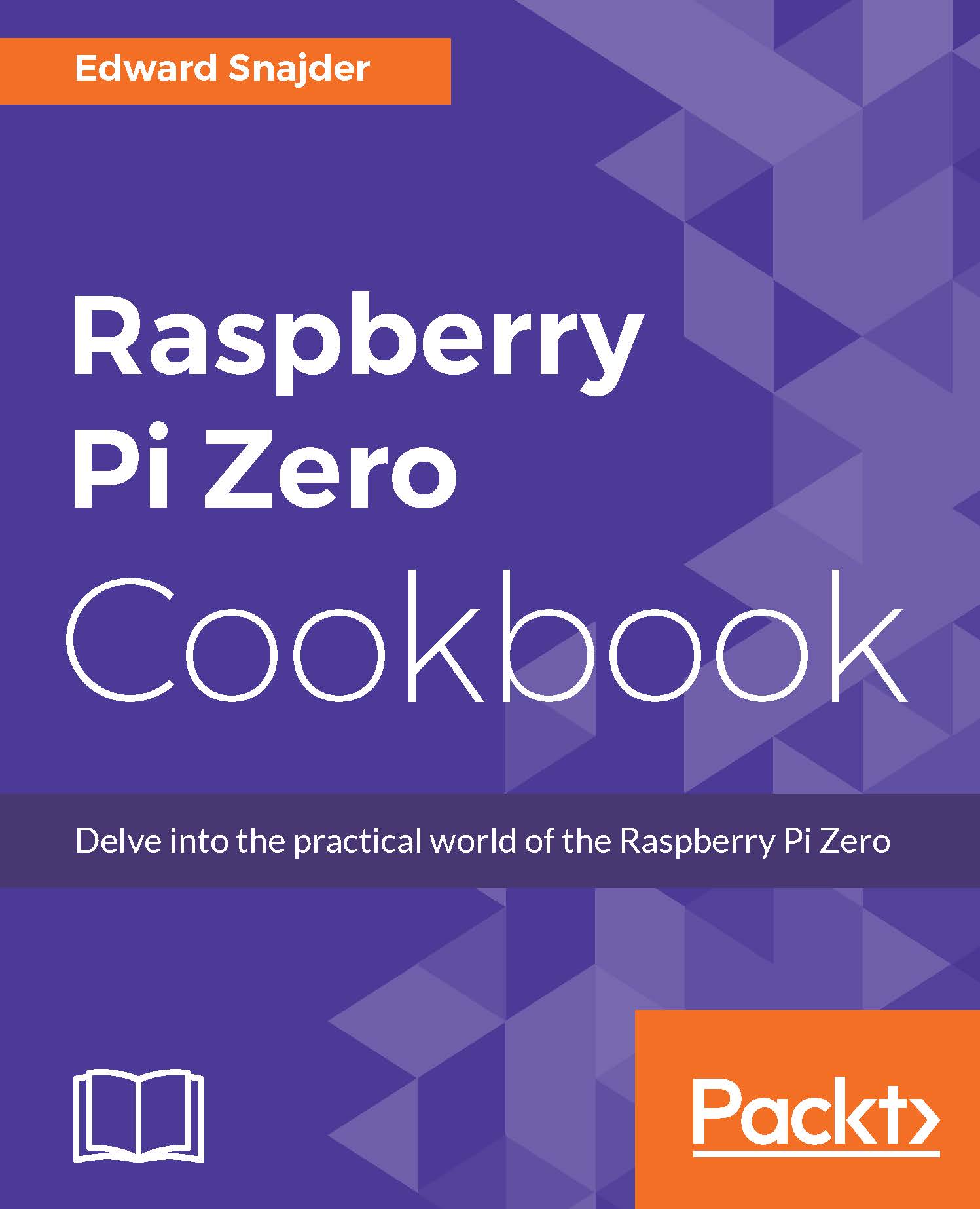
Raspberry Pi Zero Cookbook

Raspberry Pi Zero Cookbook

By : Edward Snajder
5 (3)
close
close
Raspberry Pi Zero Cookbook

Raspberry Pi Zero Cookbook

5 (3)
By: Edward Snajder

Overview of this book

The Raspberry Pi Zero, one of the most inexpensive, fully-functional computers available, is a powerful and revolutionary product developed by the Raspberry Pi Foundation. The Raspberry Pi Zero opens up a new world for the makers out there. This book will give you expertise with the Raspberry Pi Zero, providing all the necessary recipes that will get you up and running. In this book, you will learn how to prepare your own circuits rather than buying the expensive add–ons available in the market. We start by showing you how to set up and manage the Pi Zero and then move on to configuring the hardware, running it with Linux, and programming it with Python scripts. Later, we integrate the Raspberry Pi Zero with sensors, motors, and other hardware. You will also get hands-on with interesting projects in media centers, IoT, and more.
Table of Contents (11 chapters)
close
close

Plotting graphs using Python


Visualization is a key tool to better understanding patterns and correlations. Python is as great at graphing data as it is with collecting it and manipulating it. This recipe will read in a range of our Raspberry Pi's temperature log data and render it into a time-series plot.

Getting ready

If you've been following along from the previous recipe, you can continue working in your rpz_log_analysis.py file. If you want to see the completed code up to here, you can find it in the /ch4/ directory named rpz_log_analysis_plot.py. This recipe also needs your RPZ temperature logs, either in your /var/logs/ directory or available at the root of the Git repo.

If you've been using the command line up until now, you'll want to be in your GUI, either directly connected to a monitor or over a VNC connection. You'll need the graphical interface to see your graph!

How to do it...

  1. Working with the same code from the previous recipe, we will make a few modifications and add a new function...

CONTINUE READING
83
Tech Concepts
36
Programming languages
73
Tech Tools
Icon Unlimited access to the largest independent learning library in tech of over 8,000 expert-authored tech books and videos.
Icon Innovative learning tools, including AI book assistants, code context explainers, and text-to-speech.
Icon 50+ new titles added per month and exclusive early access to books as they are being written.
Raspberry Pi Zero Cookbook
notes
bookmark Notes and Bookmarks search Search in title playlist Add to playlist download Download options font-size Font size

Change the font size

margin-width Margin width

Change margin width

day-mode Day/Sepia/Night Modes

Change background colour

Close icon Search
Country selected

Close icon Your notes and bookmarks

Confirmation

Modal Close icon
claim successful

Buy this book with your credits?

Modal Close icon
Are you sure you want to buy this book with one of your credits?
Close
YES, BUY

Submit Your Feedback

Modal Close icon
Modal Close icon
Modal Close icon