Sign In Start Free Trial
Account

Add to playlist

Create a Playlist

Modal Close icon
You need to login to use this feature.
  • Book Overview & Buying Python Programming with Raspberry Pi
  • Table Of Contents Toc
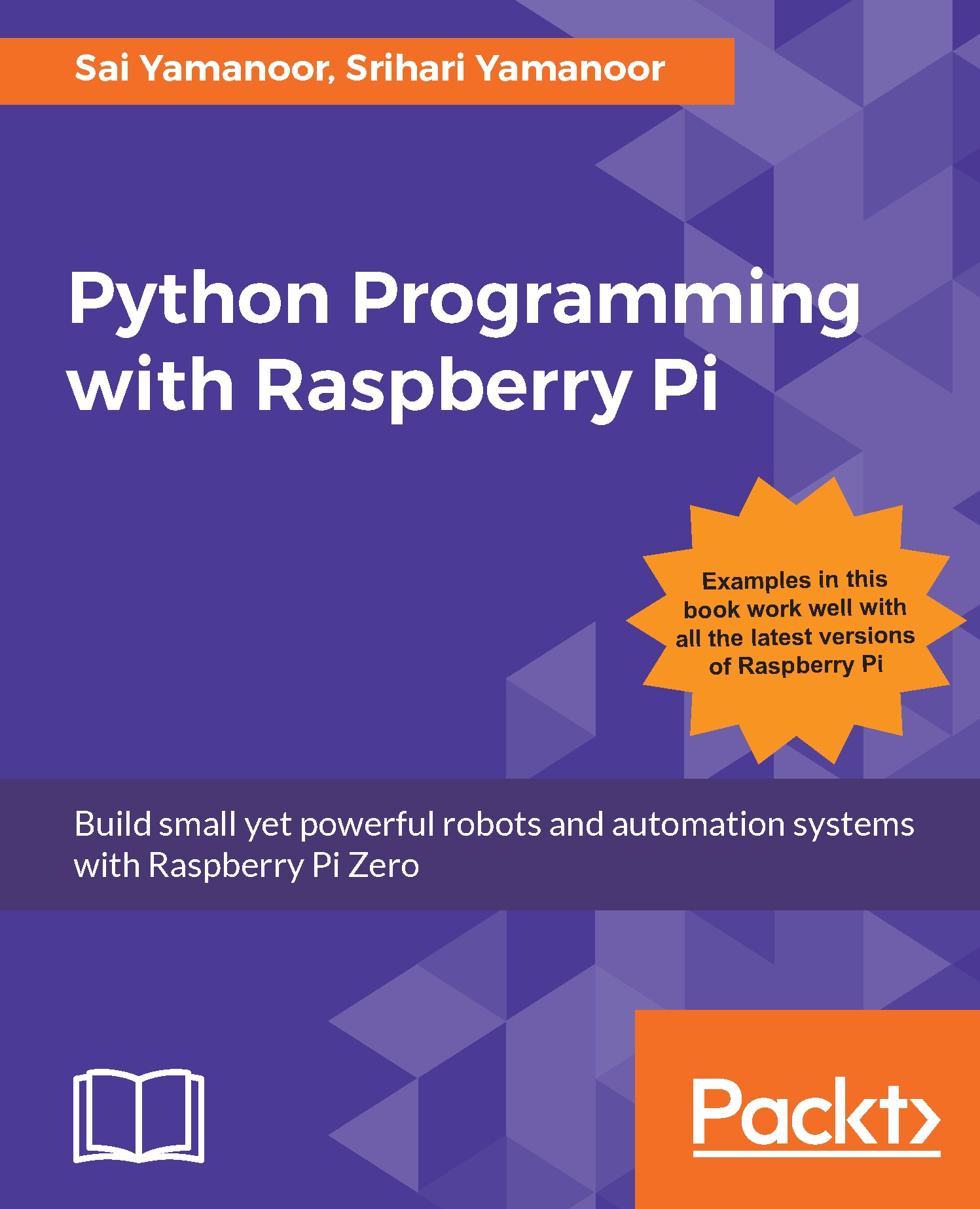
Python Programming with Raspberry Pi

Python Programming with Raspberry Pi

By : Sai Yamanoor, Srihari Yamanoor
close
close
Python Programming with Raspberry Pi

Python Programming with Raspberry Pi

By: Sai Yamanoor, Srihari Yamanoor

Overview of this book

Raspberry Pi Zero is a super-small and super-affordable product from Raspberry Pi that is packed with a plethora of features and has grabbed the notice of programmers, especially those who use Python. This step-by-step guide will get you developing practical applications in Python using a Raspberry Pi Zero. It will become a valuable resource as you learn the essential details of interfacing sensors and actuators to a Raspberry Pi, as well as acquiring and displaying data. You will get started by writing a Python program that blinks an LED at 1-second intervals. Then you will learn to write simple logic to execute tasks based upon sensor data (for example, to control a motor) and retrieve data from the web (such as to check e-mails to provide a visual alert). Finally, you will learn to build a home automation system with Python where different appliances are controlled using the Raspberry Pi. The examples discussed in each chapter of this book culminate in a project that help improve the quality of people’s lives.
Table of Contents (12 chapters)
close
close

Python utilities


Python comes with several utilities that enables interacting with other files and the operating system itself. We have identified all those Python utilities that we have used in our past projects. Let's discuss the different modules and their uses as we might use them in the final project of this book.

The os module

As the name suggests, this module (https://docs.python.org/3.1/library/os.html) enables interacting with the operating system. Let's discuss some of its applications with examples.

Checking a file's existence

The os module could be used to check if a file exists in a specific directory. For example: We extensively made use of the write_file.txt file. Before opening this file to read or write, we could check the file's existence:

import os
if __name__ == "__main__":
    # Check if file exists
    if os.path.isfile('/home/pi/Desktop/code_samples/write_file.txt'):
        print('The file exists!')
    else:
        print('The file does not exist!')

In the preceding code...

CONTINUE READING
83
Tech Concepts
36
Programming languages
73
Tech Tools
Icon Unlimited access to the largest independent learning library in tech of over 8,000 expert-authored tech books and videos.
Icon Innovative learning tools, including AI book assistants, code context explainers, and text-to-speech.
Icon 50+ new titles added per month and exclusive early access to books as they are being written.
Python Programming with Raspberry Pi
notes
bookmark Notes and Bookmarks search Search in title playlist Add to playlist download Download options font-size Font size

Change the font size

margin-width Margin width

Change margin width

day-mode Day/Sepia/Night Modes

Change background colour

Close icon Search
Country selected

Close icon Your notes and bookmarks

Confirmation

Modal Close icon
claim successful

Buy this book with your credits?

Modal Close icon
Are you sure you want to buy this book with one of your credits?
Close
YES, BUY

Submit Your Feedback

Modal Close icon
Modal Close icon
Modal Close icon