Sign In Start Free Trial
Account

Add to playlist

Create a Playlist

Modal Close icon
You need to login to use this feature.
  • Book Overview & Buying Azure IoT Development Cookbook
  • Table Of Contents Toc
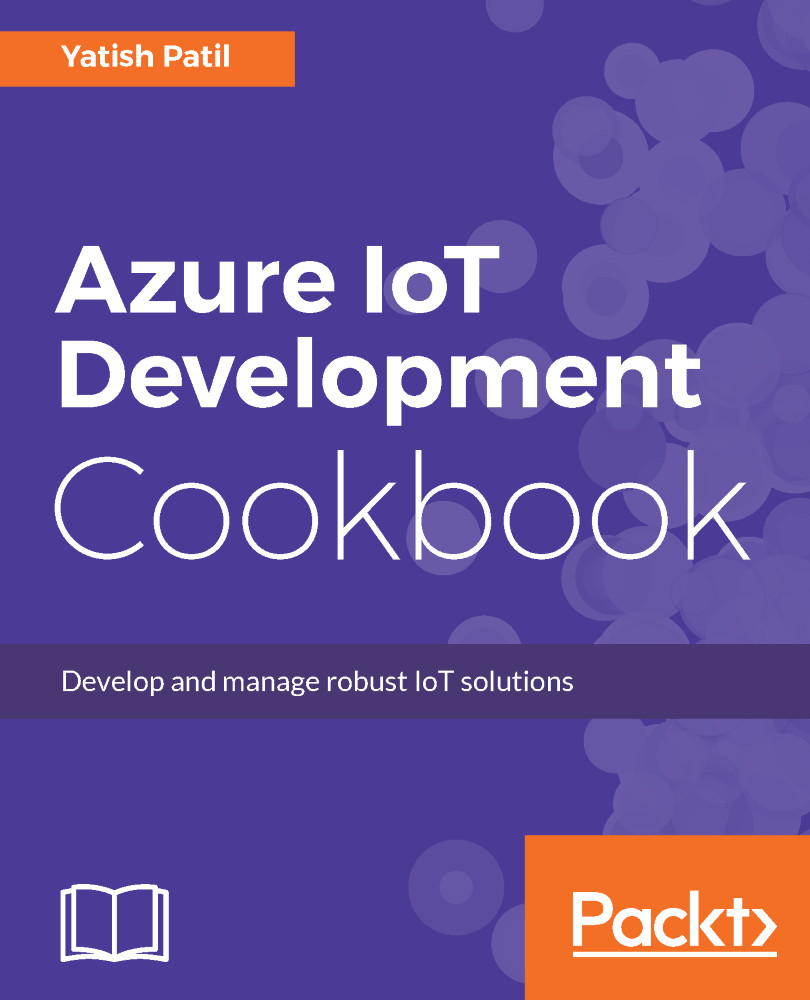
Azure IoT Development Cookbook

Azure IoT Development Cookbook

By : Yatish Patil
4 (3)
close
close
Azure IoT Development Cookbook

Azure IoT Development Cookbook

4 (3)
By: Yatish Patil

Overview of this book

Microsoft’s end-to-end IoT platform is the most complete IoT offering, empowering enterprises to build and realize value from IoT solutions efficiently. It is important to develop robust and reliable solutions for your organization to leverage IoT services. This book focuses on how to start building custom solutions using the IoT hub or the preconfigured solution of Azure IoT suite. As a developer, you will be taught how to connect multiple devices to the Azure IoT hub, develop, manage the IoT hub service and integrate the hub with cloud. We will be covering REST APIs along with HTTP, MQTT and AMQP protocols. It also helps you learn Pre-Configured IoT Suite solution. Moving ahead we will be covering topics like:-Process device-to-cloud messages and cloud-to-device messages using .Net-Direct methods and device management-Query Language, Azure IoT SDK for .Net-Creating and managing, Securing IoT hub, IoT Suite and many more. We will be using windows 10 IoT core, Visual Studio, universal Windows platform. At the end, we will take you through IoT analytics and provide a demo of connecting real device with Azure IoT.
Table of Contents (10 chapters)
close
close

Creating Azure IoT Hub from the portal

Microsoft Azure is a leading PaaS service provider. The Azure IoT Hub is nothing but a fully managed service that enables secure and bidirectional communication with millions of IoT enabled devices using IoT protocols such as HTTPS, AMQP, and MQTT. It helps to connect, control, and manage these devices. Microsoft Azure provides easy-to-easy IoT SDK, which are available in various languages, such as C#, C, Node.js, and so on.

Getting ready

Azure IoT Hub provides:

  • Device identity and registry
  • Device-to-cloud and cloud-to-device communication, including one way or bidirectional
  • It also supports file transfer messages
  • We can query the device store information to find out device properties, firmware versions, and other configurations
  • SDK for most platforms and languages to support development
  • Secure authentication on a per-device basis
  • Monitoring for devices and messages

Azure IoT Hub diagram from Microsoft Azure documentation

How to do it...

To create your first IoT Hub, you will need a Microsoft Azure account. You can easily get registered on Azure.com.

Once you have access, you can follow the steps to create your IoT Hub:

  1. Log in to https://portal.azure.com.
  2. Once you are logged in, click on the New menu:
  1. This blade will show all the Azure services available, we need to expand the Internet of Things and hit the IoT Hub, as shown in the following:
  1. This will come up with a new blade, where we need to fill in the details and hit the button to the create IoT Hub:
    • We will give the Name as IoTHubCookeBook
    • Pricing and scale tier should be F1 - Free
Microsoft Azure provides free tier. This is useful for learning, as well as to evaluate any PoC on how the IoT solution will be developed.
  1. We will select the data center of our choice from the list of the many available.
  2. Partitions: A default value is set when the IoT Hub is created. You can change the number of partitions through this setting:
  1. Hit the Create button and Azure will create the free tier IoT Hub for you in a moment:
CONTINUE READING
83
Tech Concepts
36
Programming languages
73
Tech Tools
Icon Unlimited access to the largest independent learning library in tech of over 8,000 expert-authored tech books and videos.
Icon Innovative learning tools, including AI book assistants, code context explainers, and text-to-speech.
Icon 50+ new titles added per month and exclusive early access to books as they are being written.
Azure IoT Development Cookbook
notes
bookmark Notes and Bookmarks search Search in title playlist Add to playlist download Download options font-size Font size

Change the font size

margin-width Margin width

Change margin width

day-mode Day/Sepia/Night Modes

Change background colour

Close icon Search
Country selected

Close icon Your notes and bookmarks

Confirmation

Modal Close icon
claim successful

Buy this book with your credits?

Modal Close icon
Are you sure you want to buy this book with one of your credits?
Close
YES, BUY

Submit Your Feedback

Modal Close icon
Modal Close icon
Modal Close icon