
Sign In Start Free Trial
Account

Add to playlist

Create a Playlist

Modal Close icon
You need to login to use this feature.
  • Book Overview & Buying Dynamics 365 for Finance and Operations Development Cookbook
  • Table Of Contents Toc
Dynamics 365 for Finance and Operations Development Cookbook

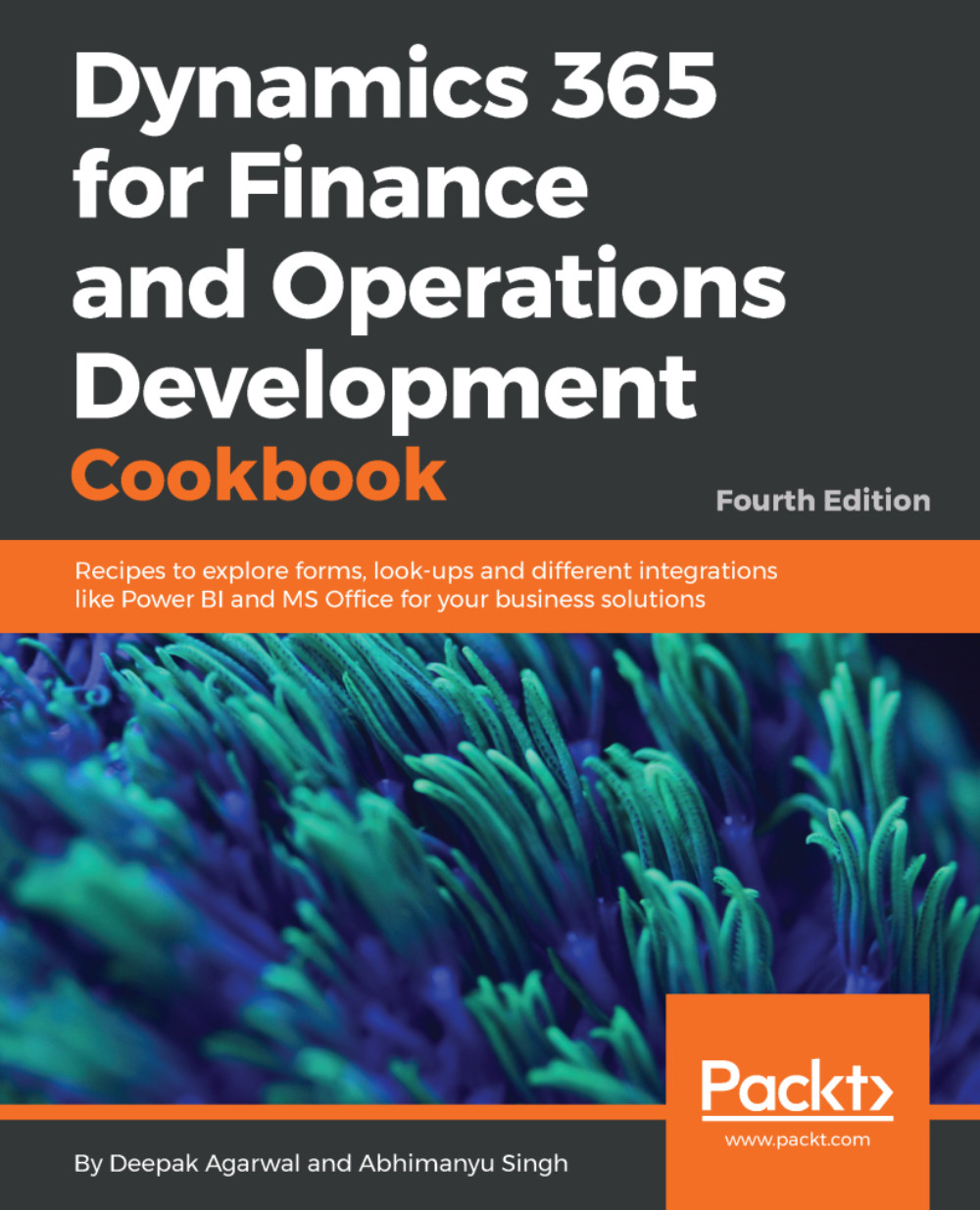
Dynamics 365 for Finance and Operations Development Cookbook - Fourth Edition

By : Abhimanyu Singh, Deepak Agarwal
2.7 (3)
close
close
Dynamics 365 for Finance and Operations Development Cookbook

Dynamics 365 for Finance and Operations Development Cookbook

2.7 (3)
By: Abhimanyu Singh, Deepak Agarwal

Overview of this book

Microsoft Dynamics 365 for Finance and Operations has a lot to offer developers. It allows them to customize and tailor their implementations to meet their organization’s needs. This Development Cookbook will help you manage your company or customer ERP information and operations efficiently. We start off by exploring the concept of data manipulation in Dynamics 365 for Operations. This will also help you build scripts to assist data migration, and show you how to organize data in forms. You will learn how to create custom lookups using Application Object Tree forms and generate them dynamically. We will also show you how you can enhance your application by using advanced form controls, and integrate your system with other external systems. We will help you script and enhance your user interface using UI elements. This book will help you look at application development from a business process perspective, and develop enhanced ERP solutions by learning and implementing the best practices and techniques.
Table of Contents (11 chapters)
close
close

Using a number sequence handler

As already discussed in the Creating a new number sequence recipe in Chapter 1, Processing Data, number sequences are widely used throughout the system as a part of the standard application. Dynamics 365 for Finance and Operations also provides a special number sequence handler class to be used in forms. It is called NumberSeqFormHandler and its purpose is to simplify the usage of record numbering on the user interface. Some of the standard Dynamics 365 for Finance and Operations forms, such as Customers or Vendors, already have this feature implemented.

This recipe shows you how to use the number sequence handler class. Although in this demonstration we will use an existing form, the same approach will be applied when creating brand new forms.

For demonstration purposes, we will use the existing Customer groups form located in Accounts receivable...

CONTINUE READING
83
Tech Concepts
36
Programming languages
73
Tech Tools
Icon Unlimited access to the largest independent learning library in tech of over 8,000 expert-authored tech books and videos.
Icon Innovative learning tools, including AI book assistants, code context explainers, and text-to-speech.
Icon 50+ new titles added per month and exclusive early access to books as they are being written.
Dynamics 365 for Finance and Operations Development Cookbook
notes
bookmark Notes and Bookmarks search Search in title playlist Add to playlist download Download options font-size Font size

Change the font size

margin-width Margin width

Change margin width

day-mode Day/Sepia/Night Modes

Change background colour

Close icon Search
Country selected

Close icon Your notes and bookmarks

Confirmation

Modal Close icon
claim successful

Buy this book with your credits?

Modal Close icon
Are you sure you want to buy this book with one of your credits?
Close
YES, BUY

Submit Your Feedback

Modal Close icon
Modal Close icon
Modal Close icon