Sign In Start Free Trial
Account

Add to playlist

Create a Playlist

Modal Close icon
You need to login to use this feature.
  • Book Overview & Buying Android High Performance Programming
  • Table Of Contents Toc
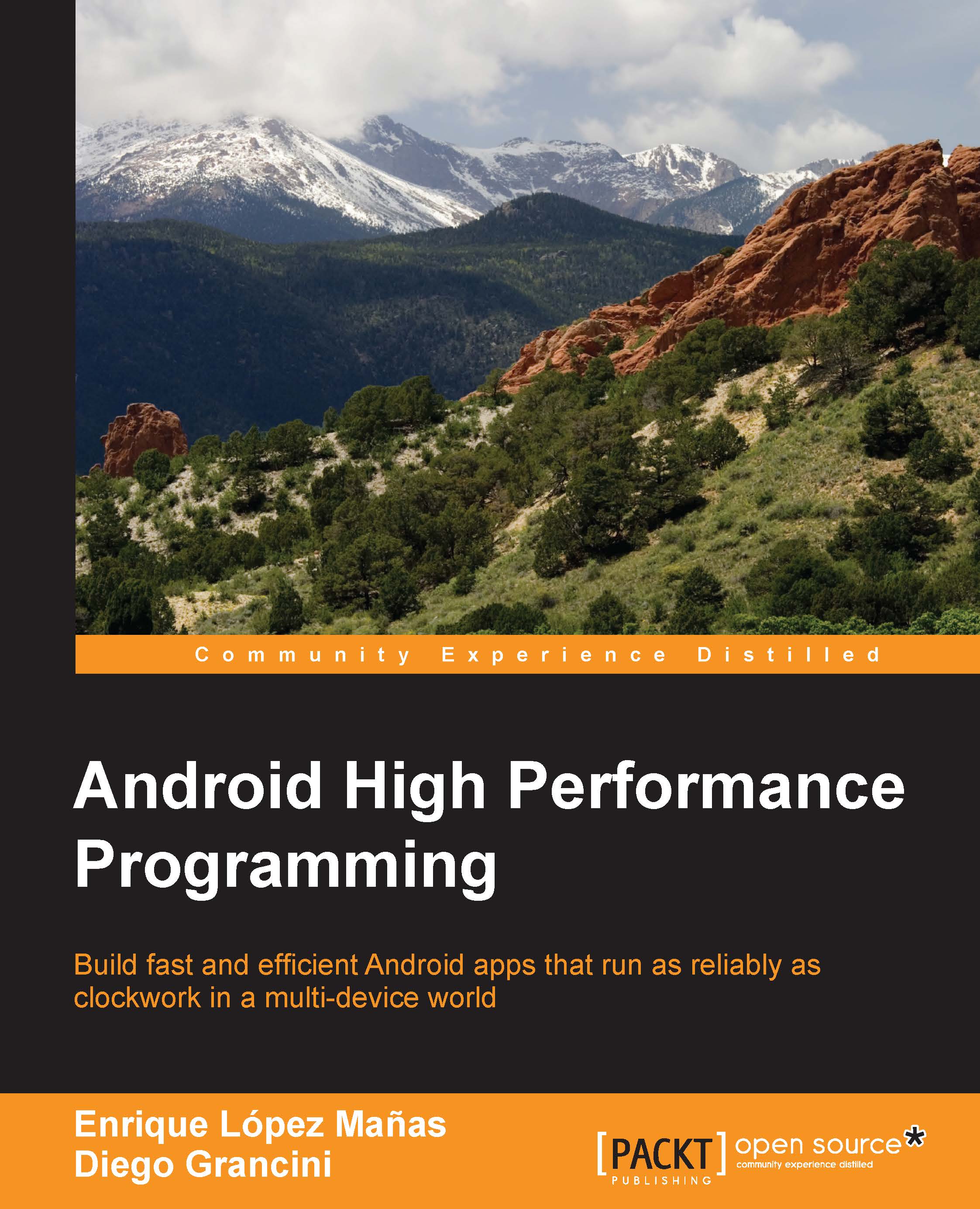
Android High Performance Programming

Android High Performance Programming

By : Enrique López Mañas, Diego Grancini
close
close
Android High Performance Programming

Android High Performance Programming

By: Enrique López Mañas, Diego Grancini

Overview of this book

Performant applications are one of the key drivers of success in the mobile world. Users may abandon an app if it runs slowly. Learning how to build applications that balance speed and performance with functionality and UX can be a challenge; however, it's now more important than ever to get that balance right. Android High Performance will start you thinking about how to wring the most from any hardware your app is installed on, so you can increase your reach and engagement. The book begins by providing an introduction to state–of-the-art Android techniques and the importance of performance in an Android application. Then, we will explain the Android SDK tools regularly used to debug and profile Android applications. We will also learn about some advanced topics such as building layouts, multithreading, networking, and security. Battery life is one of the biggest bottlenecks in applications; and this book will show typical examples of code that exhausts battery life, how to prevent this, and how to measure battery consumption from an application in every kind of situation to ensure your apps don’t drain more than they should. This book explains techniques for building optimized and efficient systems that do not drain the battery, cause memory leaks, or slow down with time.
Table of Contents (12 chapters)
close
close
11
Index

Debugging the UI


We have focused until now on memory, threading, and the system aspects of Android. There is a more visual aspect that can also dramatically improve the performance of our application: the user interface (UI). Android provides a tool called Hierarchy Viewer to debug and optimize any UI designed for Android. Hierarchy Viewer provides a visual representation of the hierarchy of layouts of an application with information about the performance of each node that can be found on the layout. It provides a so-called Pixel Perfect window with magnified information of the display, in case a close look at pixels is required.

To run Hierarchy Viewer, we need first to connect our device or emulator. Note that, for security reasons, only devices running a developer version of the Android system will work with Hierarchy Viewer. When it has been connected, launch the hierarchyviewer program from the /tools directory. If you have not yet set up this directory as part of your system PATH, this...

CONTINUE READING
83
Tech Concepts
36
Programming languages
73
Tech Tools
Icon Unlimited access to the largest independent learning library in tech of over 8,000 expert-authored tech books and videos.
Icon Innovative learning tools, including AI book assistants, code context explainers, and text-to-speech.
Icon 50+ new titles added per month and exclusive early access to books as they are being written.
Android High Performance Programming
notes
bookmark Notes and Bookmarks search Search in title playlist Add to playlist download Download options font-size Font size

Change the font size

margin-width Margin width

Change margin width

day-mode Day/Sepia/Night Modes

Change background colour

Close icon Search
Country selected

Close icon Your notes and bookmarks

Confirmation

Modal Close icon
claim successful

Buy this book with your credits?

Modal Close icon
Are you sure you want to buy this book with one of your credits?
Close
YES, BUY

Submit Your Feedback

Modal Close icon
Modal Close icon
Modal Close icon