Sign In Start Free Trial
Account

Add to playlist

Create a Playlist

Modal Close icon
You need to login to use this feature.
  • Book Overview & Buying Swift 4 Programming Cookbook
  • Table Of Contents Toc
  • Feedback & Rating feedback
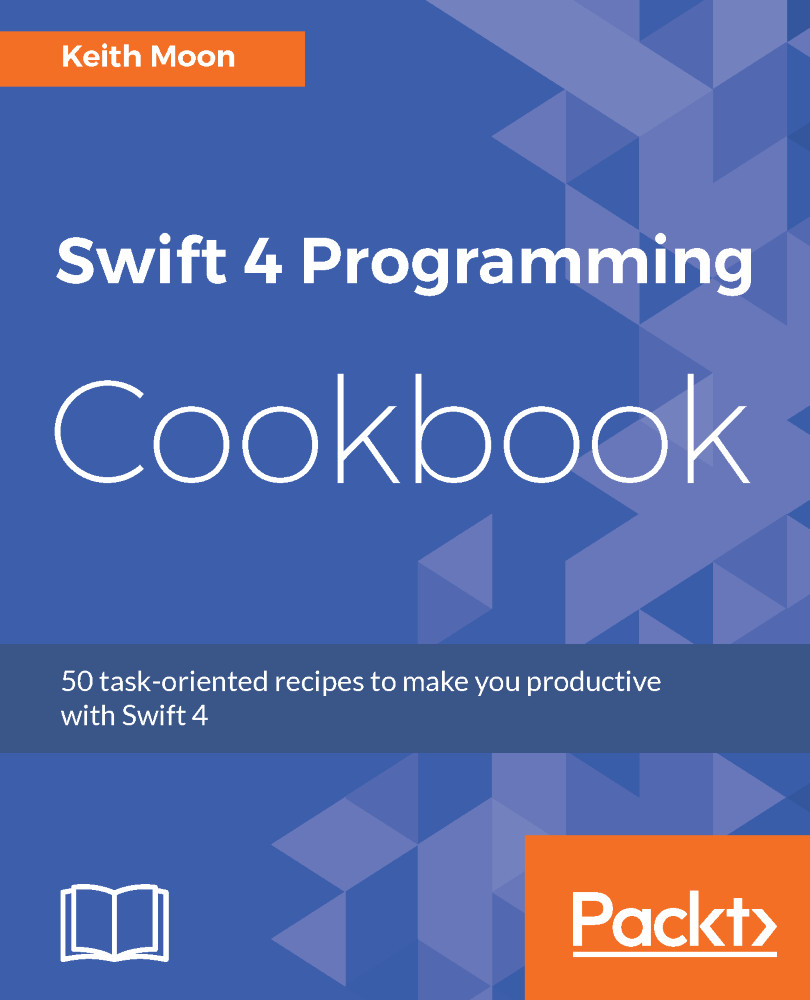
Swift 4 Programming Cookbook

Swift 4 Programming Cookbook

By : Keith Moon
4.4 (5)
close
close
Swift 4 Programming Cookbook

Swift 4 Programming Cookbook

4.4 (5)
By: Keith Moon

Overview of this book

Swift 4 is an exciting, multi-platform, general-purpose programming language. Being open source, modern and easy to use has made Swift one of the fastest growing programming languages. If you interested in exploring it, then this book is what you need. The book begins with an introduction to the basic building blocks of Swift 4, its syntax and the functionalities of Swift constructs. Then, introduces you to Apple's Xcode 9 IDE and Swift Playgrounds, which provide an ideal platform to write, execute, and debug the codes thus initiating your development process. Next, you'll learn to bundle variables into tuples, set order to your data with an array, store key-value pairs with dictionaries and you'll learn how to use the property observers. Later, explore the decision-making and control structures in Swift and learn how to handle errors in Swift 4. Then you'll, examine the advanced features of Swift, generics and operators, and then explore the functionalities outside of the standard library, provided by frameworks such as Foundation and UIKit. Also, you'll explore advanced features of Swift Playgrounds. At the end of the book, you'll learn server-side programming aspect of Swift 4 and see how to run Swift on Linux and then investigate Vapor, one of the most popular server-side frameworks for Swift.

Table of Contents (9 chapters)
close
close

Disabling and enabling items in forms

Form fields may have additional requirements such as minimum text length or a combination of uppercase and lowercase characters. We may want to perform actions based on the user's input, such as disabling a Submit button until all requirements are met.In this recipe, we will create a sign-in view where the Submit button only gets enabled if the user enters some content in both the username and password fields.

Getting ready

Create a SwiftUI project called FormFieldDisable.

How to do it…

We will create a login screen containing a username, password, and a Submit button. We will disable the Submit button by default and only enable it when the user enters some text in the username and password fields. The steps are given here:

  1. Create a new SwiftUI view file named LoginView:
    1. Press Command () + N.
    2. Select SwiftUI View.
    3. Click Next.
    4. Enter LoginView in the Save as field.
    5. Click Create.
  2. Open the LoginView.swift file and add a @State variable...
Visually different images
CONTINUE READING
83
Tech Concepts
36
Programming languages
73
Tech Tools
Icon Unlimited access to the largest independent learning library in tech of over 8,000 expert-authored tech books and videos.
Icon Innovative learning tools, including AI book assistants, code context explainers, and text-to-speech.
Icon 50+ new titles added per month and exclusive early access to books as they are being written.
Swift 4 Programming Cookbook
notes
bookmark Notes and Bookmarks search Search in title playlist Add to playlist download Download options font-size Font size

Change the font size

margin-width Margin width

Change margin width

day-mode Day/Sepia/Night Modes

Change background colour

Close icon Search
Country selected

Close icon Your notes and bookmarks

Confirmation

Modal Close icon
claim successful

Buy this book with your credits?

Modal Close icon
Are you sure you want to buy this book with one of your credits?
Close
YES, BUY

Submit Your Feedback

Modal Close icon
Modal Close icon
Modal Close icon